
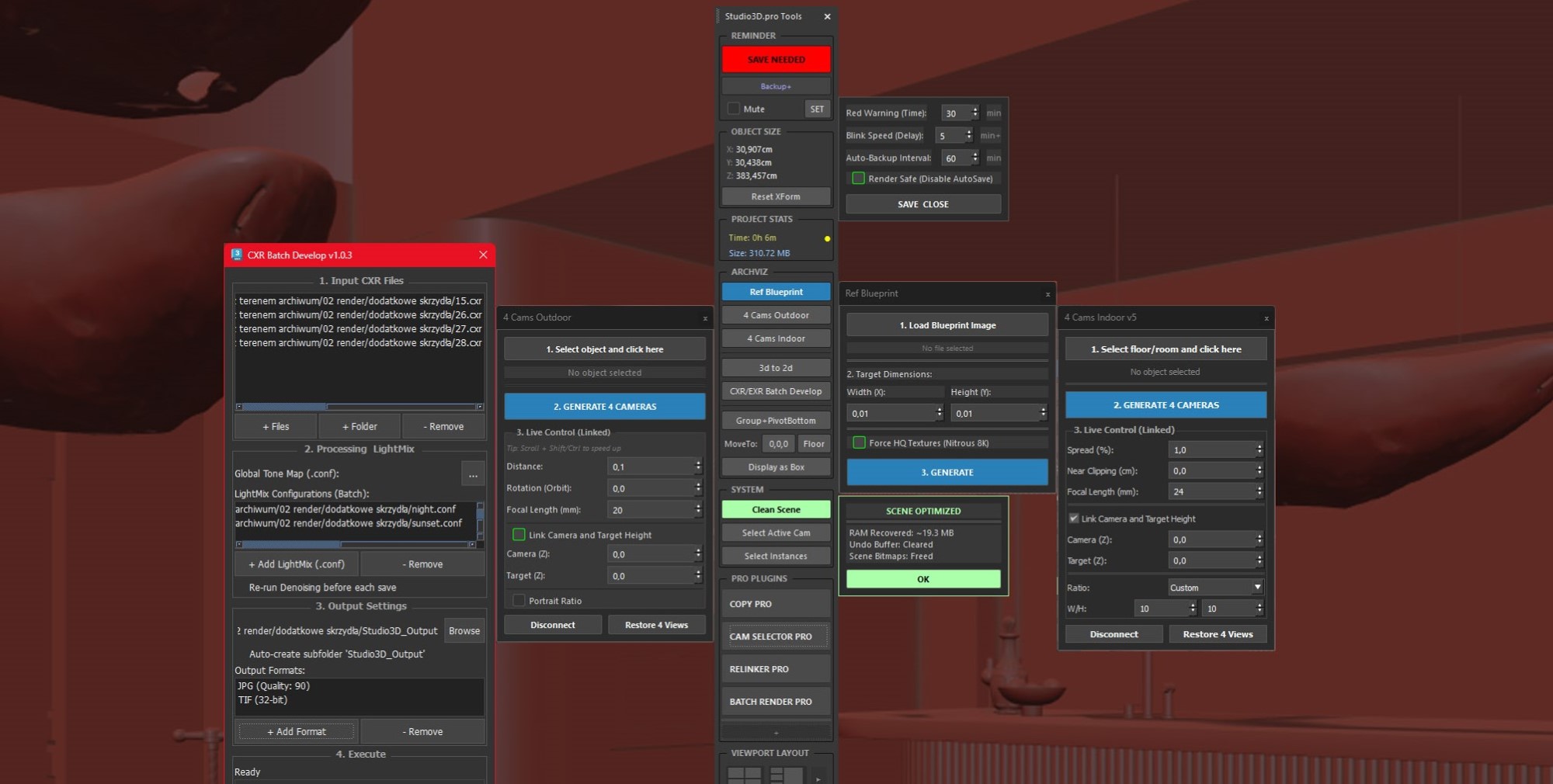
How to prepare a 3ds Max scene for NanoRender: viewport and camera setup, material and object naming, glass, mirrors, metal, lights, proxies and scatters, plus the shortest path from a camera view to a finished photoreal image.
A complete walkthrough of ArchViz Toolkit, the free dockable panel for 3ds Max 2024-2027. Save reminders and backups, metric and imperial sizing without touching Units Setup, a fast layer manager, pivot control, scroll rotation, viewport layouts and project stats, in A to L order with every right-click shortcut listed.
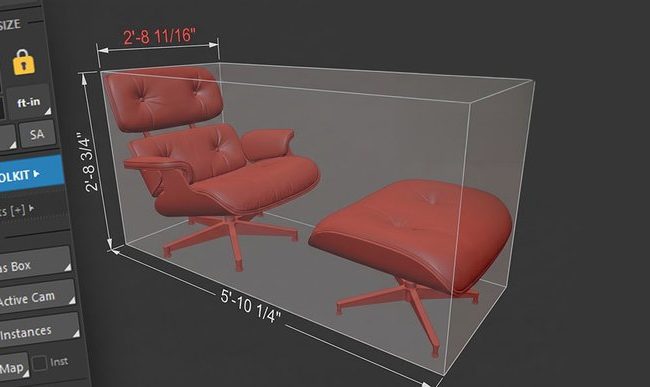
How to measure and set dimensions in 3ds Max with the native tools, and how the metric and imperial units engine in ArchViz Toolkit 5.8 lets you read and type feet-and-inches sizes without changing your scene units.

A free 3ds Max starter kit for archviz: 35+ tools in one dockable panel, free forever with a lifetime activation code, plus four Pro plugins on a 21-day trial.
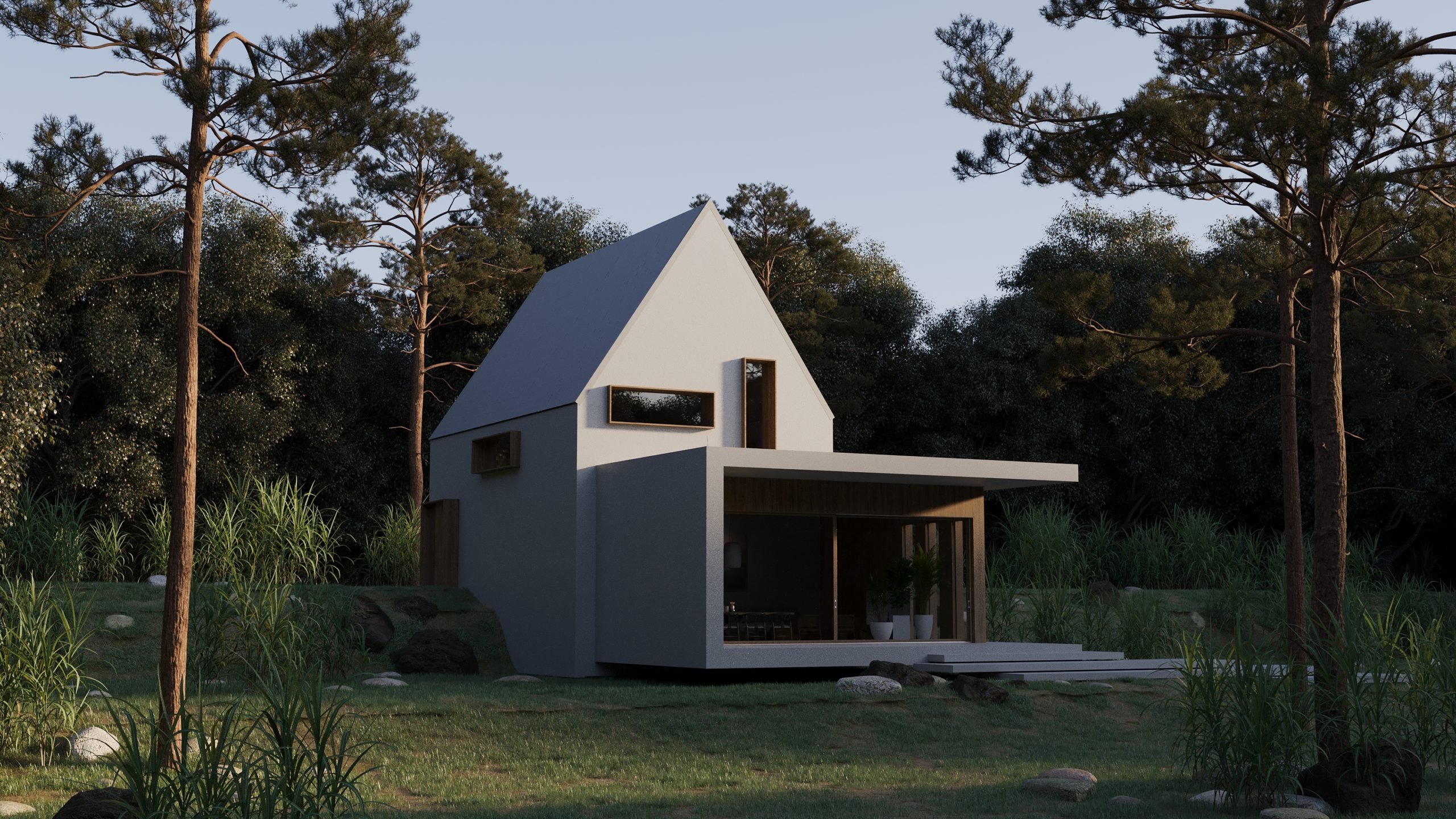
Where the free 3ds Max starter kit ends and the paid plugins begin: a straight split of the 35+ free tools and the four Pro plugins for archviz.
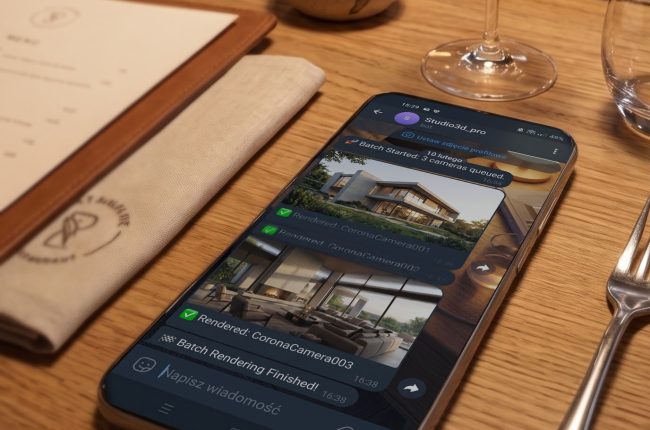
Tutorials · 3ds Max Workflow The Complete Guide to Batch Rendering in 3ds Max (2024-2027) By Marcin Sroka · Studio3D · 7 min read In professional architectural visualization (ArchViz), computing time costs serious money. Manually…
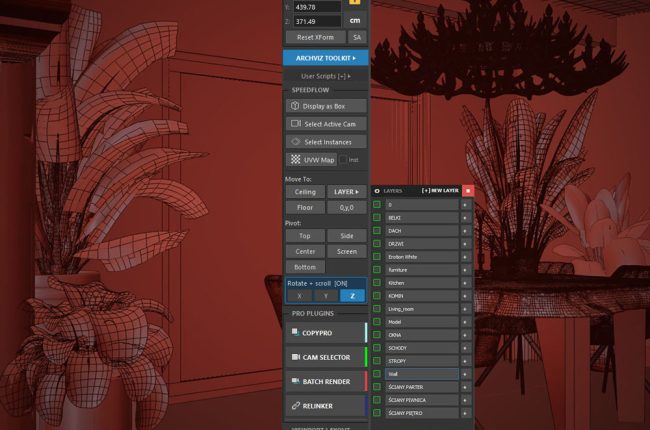
Tutorials · 3ds Max Workflow The Everyday 3ds Max Actions That Should Take One Click – And the Free Panel That Keeps Them All in Front of You By Marcin Sroka · Studio3D · 6…
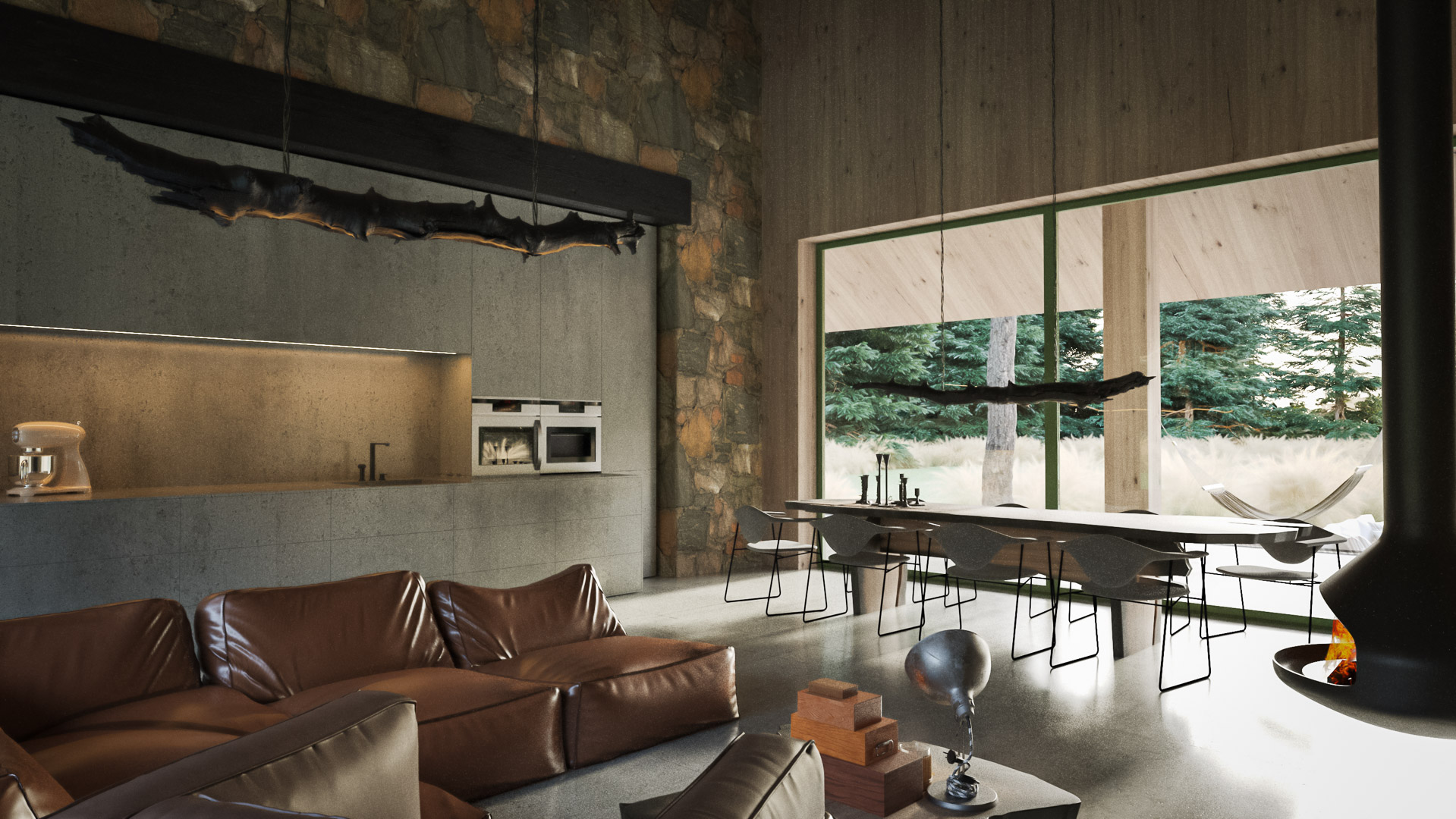
Tutorials · 3ds Max Workflow How to copy/paste 3d models in 3ds Max By Marcin Sroka · Studio3D · 6 min read · Updated for 2026 There’s a workflow problem that every 3ds Max user…

Tutorials · 3ds Max Workflow By Marcin Sroka · Studio3D · 6 min read · Updated for 9.0 How to automatically set up Batch Render in 3ds Max If you work in architectural visualization, you…