

ArchViz Toolkit – Free
$0.00
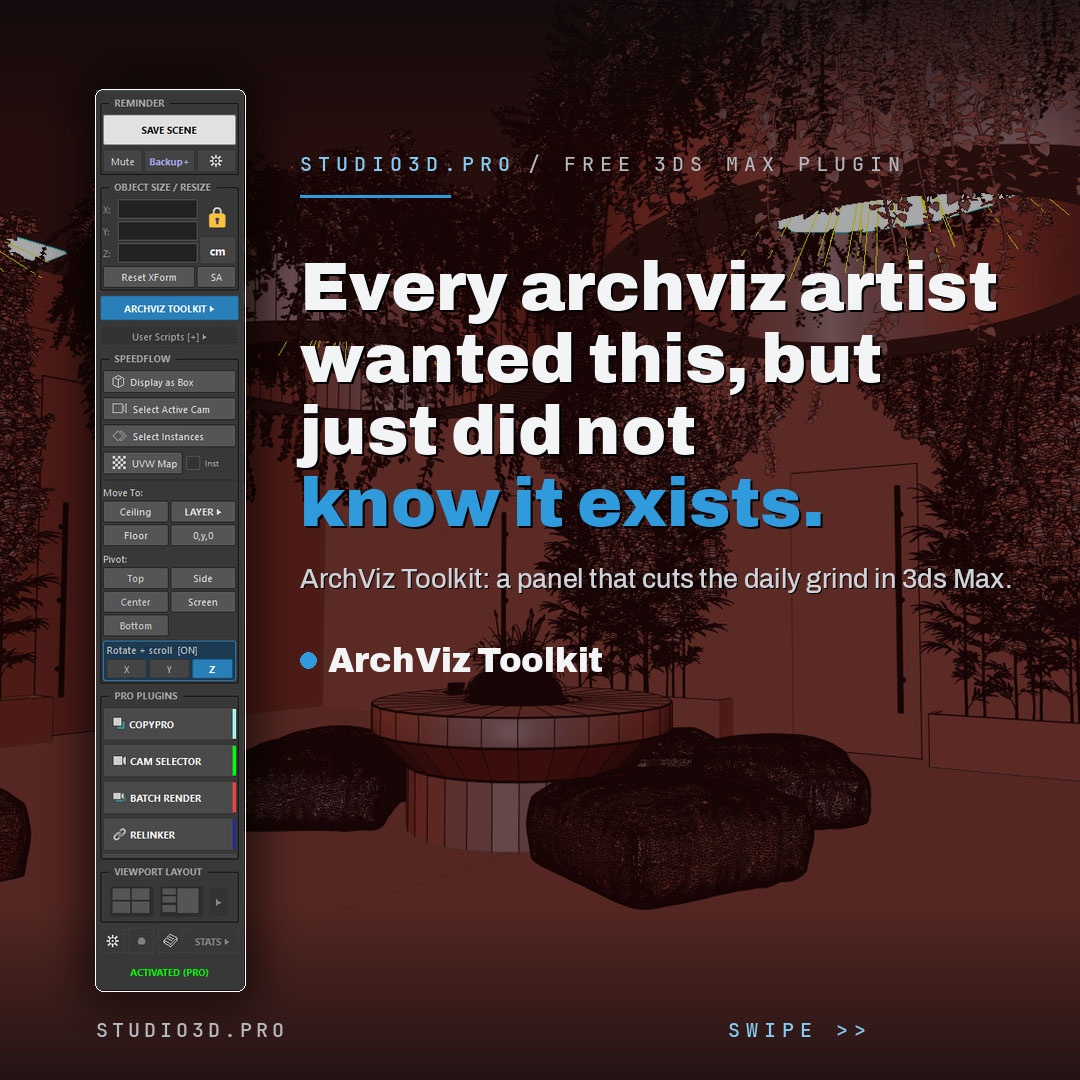
ArchViz Toolkit is a free 3ds Max plugin that speeds up your daily archviz workflow and keeps your scene safe. This dockable panel brings one-click saving and backups, instant resizing, a lightweight layer manager, camera and pivot tools, your own scripts and live project stats into one place. Built by a 3D artist for 3D artists, and free with a lifetime activation code. If you are hunting for 3ds Max free plugins for architectural visualization, start with this one.
Description
ArchViz Toolkit: a free 3ds Max plugin for archviz artists
ArchViz Toolkit is a free, dockable 3ds Max panel that takes the repetitive parts out of your day and protects your work while you focus on the render. It is one of the most practical 3ds Max free plugins for architectural visualization, built by a working 3D artist for 3D artists, and it stays free with a lifetime activation code. It works with Corona, V-Ray and other renderers.
What you get
Never lose work again
- One-click save that flashes a reminder before a crash can hit
- Timestamped incremental backups
- Auto-backup timer
- Render-safe mode that pauses autosave so it never interrupts a long render
Instant sizing and dimensions
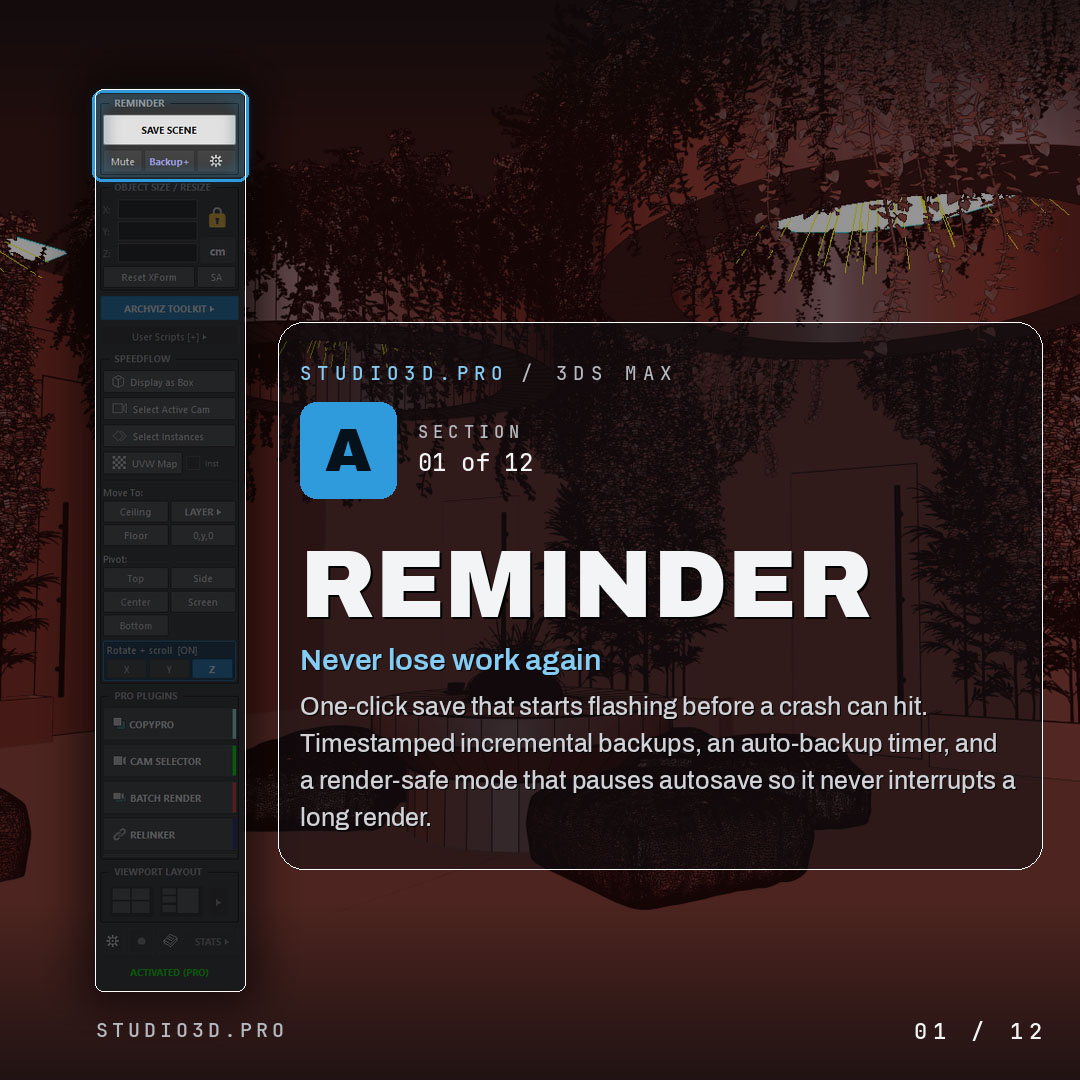
- Live X, Y and Z of any selection at the top of the panel
- Type a value to resize an object to an exact dimension
- Switch mm, cm, m, inches or feet in one click
- Read and type feet and inches while the scene stays metric underneath, with no change to Units Setup
- Parser accepts architectural values like 24″, 2′, 5’6″ and 5′-6 1/2″; a bare number reads as feet
- Fractional precision from 1/2 down to 1/64, set per field with Alt and scroll, not globally
- The unit button previews the other system by default, so a size check never rewrites your scene units
- Nudge with the scroll wheel
A lightweight layer manager
- Fast layer control built for the way archviz artists work
- Organizes heavy scenes without the weight of the native layer tools
Built-in ArchViz menu
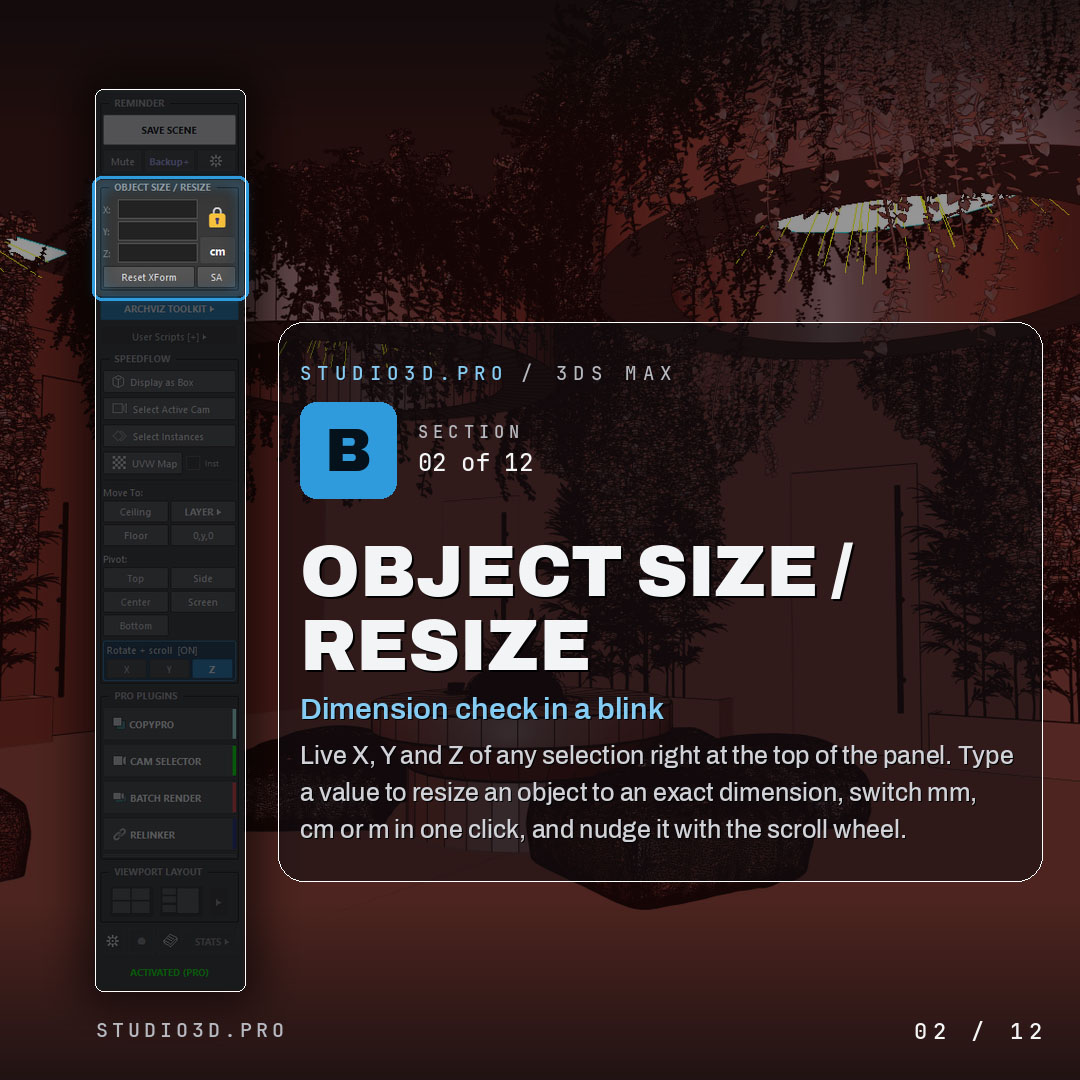
- Ready-made helpers behind one button
- Four-camera indoor and outdoor rigs, RefBlueprint, Clear Scene and more
- The shortcuts an interior artist reaches for every day
Your own scripts, one click away
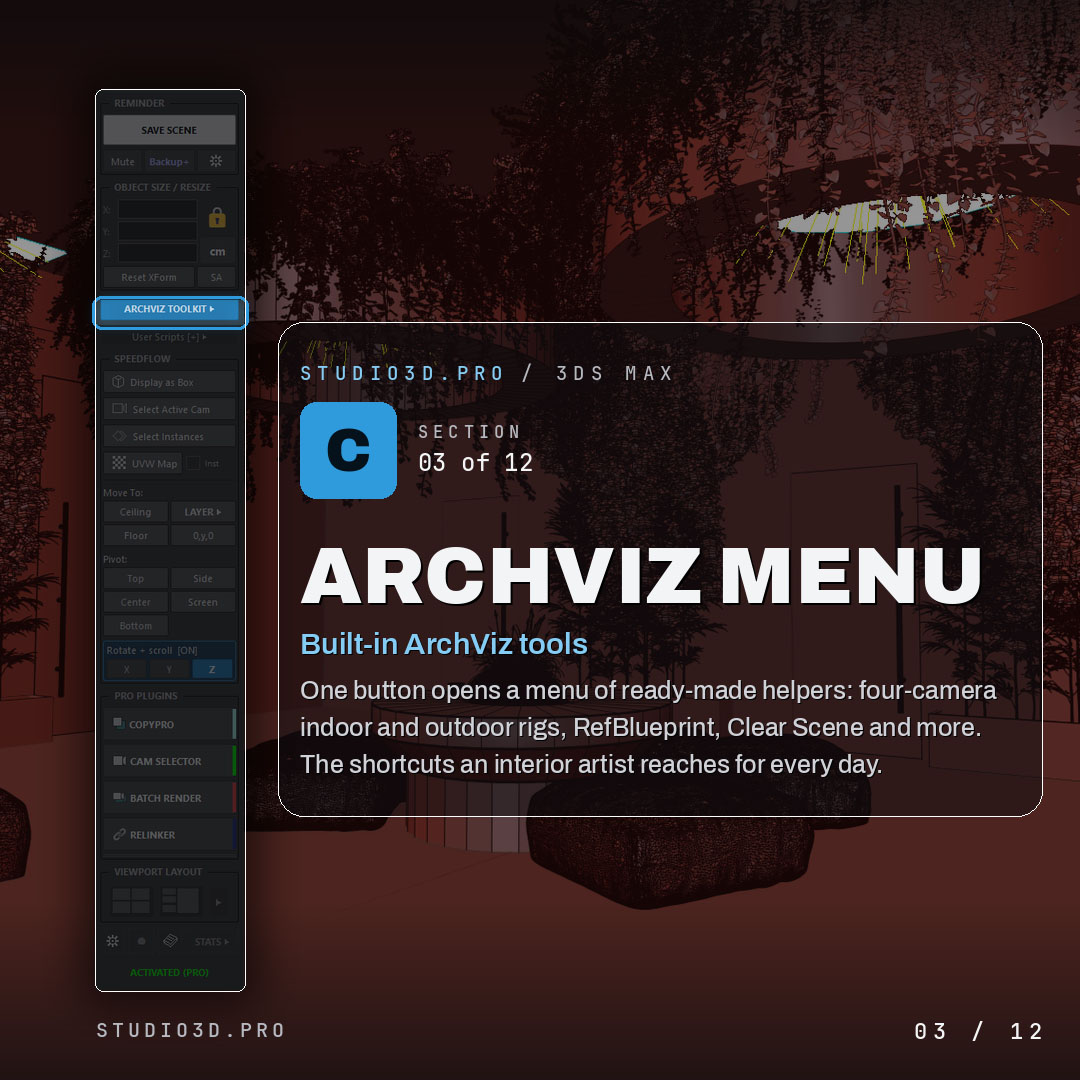
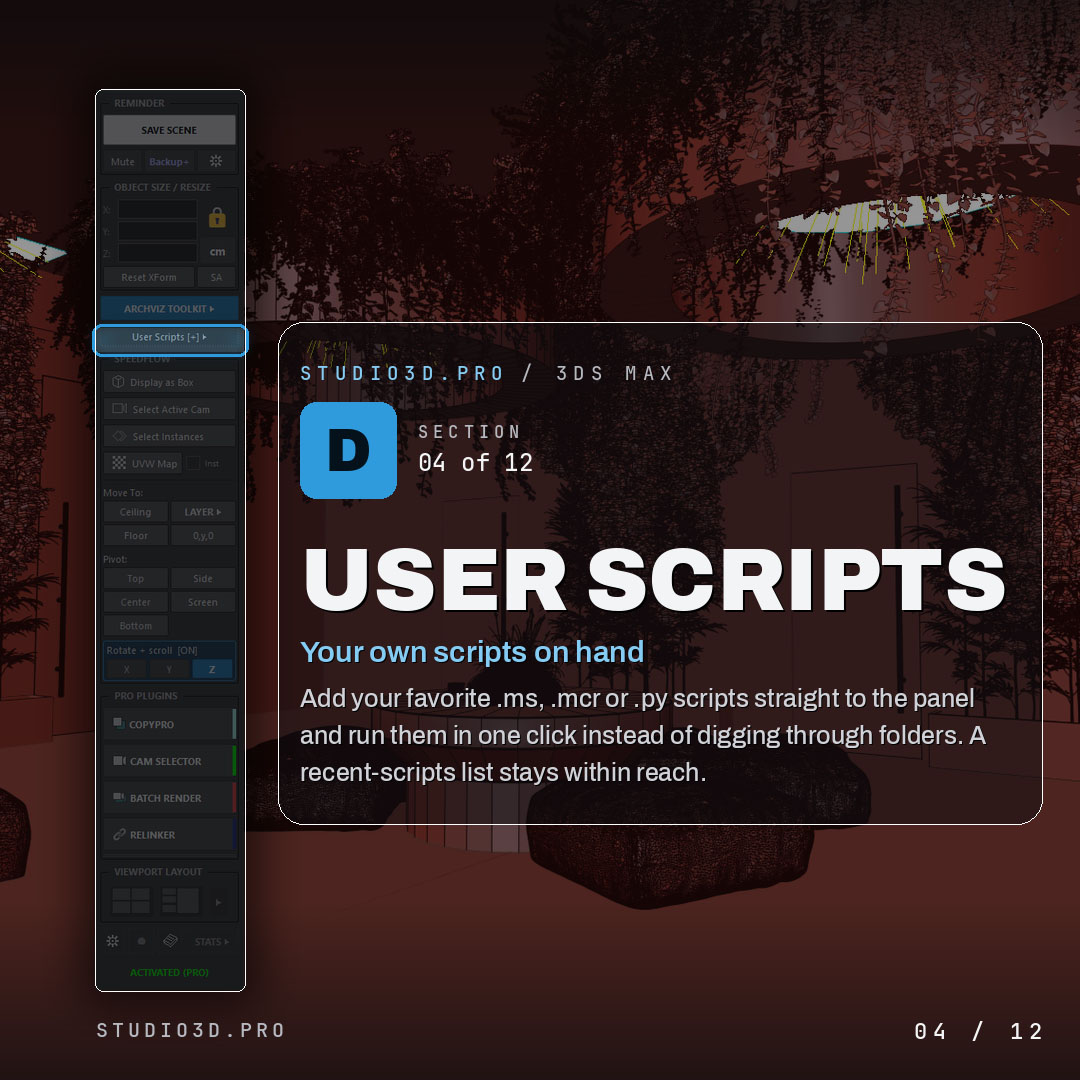
- Add your favorite .ms, .mcr or .py scripts straight to the panel
- Run them in a single click instead of digging through folders
- Recent-scripts list keeps them within reach
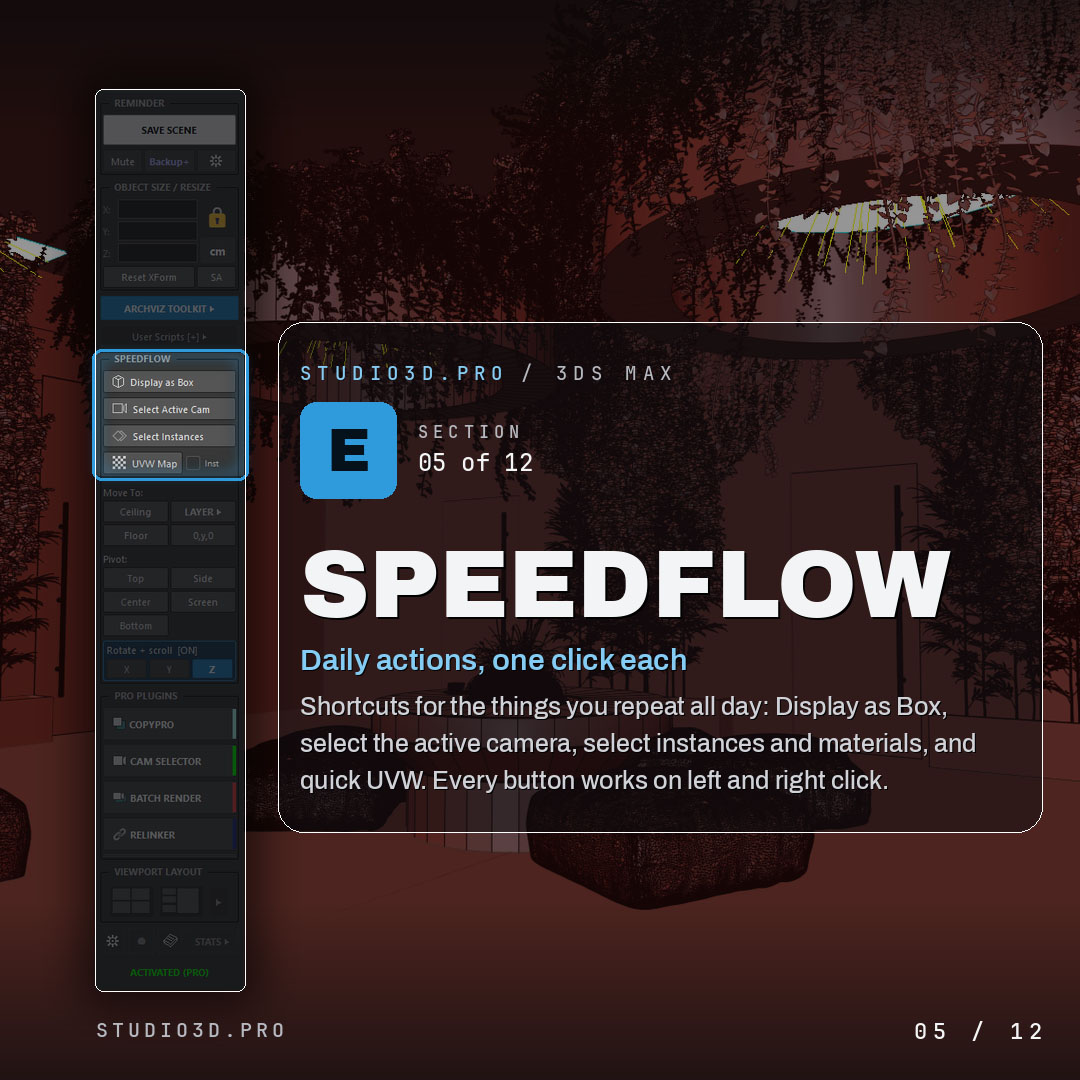
Speedflow one-click actions
- Display as Box, select active camera, select instances and materials, quick UVW
- Every button works on left and right click
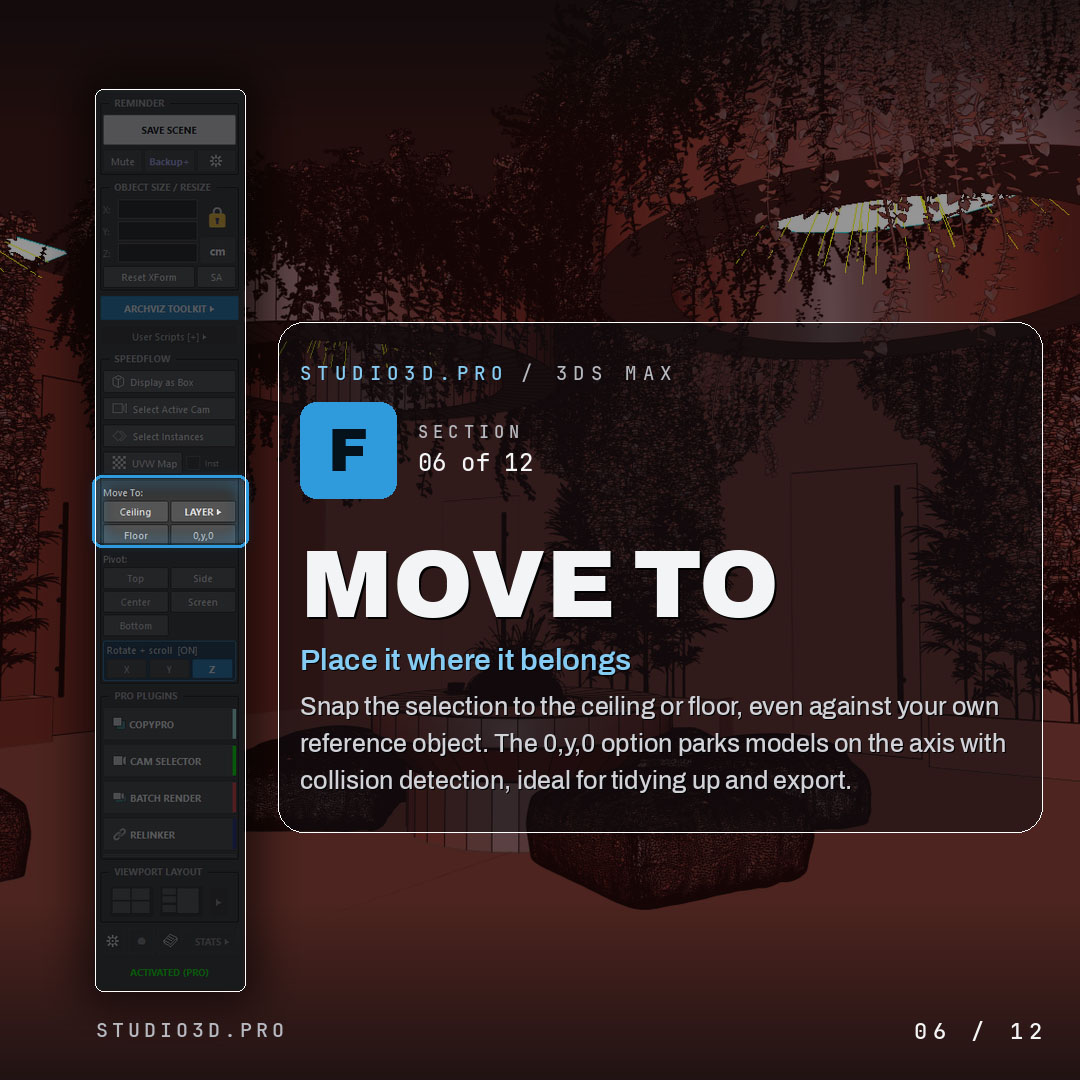
Move To placement
- Snap the selection to the ceiling or floor, or to your own reference object
- 0, y, 0 option parks models on the axis with collision detection
- Ideal for cleanup and export
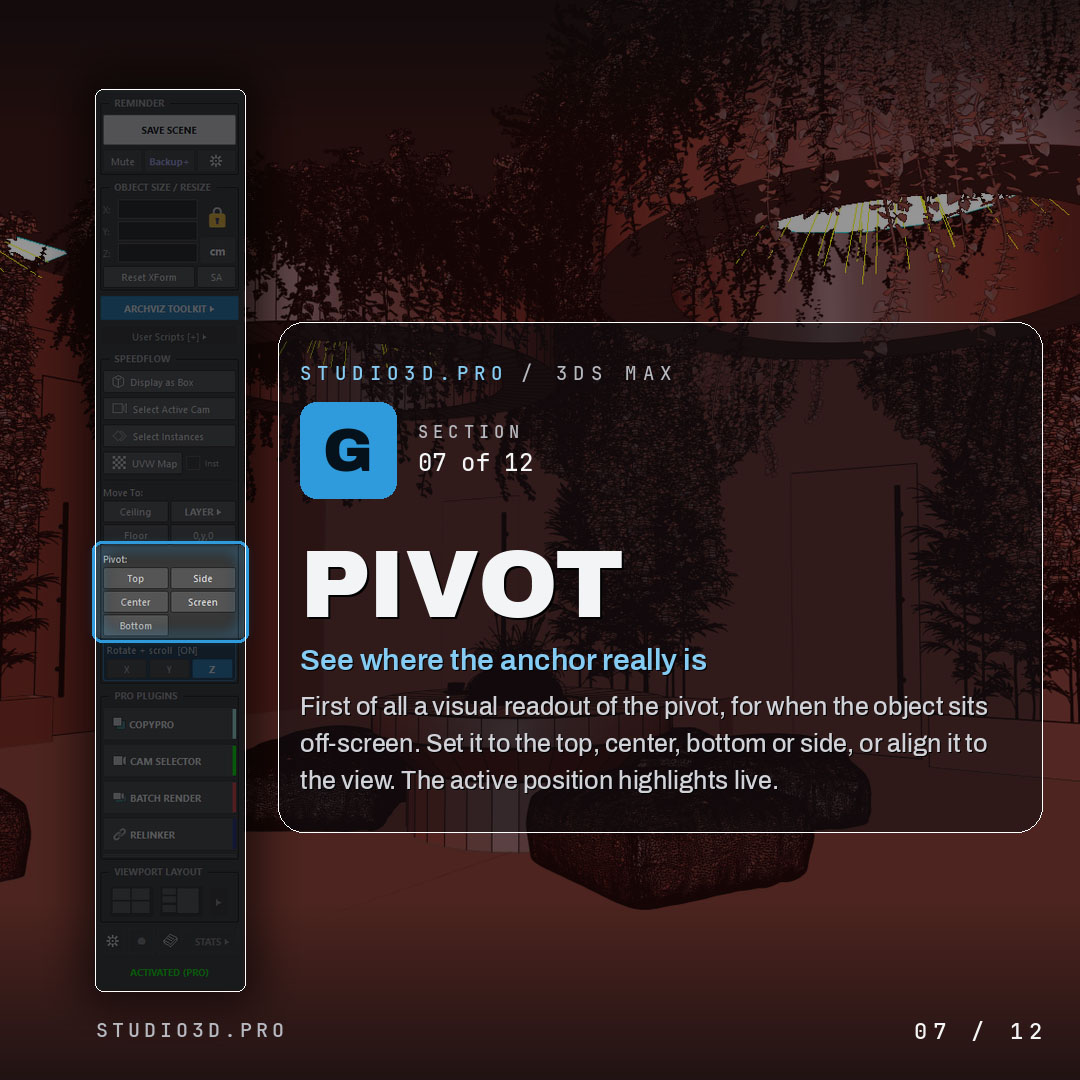
Pivot control
- Visual readout of where the pivot really is, even off screen
- Set it to top, center, bottom or side, or align it to the view
- Active position highlighted live
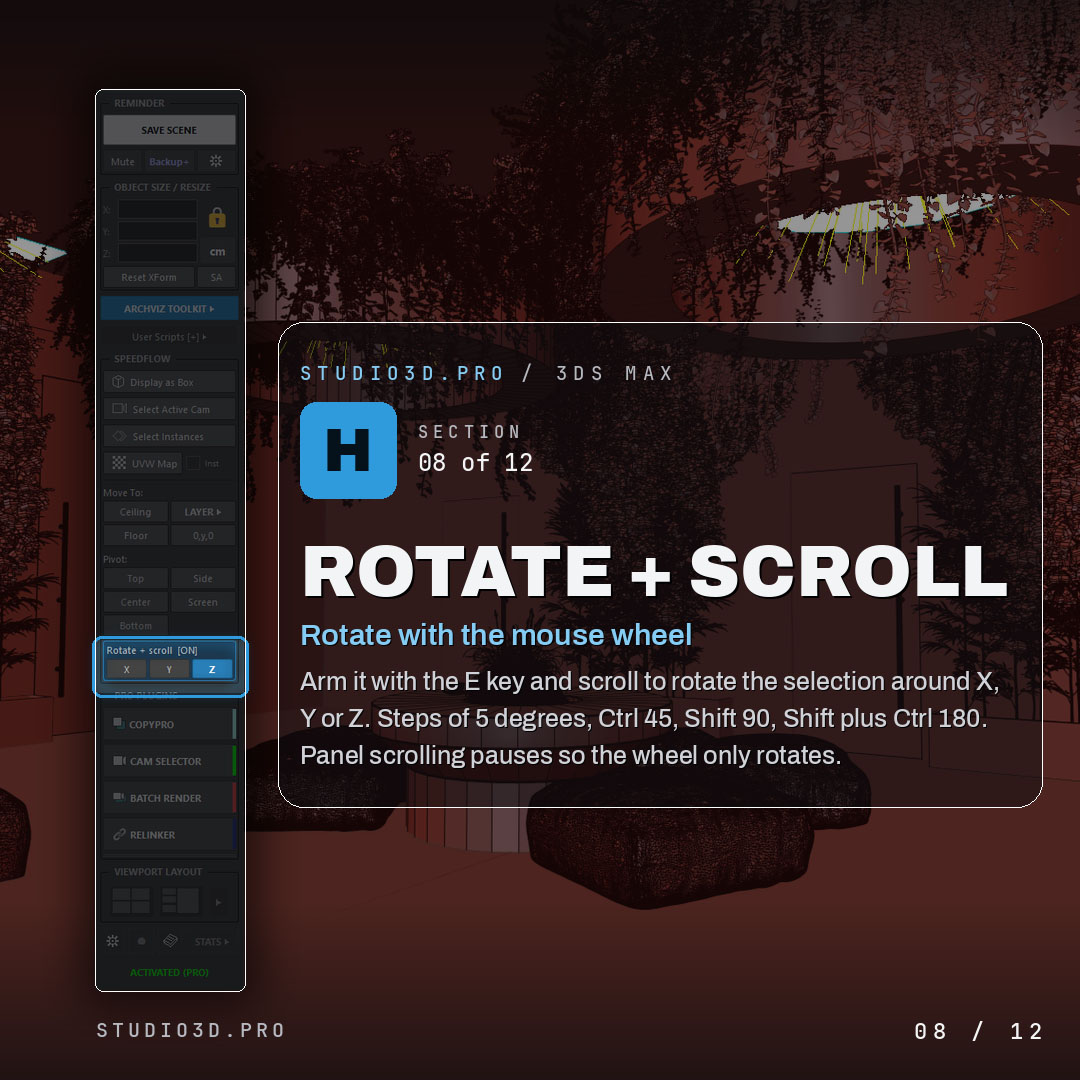
Rotate with the scroll wheel
- Arm with the E key and scroll to rotate around X, Y or Z
- Steps of 5 degrees, Ctrl for 45, Shift for 90, Shift plus Ctrl for 180
- Panel scrolling pauses so the wheel only rotates
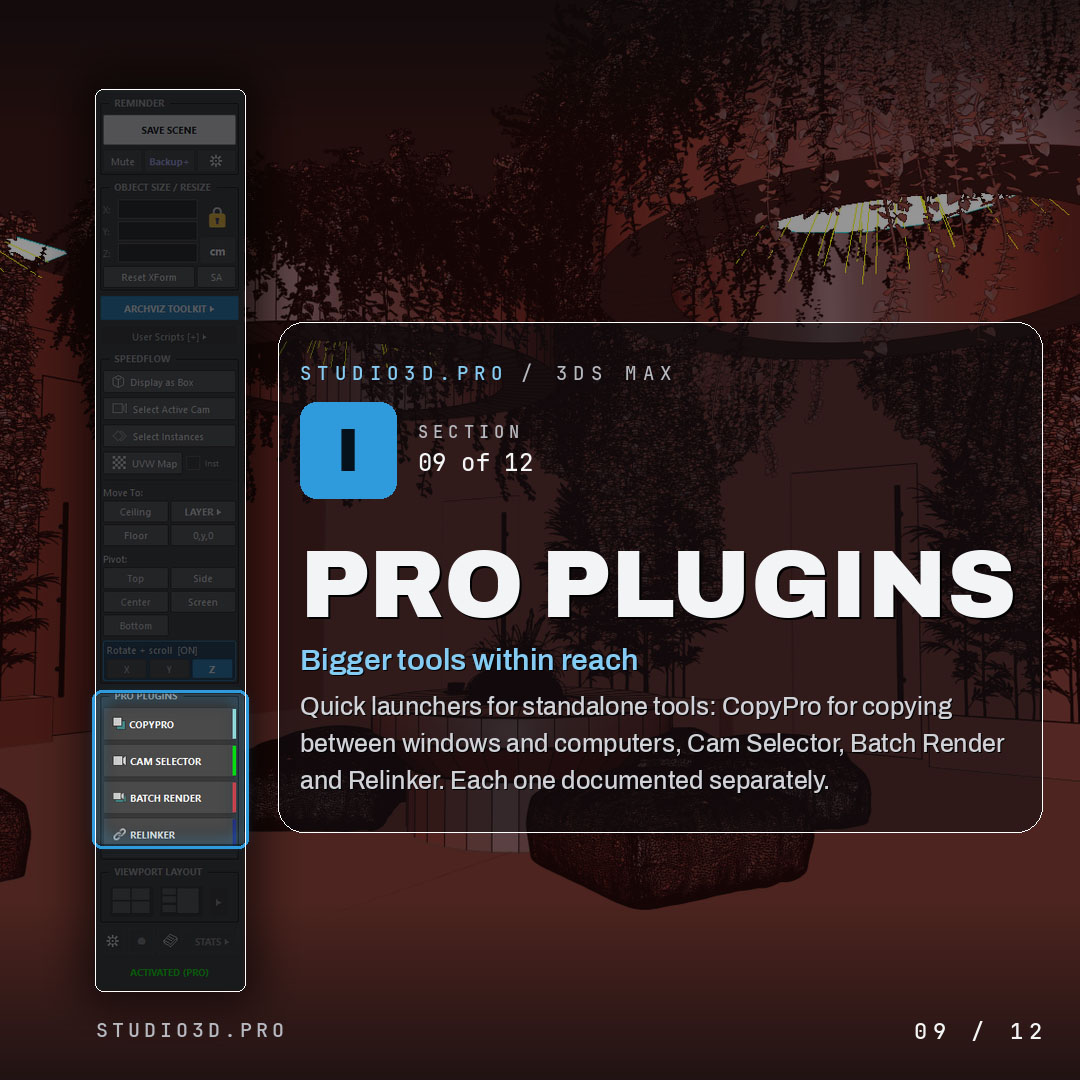
Pro plugin launchers
- Quick launchers for the standalone studio3d.pro tools
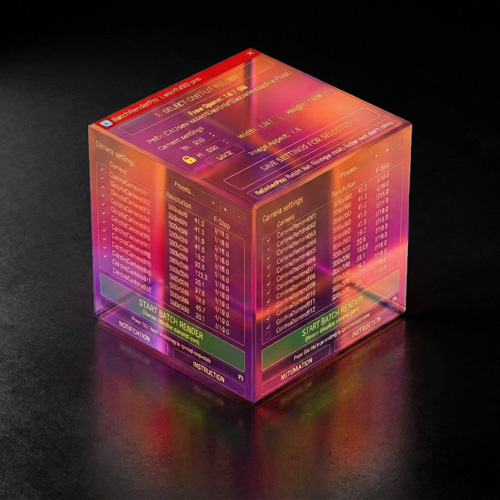
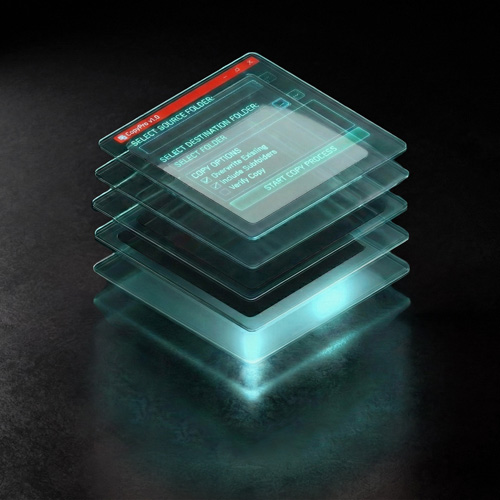
- CopyPro, Camera Selector, Batch Render Pro and Relinker Pro, ready when you need them
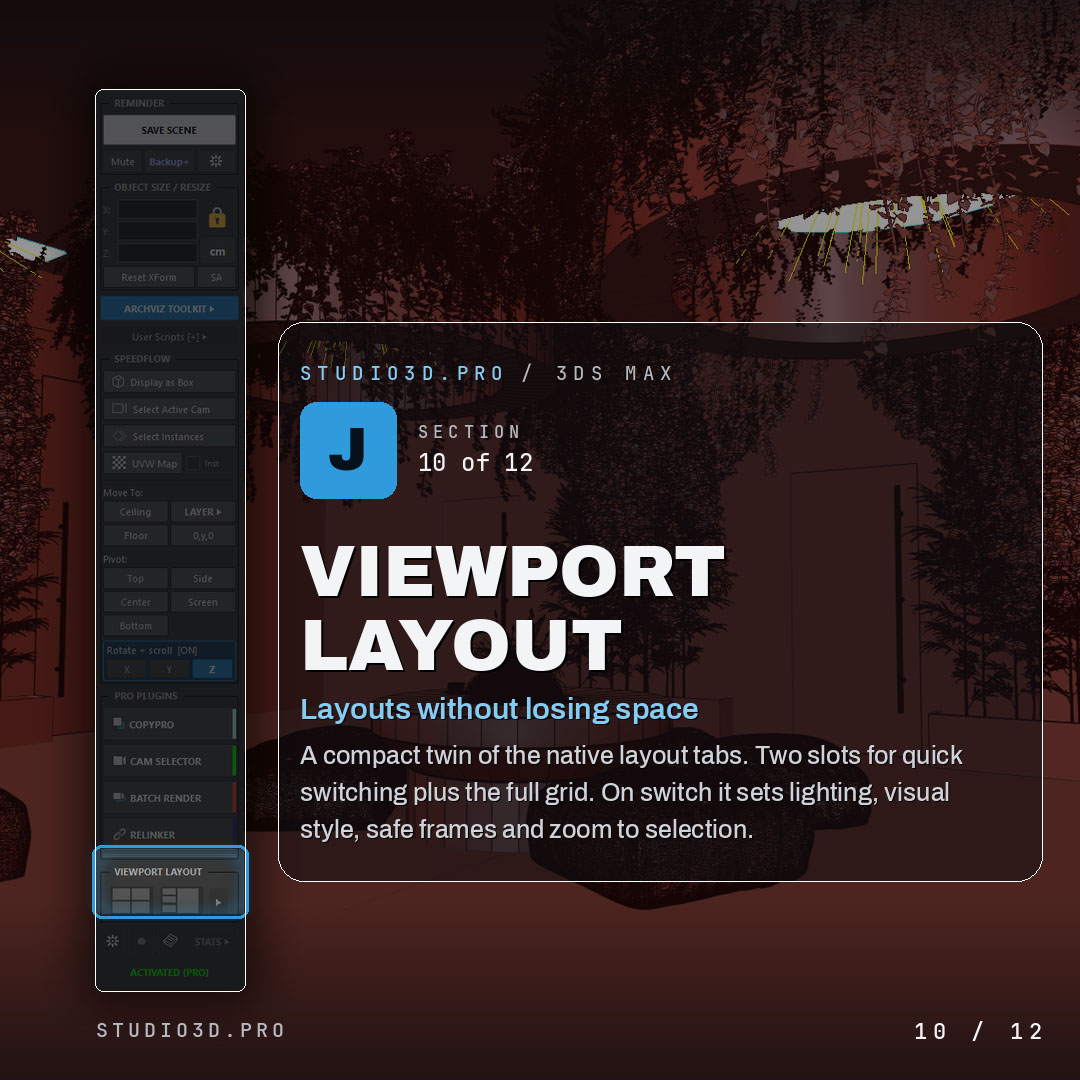
Viewport layout
- Compact twin of the native layout tabs
- Two slots for quick switching plus the full grid
- On switch it sets lighting, visual style, safe frames and zoom to selection
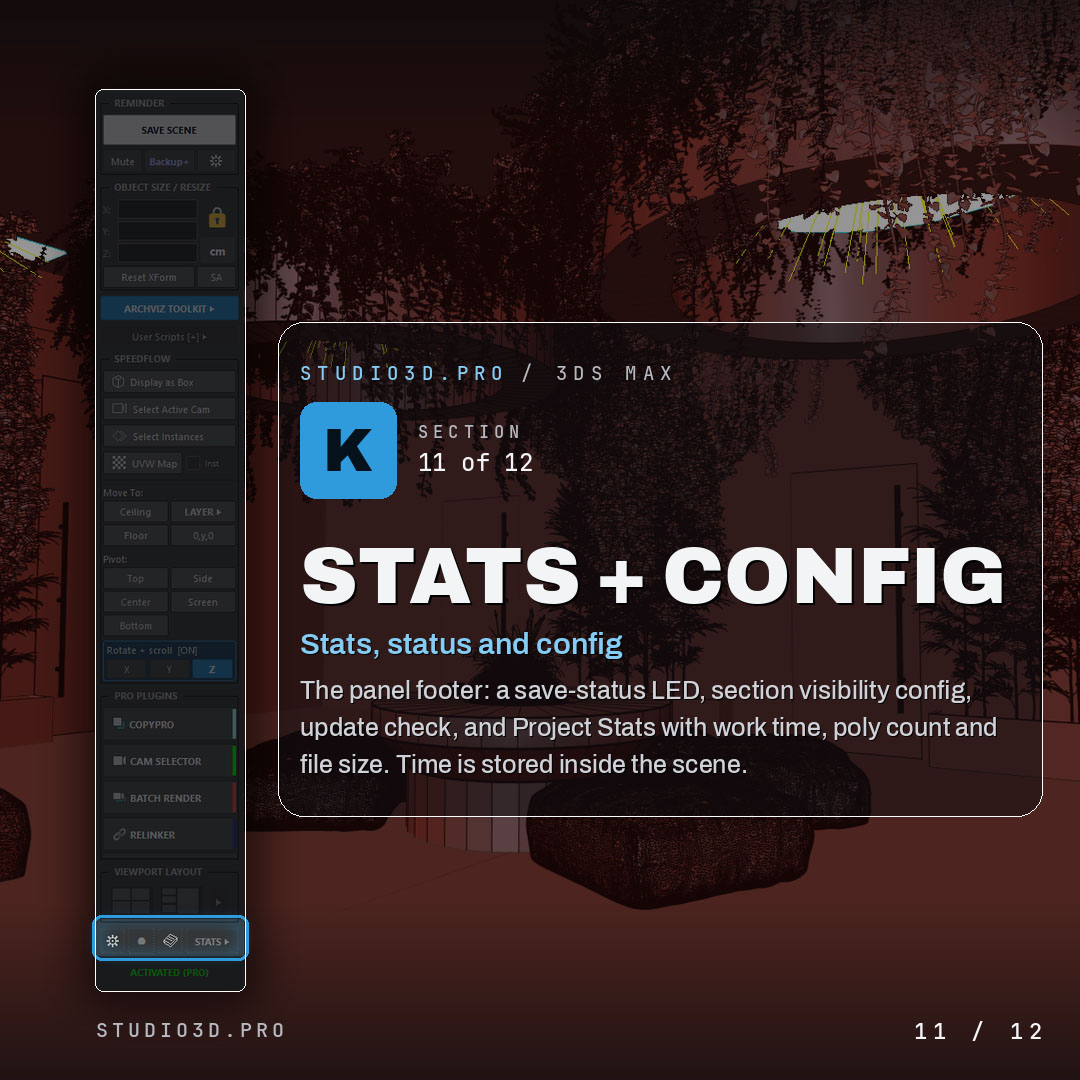
Stats, status and configuration
- Save-status indicator, section visibility settings and an update check
- Project Stats with work time, poly count and file size, stored inside the scene
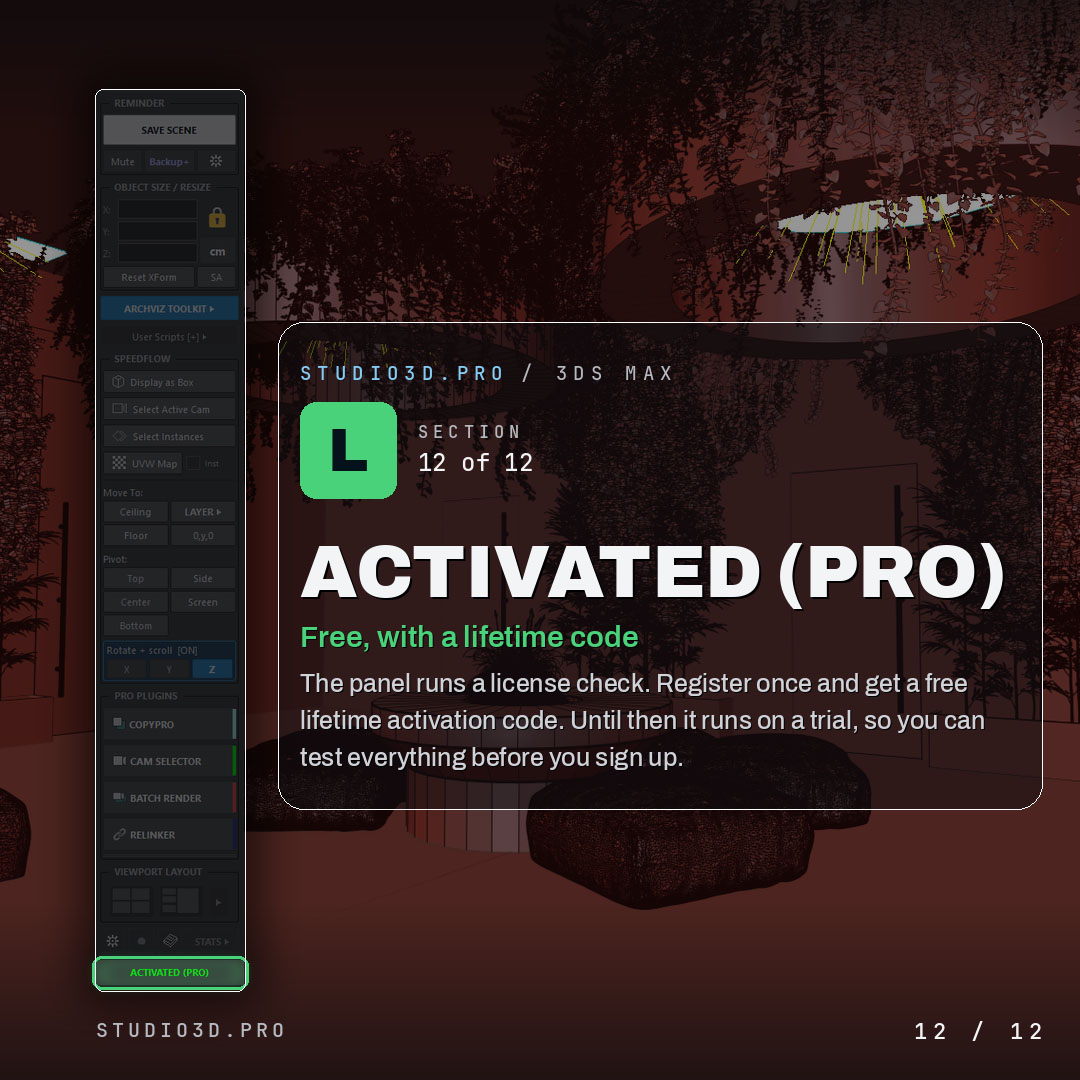
Free, with a lifetime activation code
- Register once and get a free lifetime activation code
- Runs on a trial until then, so you can test everything before you sign up
Why archviz artists choose ArchViz Toolkit
Faster workflow, safer scenes and far less busywork, all from one panel that stays out of your way. If you have been searching for 3ds Max free plugins that actually speed up architectural visualization, download ArchViz Toolkit free and keep it forever.
Frequently asked questions
Is ArchViz Toolkit really free?
Yes. It is free permanently, not a time-limited trial. You register an e-mail address once and receive a lifetime activation code. There is no subscription and no upsell inside the panel beyond quick launchers for the Pro tools.
Which versions of 3ds Max does it support?
3ds Max 2024 through 2027. Each release is tested against the current versions rather than left to break, which is the main practical difference from most free scripts still circulating on script repositories.
Does it work with V-Ray and Corona?
Yes. The toolkit works at the scene and file level, so it does not care which render engine you use. Corona and V-Ray are what most of our users run.
Can I work in feet and inches without changing my scene units?
Yes. The size fields have a units engine that runs independently of the scene System Unit Scale, so you read and type imperial dimensions like 5′-6 1/2″ while the scene stays metric underneath. A bare number reads as feet, precision runs from 1/2 down to 1/64 per field, and the unit button previews the other system by default, so a quick check never rescales your file or changes precision for anyone else working in it.
Why do you ask for an e-mail address for a free plugin?
The activation code is generated per workstation, so it needs somewhere to be delivered. It also lets us tell you when a new 3ds Max version is supported. You can unsubscribe and keep using the plugin, because the code does not expire.
How do I install it?
Drag the downloaded file into an open 3ds Max viewport, or go to Scripting > Run Script and select it. The panel opens immediately and can be docked anywhere in the interface, exactly like the native command panel.
Will it slow down heavy scenes?
No. The layer manager was written specifically because the native Layer Explorer becomes unusable in large archviz scenes, and the panel reads scene data on demand rather than holding it in memory.
Do I need ArchViz Toolkit to use the Pro plugins?
No. Batch Render Pro, Camera Selector, Relinker Pro and CopyPro are standalone and work without it. The toolkit simply gives them launcher buttons so everything lives in one panel.

Reviews
There are no reviews yet.