

Buying Guide · 3ds Max Workflow
35+ Free Tools and 4 Pro Plugins: What Covers What
By Marcin Sroka · Studio3D · 5 min read
The usual question after installing a free plugin is what the paid version holds back. Here the split is not a feature ladder, it follows the size of the task. The free ArchViz Toolkit handles actions measured in seconds: resize this object, find that pivot, save before the next crash. The four Pro plugins handle actions measured in hours: render twenty cameras overnight, reconnect four hundred missing textures, move a furnished room between two scenes.
IMAGE / SCREENSHOT
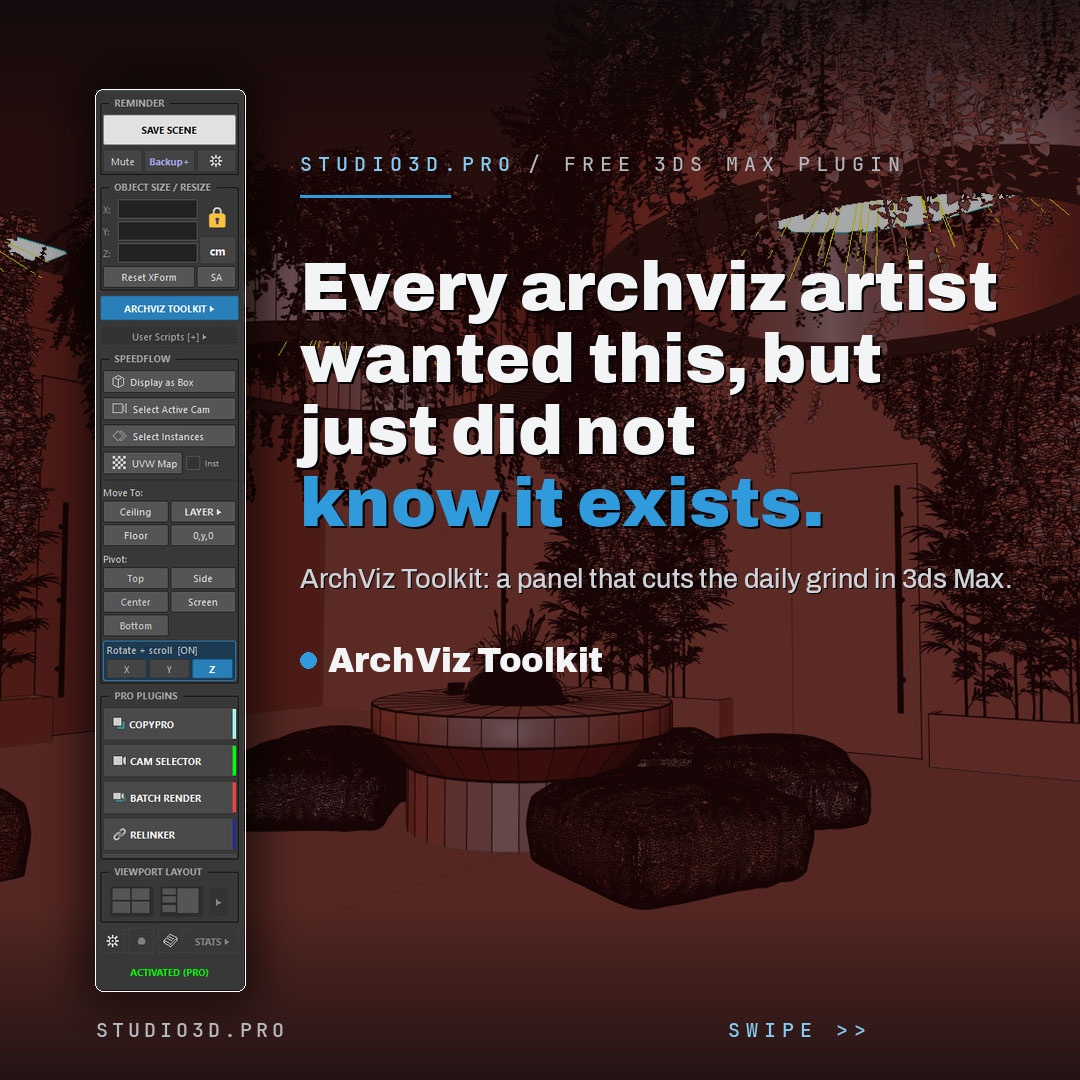
What the Free Toolkit Already Covers
Install the toolkit and you stop needing separate scripts for any of this.
- Saving and backups: one-click save with a visible reminder, timestamped incremental copies, an auto-backup timer and a render-safe mode that keeps autosave from interrupting a long render.
- Exact dimensions: live X, Y and Z for the selection, resizing by typed value, unit switching between mm, cm and m.
- Layers in heavy scenes: a fast layer manager written because the native Layer Explorer slows down on the kind of file archviz produces.
- Placement and pivots: Move To snapping against the floor, ceiling or a reference object, plus a visual readout of where the pivot really sits.
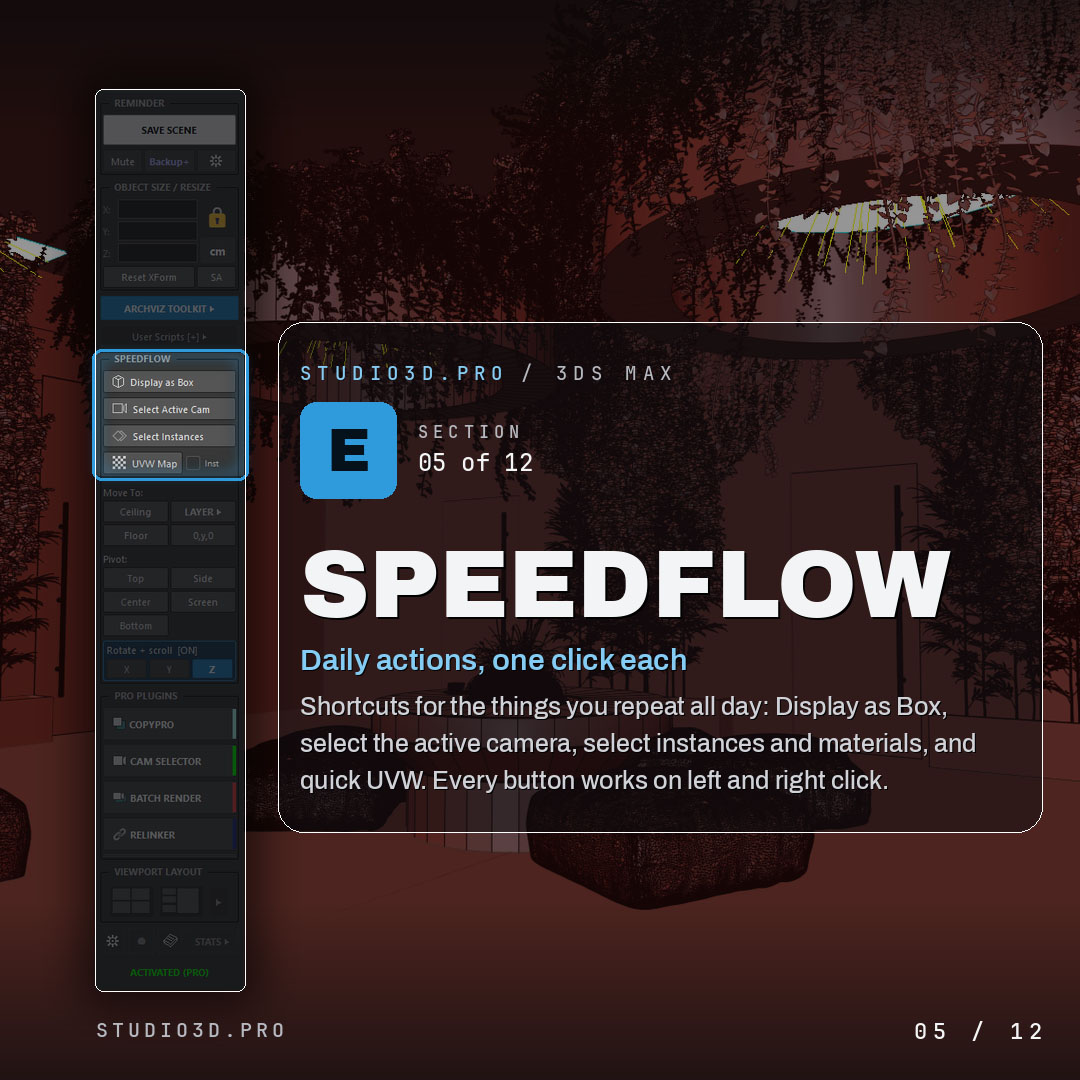
- Rotation and speedflow: scroll-wheel rotation in steps of 5, 45, 90 or 180 degrees, and one-click display as box, select instances, select by material, quick UVW.
- Your own scripts: .ms, .mcr and .py files pinned to the panel with a recent list.
That is the whole free set: 35+ tools in one dockable panel, free permanently with a lifetime activation code. No section is disabled and no counter runs out.
IMAGE / SCREENSHOT
Where the Free Tools Stop
Four situations the toolkit deliberately does not try to solve, because each one needs its own interface and its own engine.
- Rendering more than a couple of views. The native Batch Render dialog works until you need per-camera output settings, previews and a queue you can trust to run unattended. Batch Render Pro, $25.00, queues dozens of cameras and renders them sequentially from one click.
- Finding the right camera in a scene that has thirty. Names stop helping once a project has interior, exterior, detail and client-revision cameras. Camera Selector, $25.00, shows them as a thumbnail grid and holds output resolution and aspect ratio per camera.
- Missing assets after a drive change. Textures, proxies, IES files and XRefs break the moment a project moves between machines or a library gets reorganized. Relinker Pro, $19.00, scans large libraries and deep folder trees and reconnects them in one pass.
- Moving models between scenes. Copy and paste in 3ds Max carries one thing at a time and loses track of materials. CopyPro, $15.00, gives you an 18-slot clipboard with project-based sets.
IMAGE / SCREENSHOT
How to Decide
Start free. The toolkit costs nothing and stays yours, so the only real question is whether the four situations above describe your week.
If they do, each Pro plugin runs for 21 days without a card. The pack costs less than any two of them bought separately: ArchViz Toolkit Pro Pack, $84.00 Original price was: $84.00.$49.00Current price is: $49.00.. If you expect to keep working this way for years, Studio Lifetime, $252.00 Original price was: $252.00.$179.00Current price is: $179.00., covers current and future releases.
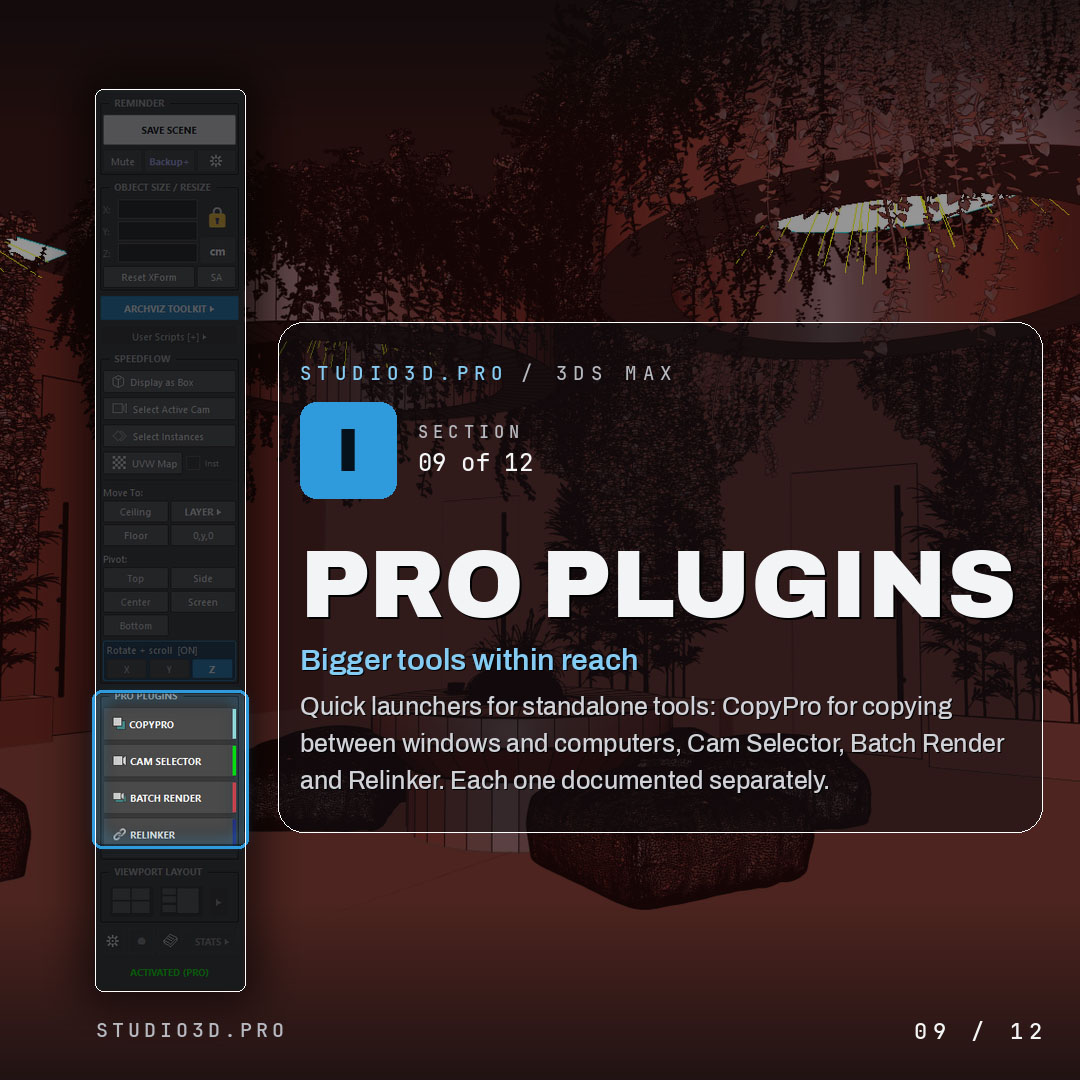
All four Pro plugins run standalone. The free toolkit adds launcher buttons for them and nothing more, so nothing is bundled or forced.
Compatibility and What Happens After the Trial
All five tools run on 3ds Max 2024 through 2027, tested against current releases, and they are renderer independent because they operate at scene and file level. Corona and V-Ray are what most users run.
One installer carries everything. After 21 days the four Pro tools stop opening and ArchViz Toolkit keeps working permanently with your free activation code. Nothing is removed from your scenes and no settings are lost, so entering a licence key months later picks up exactly where you stopped.
Wrapping Up
Free here is not a sample of the paid version. It is the part of the workflow that repeats every ten minutes, and it stays free with a lifetime code. The paid part is four jobs that take an afternoon each, and you can test all of them for 21 days before deciding anything.
Tools mentioned in this guide
ArchViz Toolkit with 35+ tools, free forever with a lifetime activation code, plus Batch Render Pro, Camera Selector, Relinker Pro and CopyPro unlocked for 21 days with no card. Pro Pack $49.00, Studio Lifetime $179.00.
Tags: 3ds max · free plugins · archviz · batch render · camera selector · relinker · copypro · pro pack · corona renderer · v-ray · 3ds max 2027 · workflow