

Free Tools · 3ds Max Workflow
Your 3ds Max Starter Kit, Free Forever
By Marcin Sroka · Studio3D · 6 min read
Every archviz artist ends up with the same folder. A save reminder from a forum thread in 2019, someone’s pivot script, a layer tool that breaks after the next Max release, three variations of a resize macro. It works until it does not, and nobody maintains it. ArchViz Toolkit is that folder, rebuilt as one dockable panel and kept current with 3ds Max: 35+ tools that are free permanently, plus four Pro plugins that handle the heavier parts of the job.
Image / Screenshot
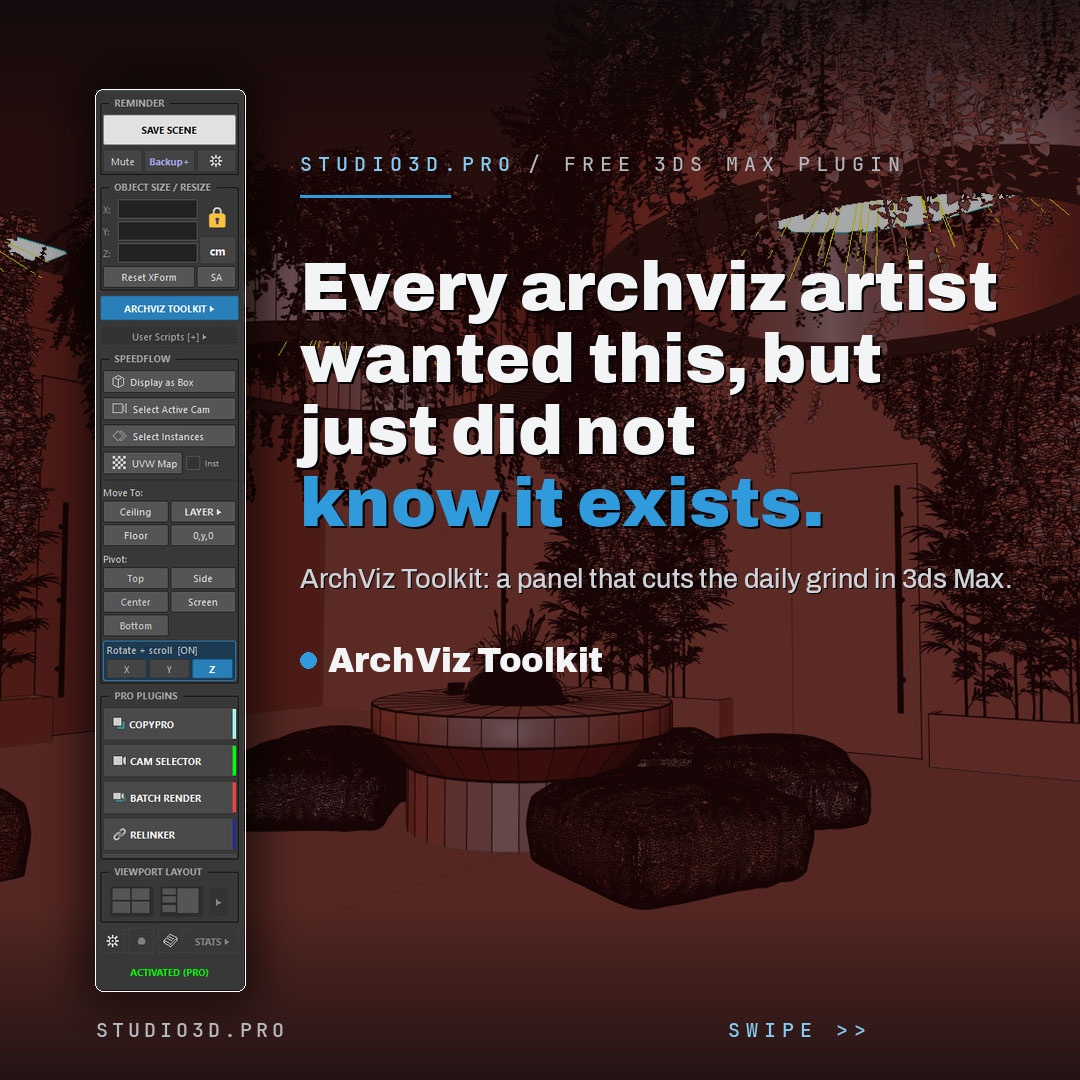
What Free Forever Actually Means
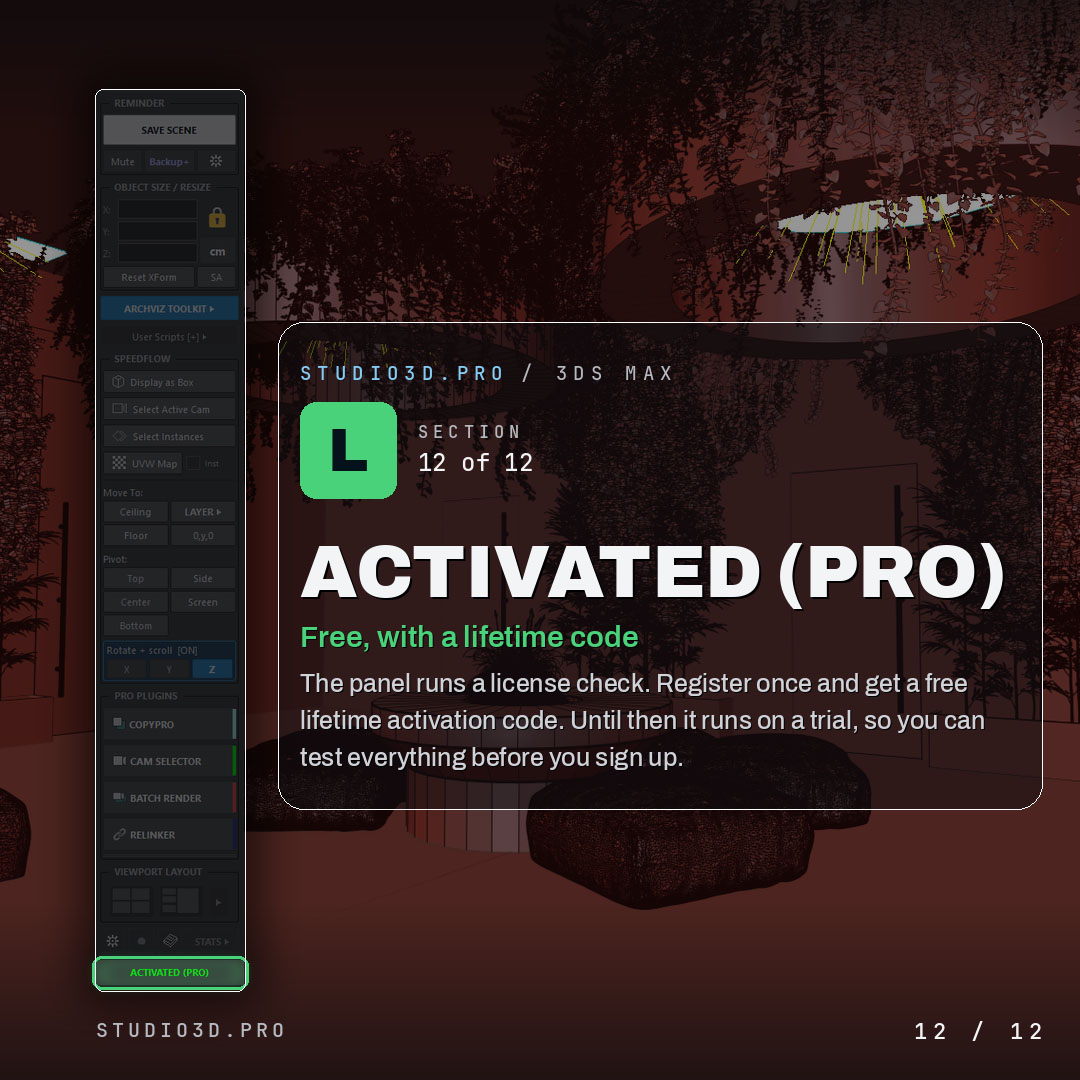
Register an e-mail address once and you get a lifetime activation code. There is no subscription, no expiry date and no feature locked behind an upgrade prompt inside the panel. Before you register, the toolkit runs on a trial, so you can open every section and decide whether it earns its place in your interface.
The e-mail address exists for a practical reason: the code is generated per workstation and has to be delivered somewhere. It also lets us tell you when a new 3ds Max version is supported. Unsubscribe whenever you want; the code does not stop working.
Image / Screenshot
Scene Safety and Exact Dimensions
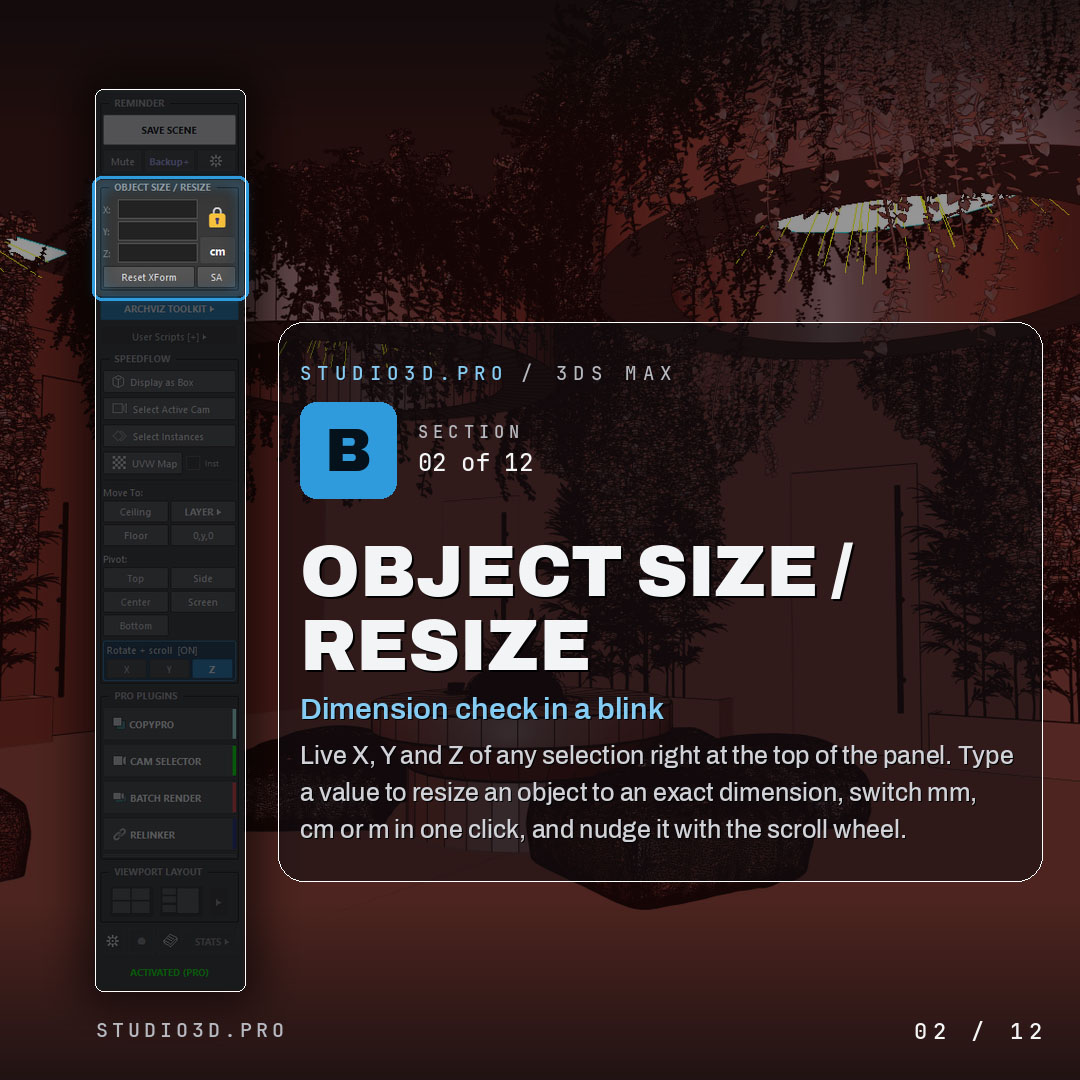
The first two groups of tools cover what goes wrong most often in an archviz day: work lost to a crash, and objects that are not the size the drawing says they are.
- One-click save: a visible reminder appears before a crash can cost you the session, and saving is a single button rather than a menu path.
- Timestamped backups: incremental copies with an auto-backup timer, so you can step back to a version from an hour ago instead of rebuilding it.
- Render-safe mode: autosave pauses while a render runs, which is the reason most artists switch autosave off completely and then lose a scene anyway.
- Live dimensions: X, Y and Z of the current selection sit at the top of the panel, and typing a value resizes the object to that exact dimension.
- Units on one click: switch mm, cm and m without opening the units dialog, and nudge values with the scroll wheel.
Image / Screenshot
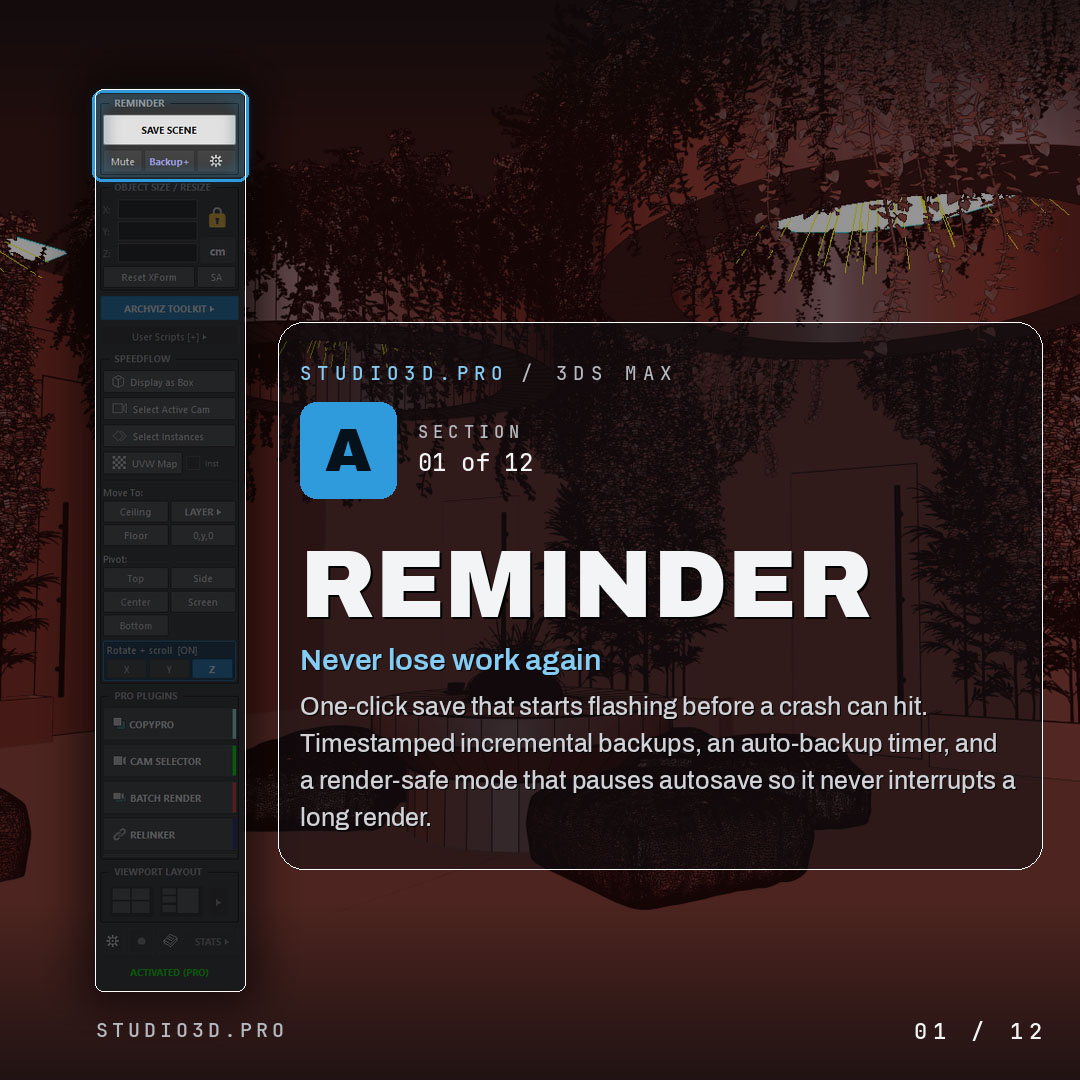
Image / Screenshot
Layers, Menus and Your Own Scripts
The native Layer Explorer becomes slow in the kind of scene archviz work produces. The toolkit ships a lighter one, written for that case: fast layer control that organizes heavy files without the weight of the built-in tools.
- Built-in ArchViz menu: four-camera indoor and outdoor rigs, RefBlueprint, Clear Scene and the rest of the helpers an interior artist reaches for daily, all behind one button.
- Your own scripts: add .ms, .mcr or .py files straight to the panel and run them in one click, with a recent list keeping the ones you actually use within reach.
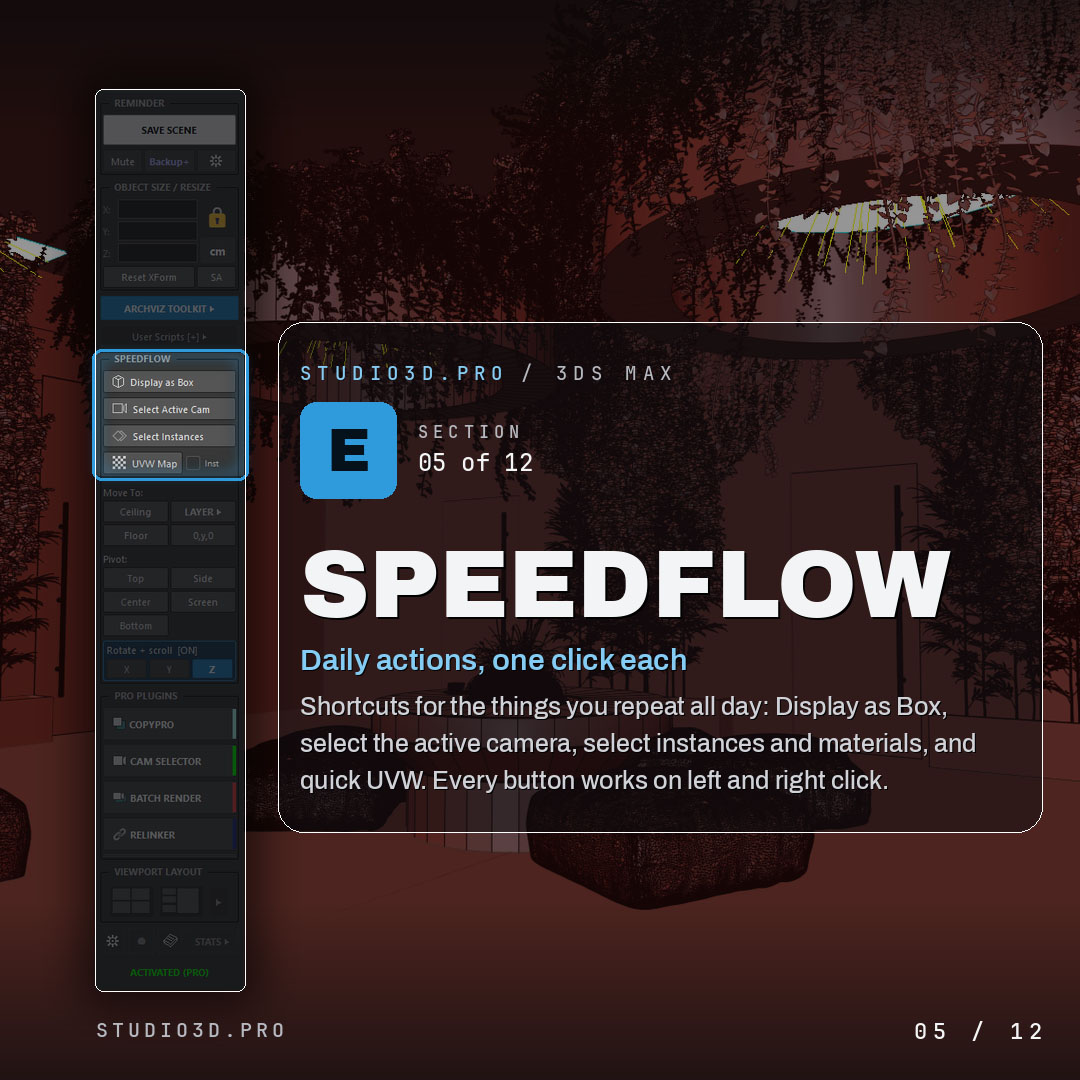
- Speedflow actions: display as box, select active camera, select instances, select by material, quick UVW. Every button responds to left and right click, so one row covers two actions.
Image / Screenshot
Placement, Pivots and Rotation
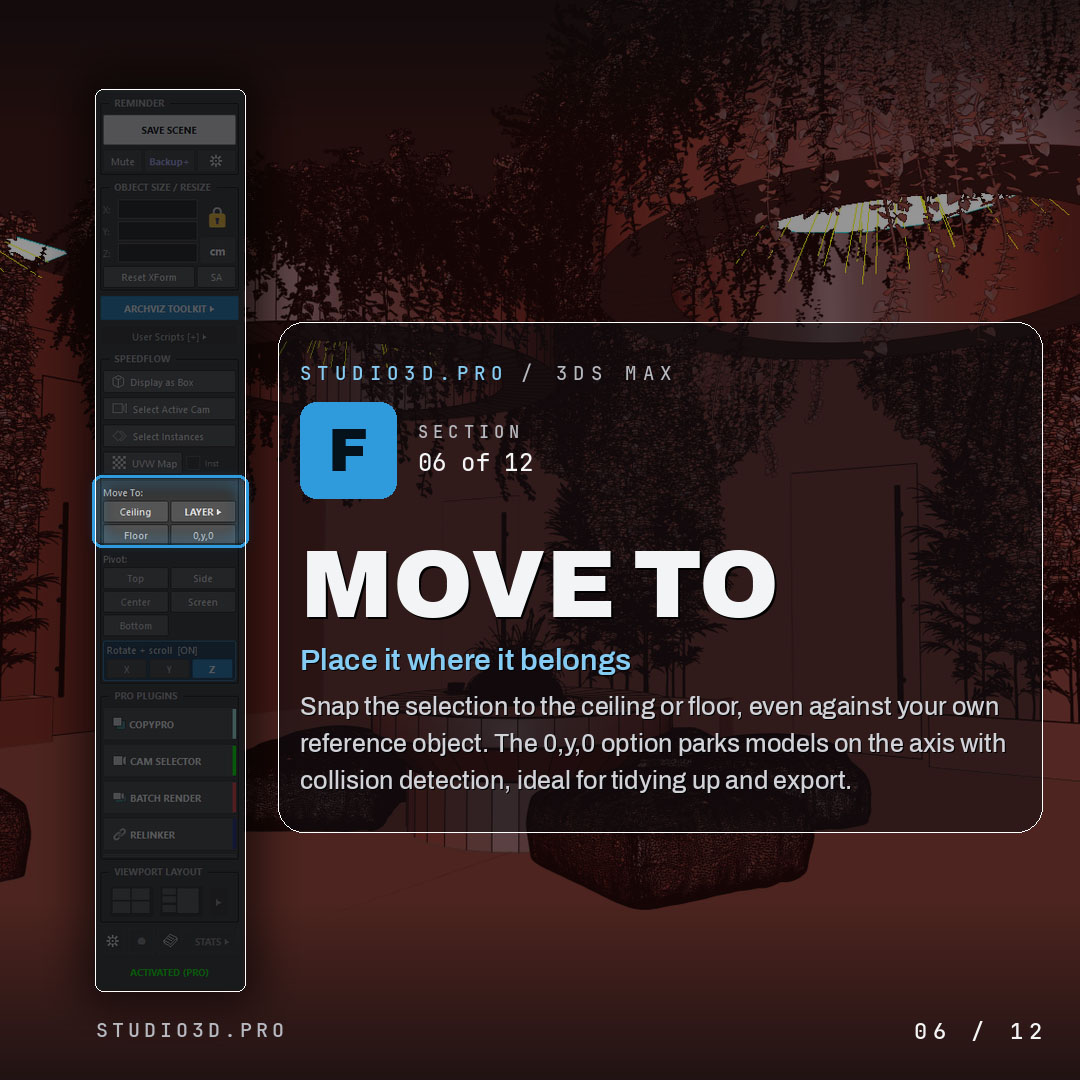
- Move To: snap a selection to the ceiling, the floor or a reference object of your choice. The 0, y, 0 option parks models on the axis with collision detection, which is what cleanup and export work usually needs.
- Pivot control: a visual readout of where the pivot really sits, including when it is off screen. Set it to top, center, bottom or side, or align it to the current view.
- Scroll-wheel rotation: arm with the E key and scroll to rotate around X, Y or Z. Steps of 5 degrees, Ctrl for 45, Shift for 90, Shift plus Ctrl for 180, with panel scrolling paused so the two never fight.
The panel also carries a compact twin of the native viewport layout tabs, with two slots for quick switching plus the full grid. Switching sets lighting, visual style, safe frames and zoom to selection in one move. Project Stats tracks work time, poly count and file size, stored inside the scene file itself.
Image / Screenshot
Where the Four Pro Plugins Start
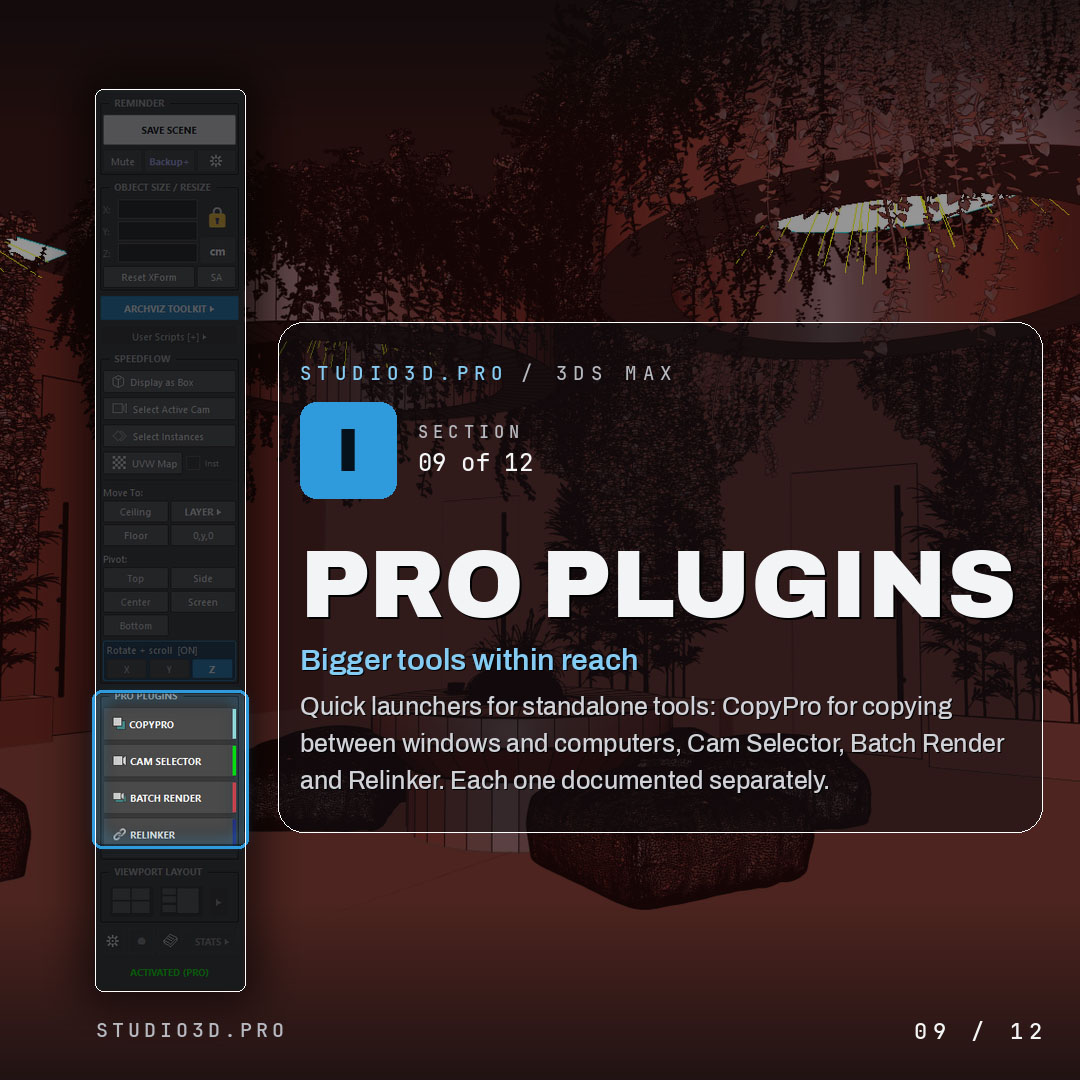
The free toolkit covers actions measured in seconds. Four separate plugins handle the ones measured in hours, and the split follows the size of the task rather than a feature ladder.
- Batch Render Pro, $25: queues dozens of cameras and renders them in one pass, with preview generation and independent Safe Frame control.
- Camera Selector, $25: shows every camera in the scene as a thumbnail grid, with resolution and aspect ratio held per camera.
- Relinker Pro, $19: finds and reconnects missing textures, proxies, IES files and XRefs across your drives in one scan.
- CopyPro, $15: moves models and materials between scenes through an 18-slot clipboard with project-based sets.
All four are standalone. You do not need the free toolkit to run them, and the toolkit does not stop working if you never buy one. What the panel adds is launcher buttons, so everything opens from the same place. Each Pro plugin runs for 21 days without a card, the Pro Pack covers all four at $49 instead of $84, and Studio Lifetime covers current and future releases at $179.
Image / Screenshot
Installation, Compatibility and Common Questions
Drag the downloaded file into an open 3ds Max viewport, or use Scripting > Run Script. The panel appears immediately and docks anywhere in the interface, exactly like the native command panel. Supported versions are 3ds Max 2024 through 2027, tested against current releases rather than left to break, which is the practical difference between this and most free scripts still circulating on script repositories. The renderer does not matter, because the toolkit works at scene and file level.
- Is this a trial that turns into a paid plugin? No. The free toolkit stays free with a lifetime code. The four Pro plugins are separate products with their own 21-day trial.
- Will it slow down heavy scenes? No. The panel reads scene data on demand instead of holding it in memory, and the layer manager exists precisely because the native one struggles at that scale.
- Can I use only some of it? Yes. Sections hide individually, so you can strip the panel down to the three or four tools you use.
- What if I already have my own scripts? Add them to the panel. The toolkit is meant to replace the folder, not the scripts inside it.
Wrapping Up
A starter kit is only worth installing if it survives the next 3ds Max release and does not turn into a paywall six months later. That is the whole argument here: 35+ tools that stay free with a lifetime code, four Pro plugins you can try for 21 days and ignore afterwards, and one panel instead of a folder of scripts nobody maintains.
Tools mentioned in this guide
One installer: ArchViz Toolkit with 35+ tools, free forever with a lifetime activation code, plus Batch Render Pro, Camera Selector, Relinker Pro and CopyPro unlocked for 21 days with no card.
Tags: 3ds max · free plugins · archviz · starter kit · archviz toolkit · layer manager · pivot · backups · corona renderer · v-ray · 3ds max 2027 · workflow