
ArchViz Toolkit – Free
0,00 €
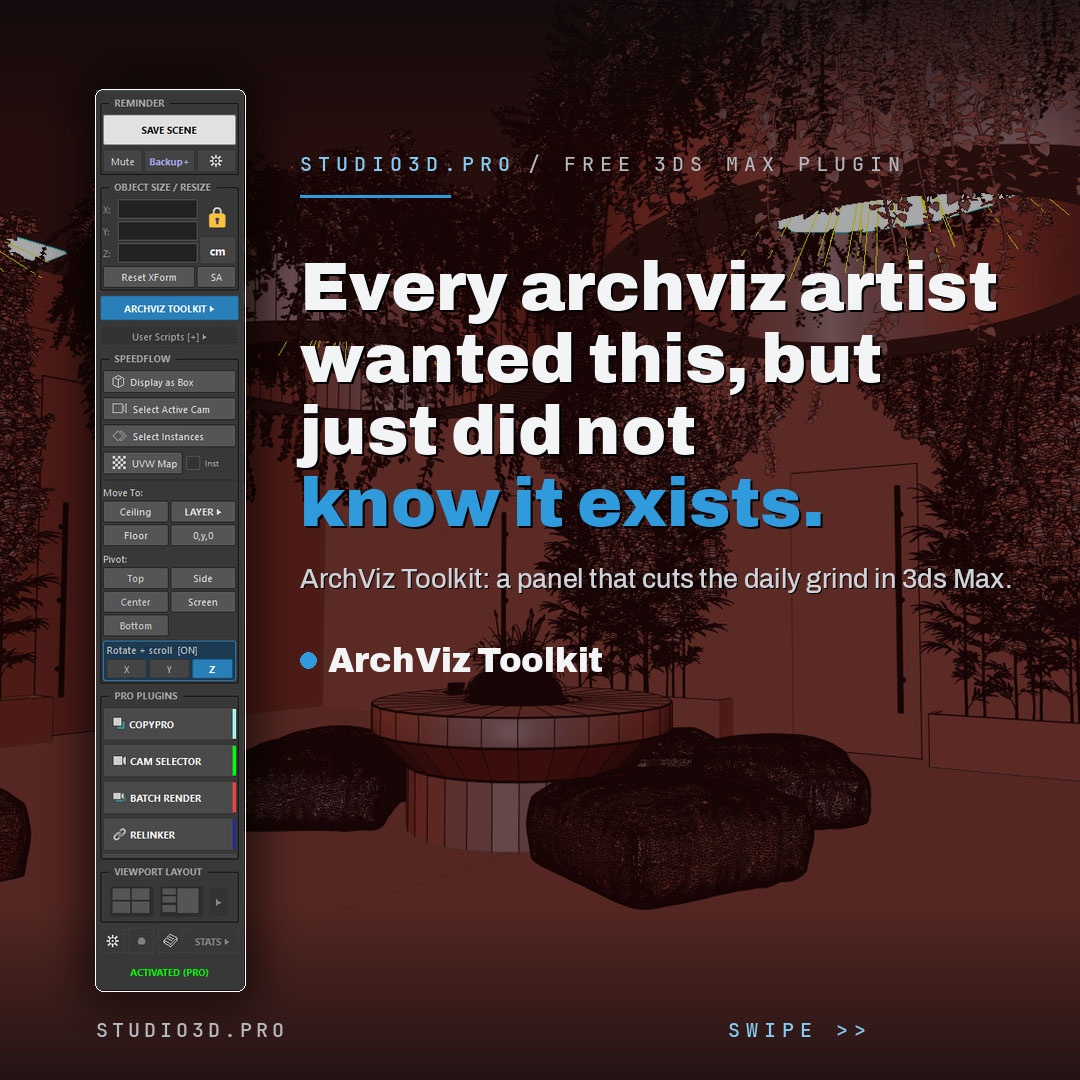
ArchViz Toolkit is a free 3ds Max plugin that speeds up your daily archviz workflow and keeps your scene safe. This dockable panel brings one-click saving and backups, instant resizing, a lightweight layer manager, camera and pivot tools, your own scripts and live project stats into one place. Built by a 3D artist for 3D artists, and free with a lifetime activation code. If you are hunting for 3ds Max free plugins for architectural visualization, start with this one.
Description
ArchViz Toolkit: a free 3ds Max plugin for archviz artists
ArchViz Toolkit is a free, dockable 3ds Max panel that takes the repetitive parts out of your day and protects your work while you focus on the render. It is one of the most practical 3ds Max free plugins for architectural visualization, built by a working 3D artist for 3D artists, and it stays free with a lifetime activation code. It works with Corona and other renderers.
What you get
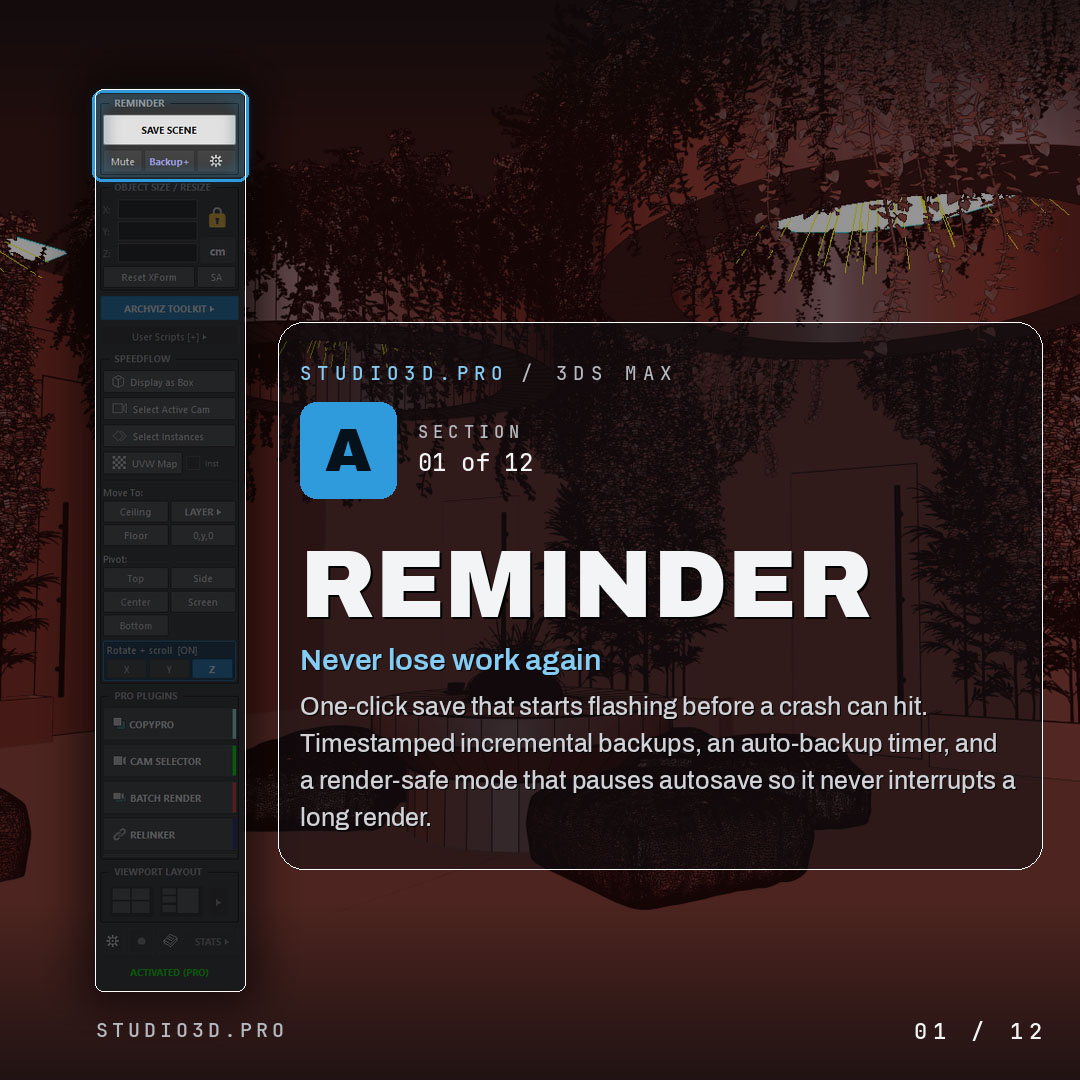
Never lose work again
- One-click save that flashes a reminder before a crash can hit
- Timestamped incremental backups
- Auto-backup timer
- Render-safe mode that pauses autosave so it never interrupts a long render
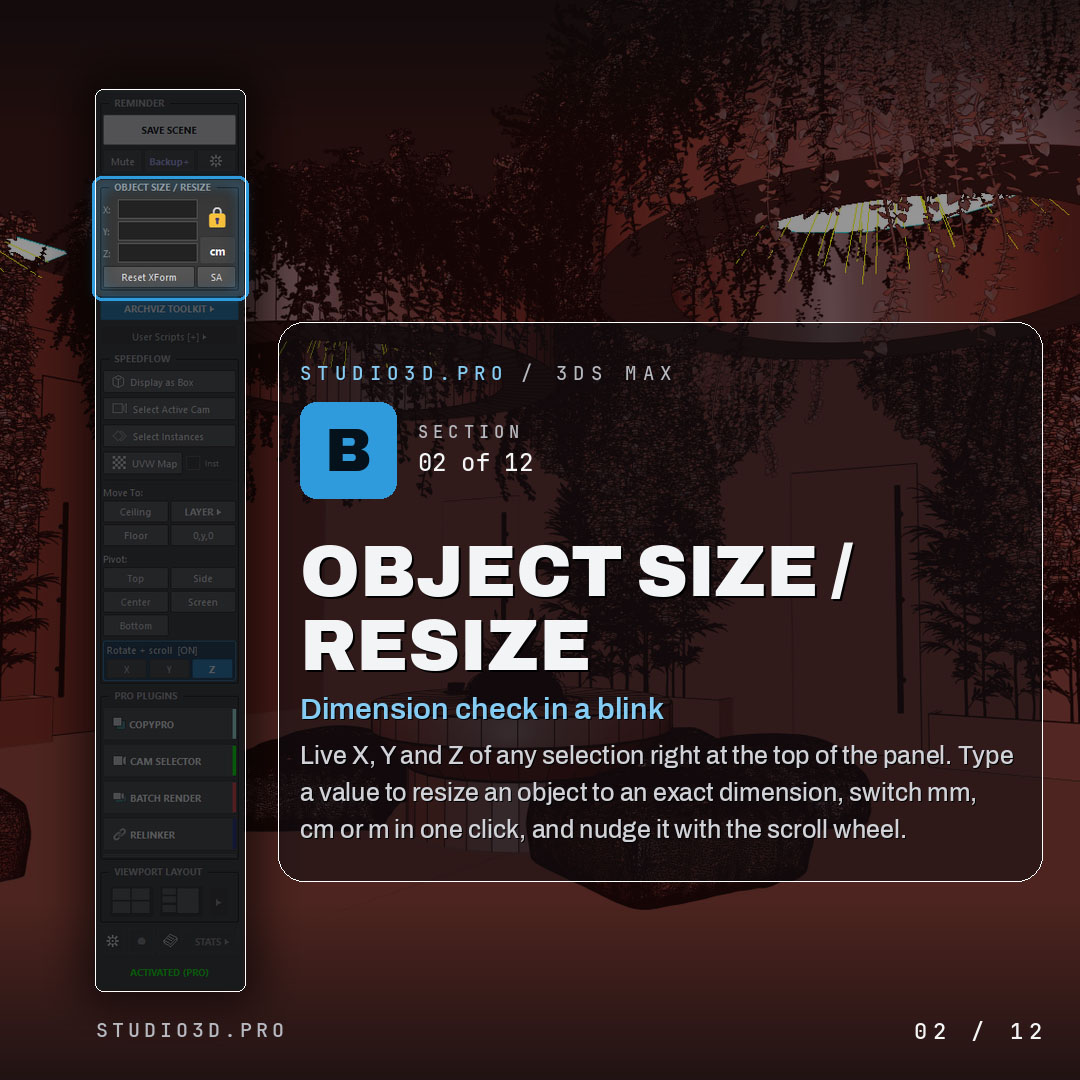
Instant sizing and dimensions
- Live X, Y and Z of any selection at the top of the panel
- Type a value to resize an object to an exact dimension
- Switch mm, cm or m in one click
- Nudge with the scroll wheel
A revolutionary lightweight layer manager
- Fast layer control built for the way archviz artists work
- Organizes heavy scenes without the weight of the native layer tools
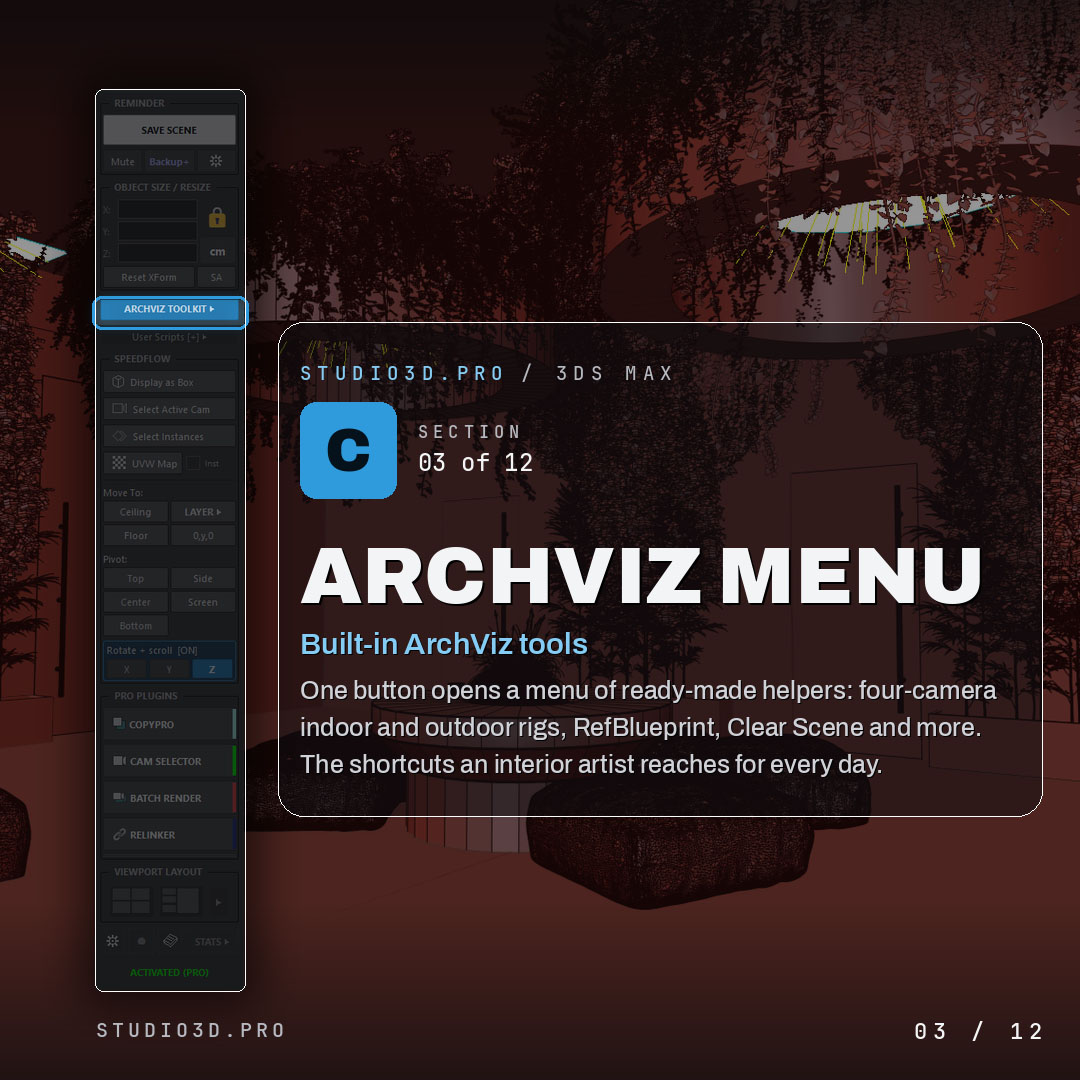
Built-in ArchViz menu
- Ready-made helpers behind one button
- Four-camera indoor and outdoor rigs, RefBlueprint, Clear Scene and more
- The shortcuts an interior artist reaches for every day
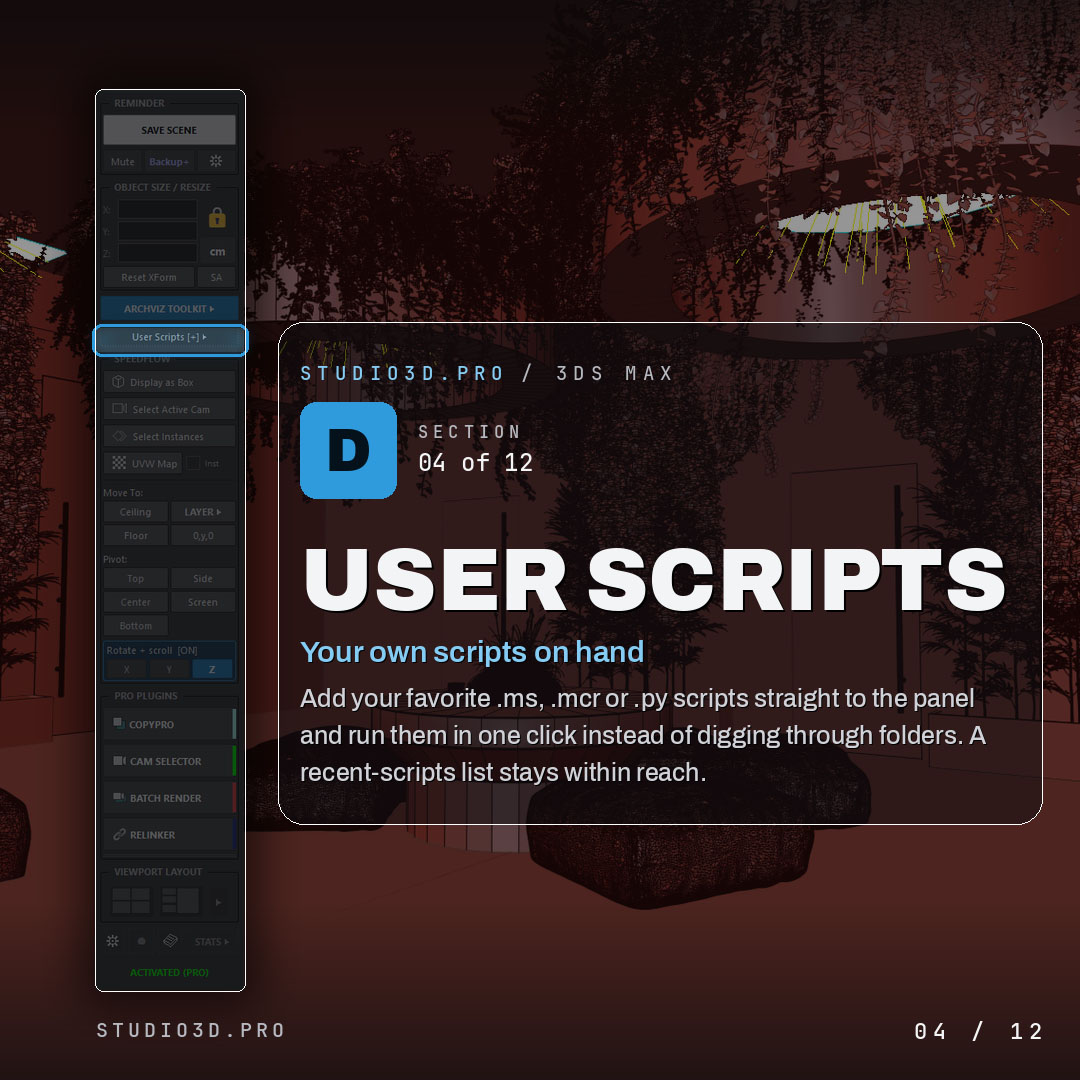
Your own scripts, one click away
- Add your favorite .ms, .mcr or .py scripts straight to the panel
- Run them in a single click instead of digging through folders
- Recent-scripts list keeps them within reach
Speedflow one-click actions
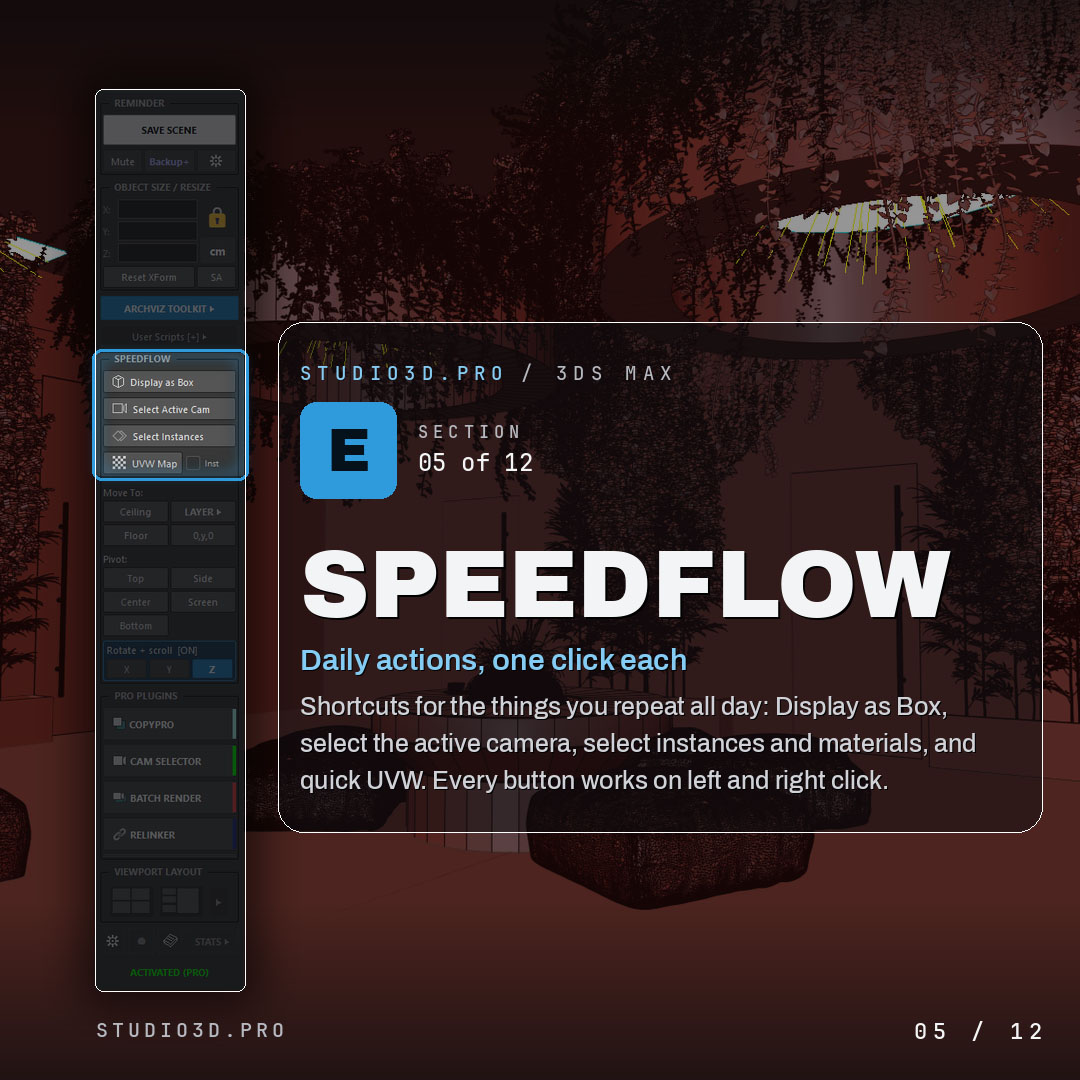
- Display as Box, select active camera, select instances and materials, quick UVW
- Every button works on left and right click
Move To placement
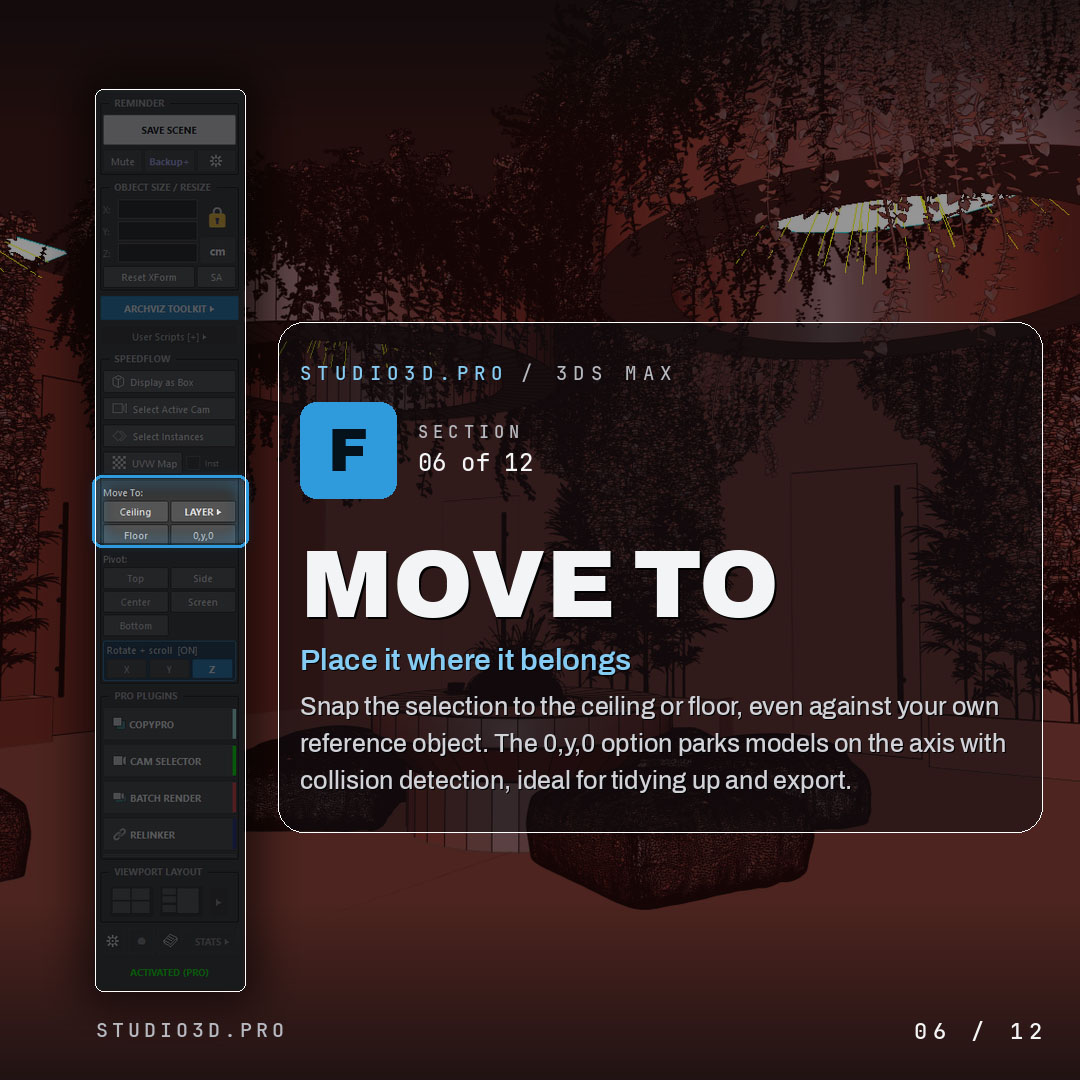
- Snap the selection to the ceiling or floor, or to your own reference object
- 0, y, 0 option parks models on the axis with collision detection
- Ideal for cleanup and export
Pivot control
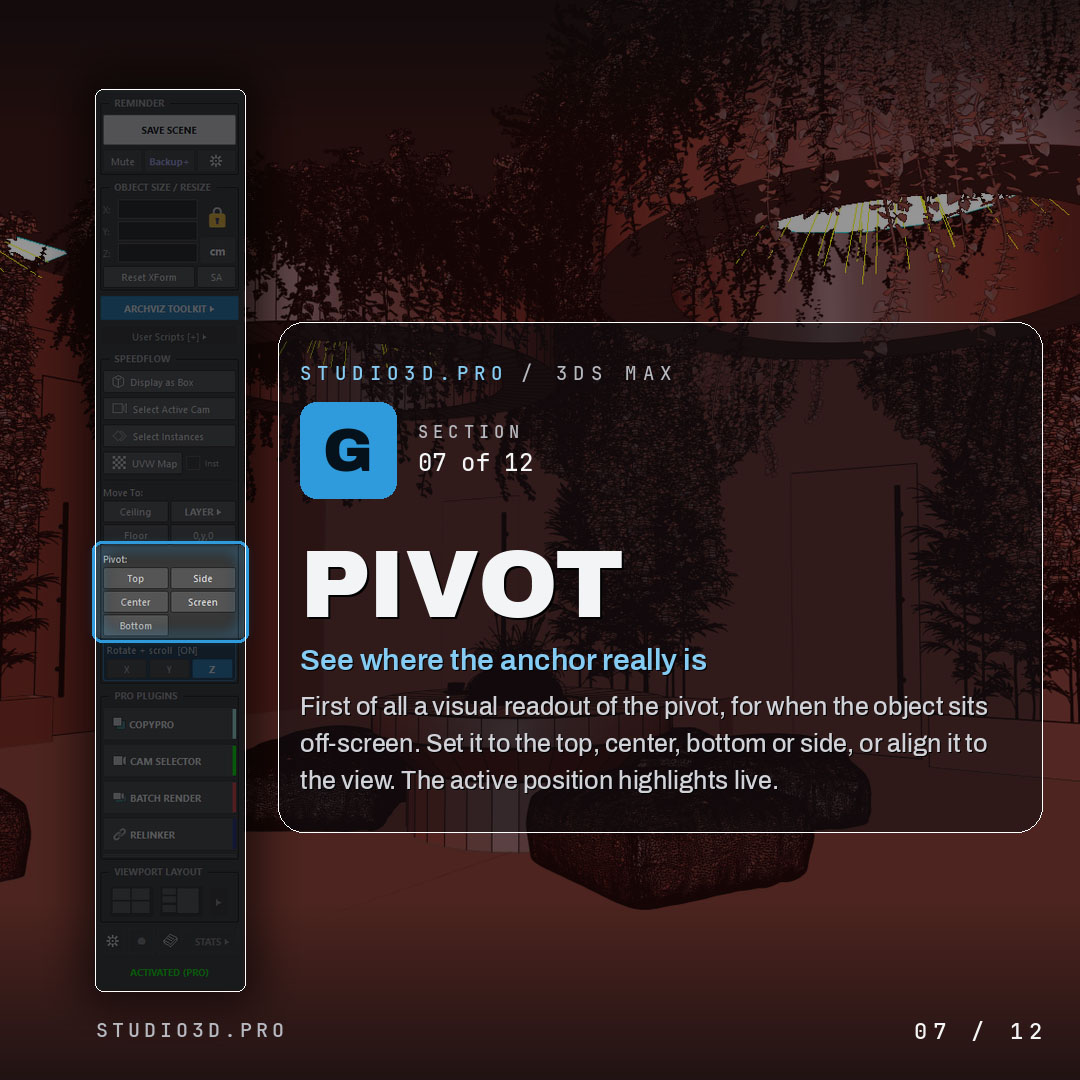
- Visual readout of where the pivot really is, even off screen
- Set it to top, center, bottom or side, or align it to the view
- Active position highlighted live
Rotate with the scroll wheel
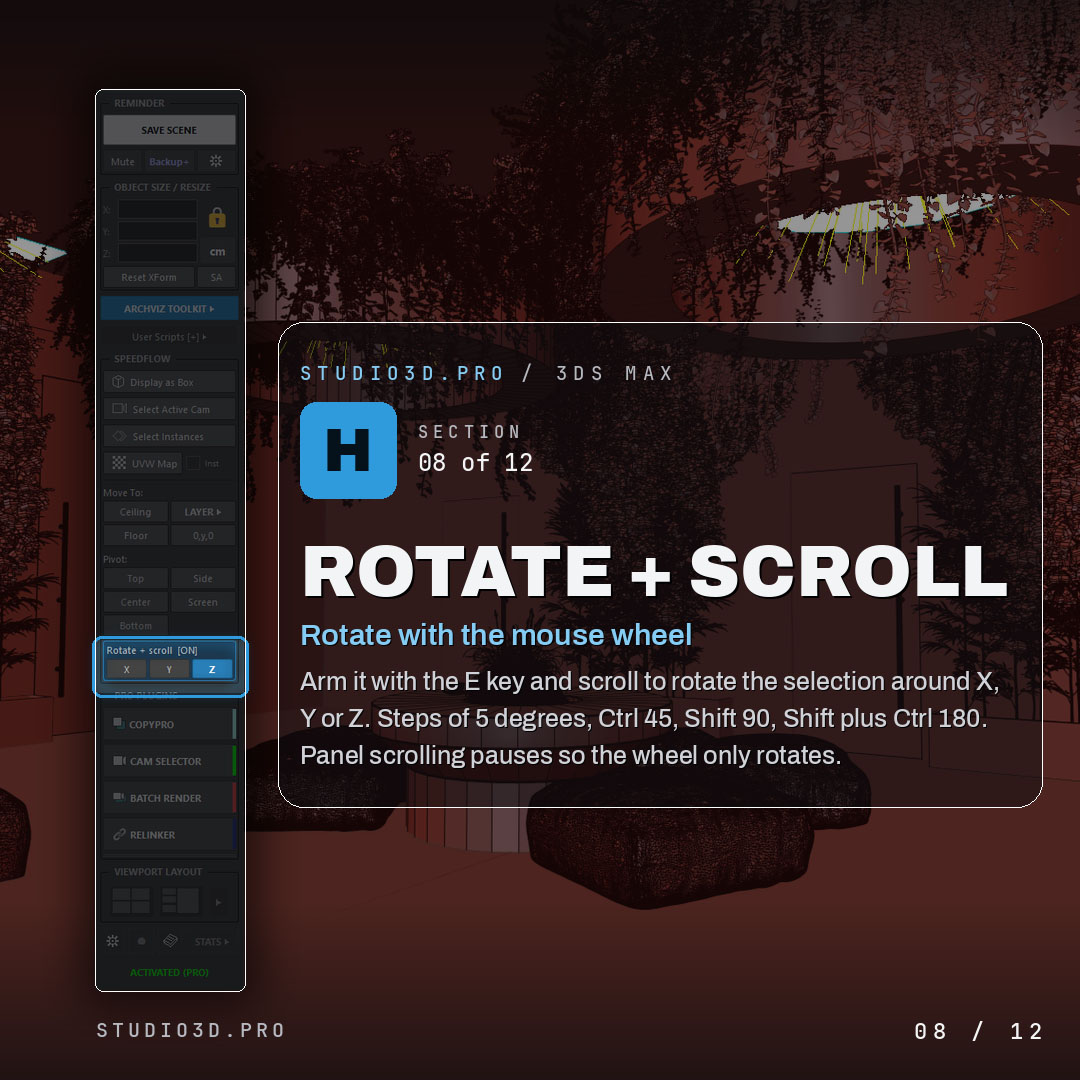
- Arm with the E key and scroll to rotate around X, Y or Z
- Steps of 5 degrees, Ctrl for 45, Shift for 90, Shift plus Ctrl for 180
- Panel scrolling pauses so the wheel only rotates
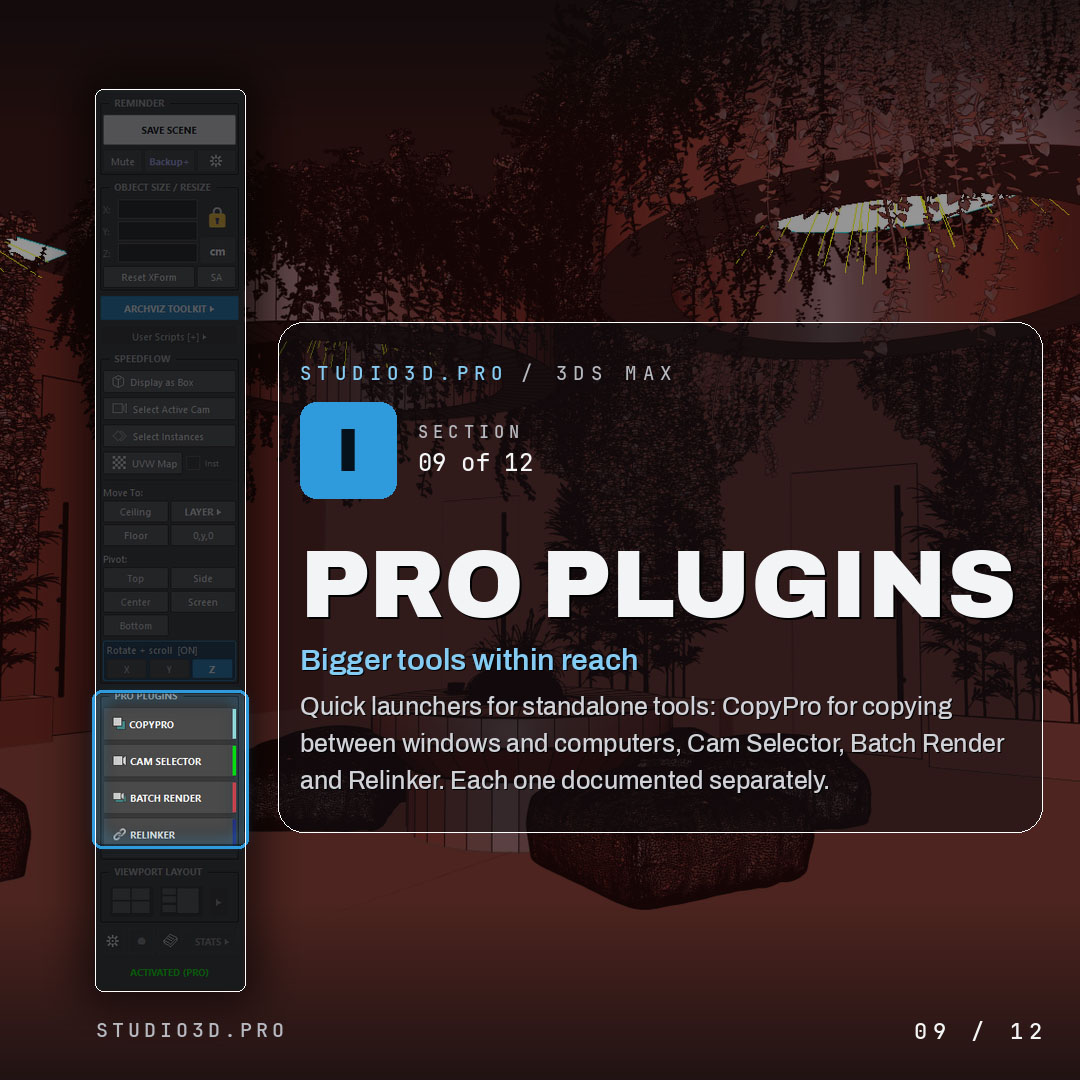
Pro plugin launchers
- Quick launchers for the standalone studio3d.pro tools
- Copy Pro, Cam Selector Pro, BatchRender Pro and Relinker Pro, ready when you need them
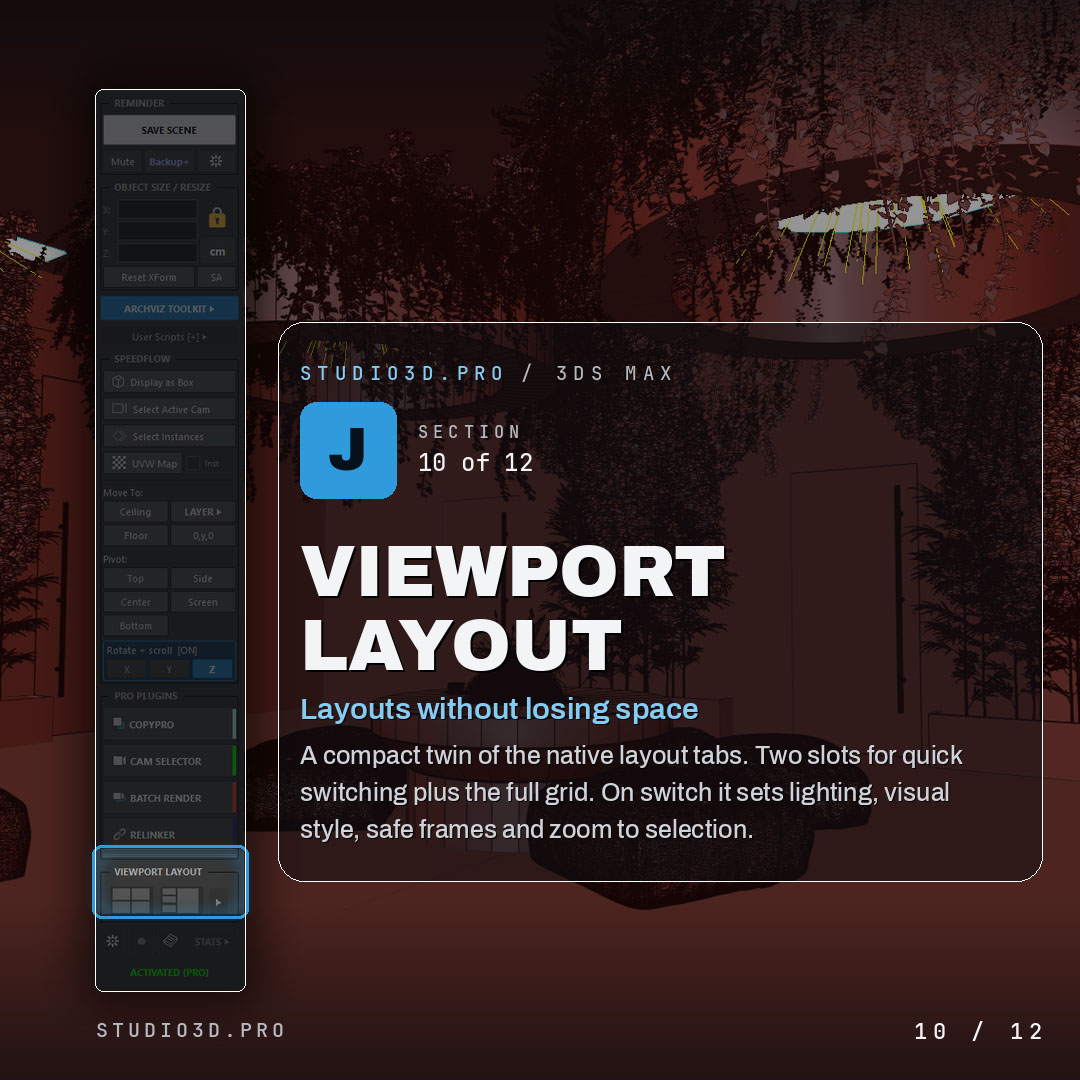
Viewport layout
- Compact twin of the native layout tabs
- Two slots for quick switching plus the full grid
- On switch it sets lighting, visual style, safe frames and zoom to selection
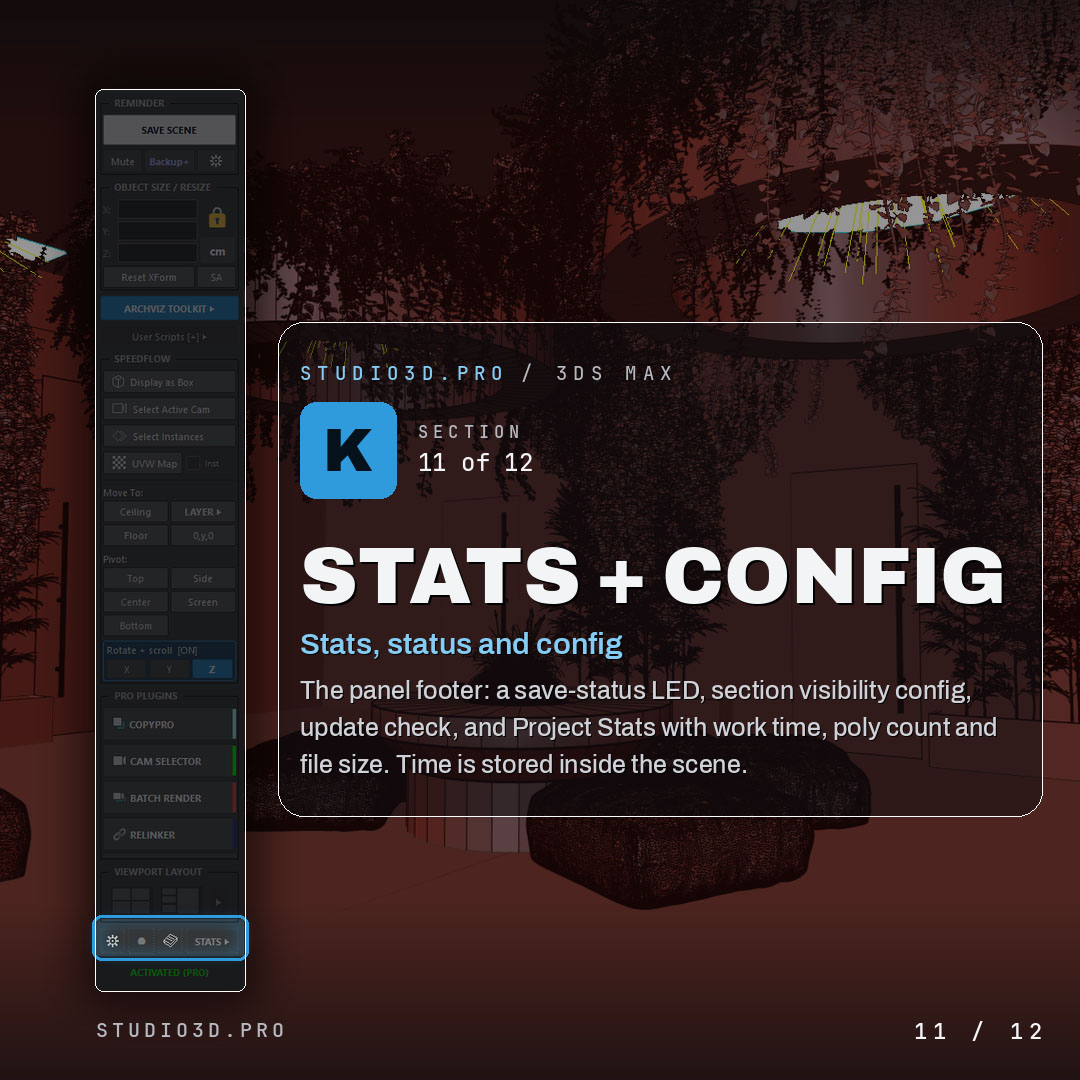
Stats, status and configuration
- Save-status indicator, section visibility settings and an update check
- Project Stats with work time, poly count and file size, stored inside the scene
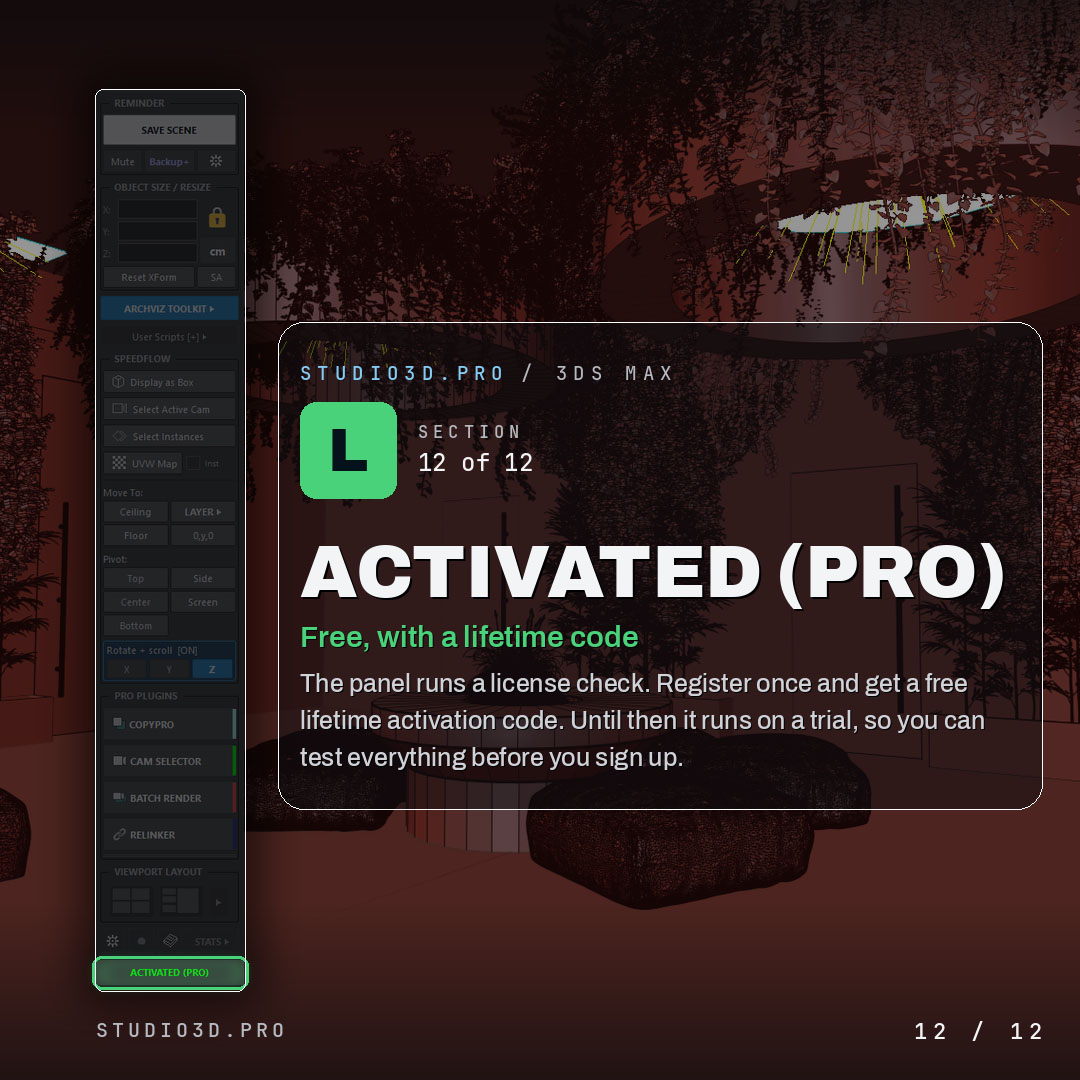
Free, with a lifetime activation code
- Register once and get a free lifetime activation code
- Runs on a trial until then, so you can test everything before you sign up
Why archviz artists choose ArchViz Toolkit
Faster workflow, safer scenes and far less busywork, all from one panel that stays out of your way. If you have been searching for 3ds Max free plugins that actually speed up architectural visualization, download ArchViz Toolkit free and keep it forever.