

CopyPro
$15.00
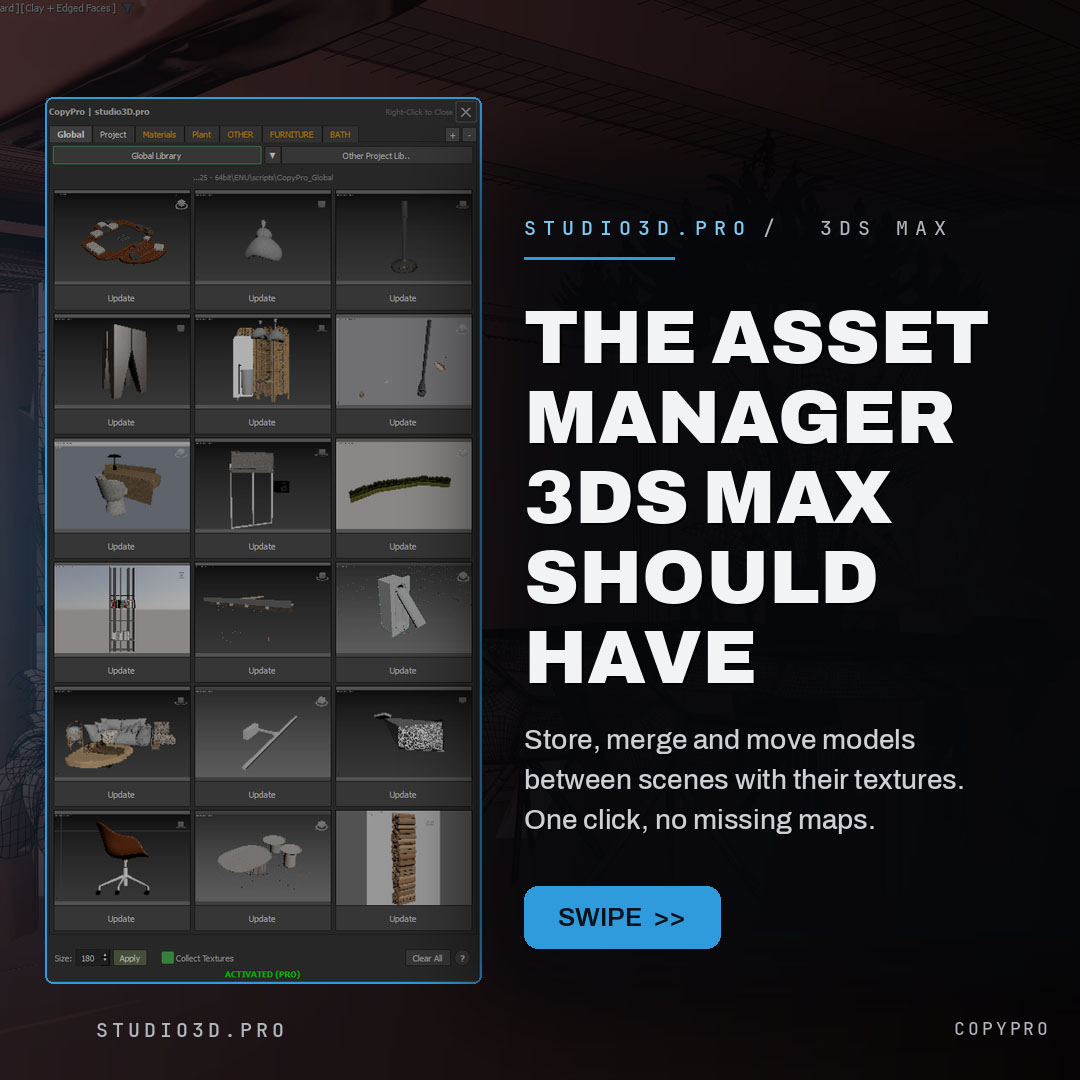
CopyPro is a 3ds Max asset library plugin that copies models between open scenes and computers, textures and all. Store any selection as a thumbnail with its maps collected automatically, then left-click to merge it back into any scene, selected and ready. Organize a global clipboard, per-project libraries and your own custom tabs, pull assets from past projects, and keep every transfer portable with automatic texture relinking. Built by a 3D artist for 3D artists.
Description
Copy Pro: copy/paste and your reusable model library for 3ds Max
Copy Pro is a 3ds Max copy/paste plugin and asset library plugin that turns your best models into a library you can drop into any scene in one click, textures and all. Copy assets between open scenes and between computers without losing a single map, and stop rebuilding things you already made. Built by a working 3D artist for 3D artists.
What you get
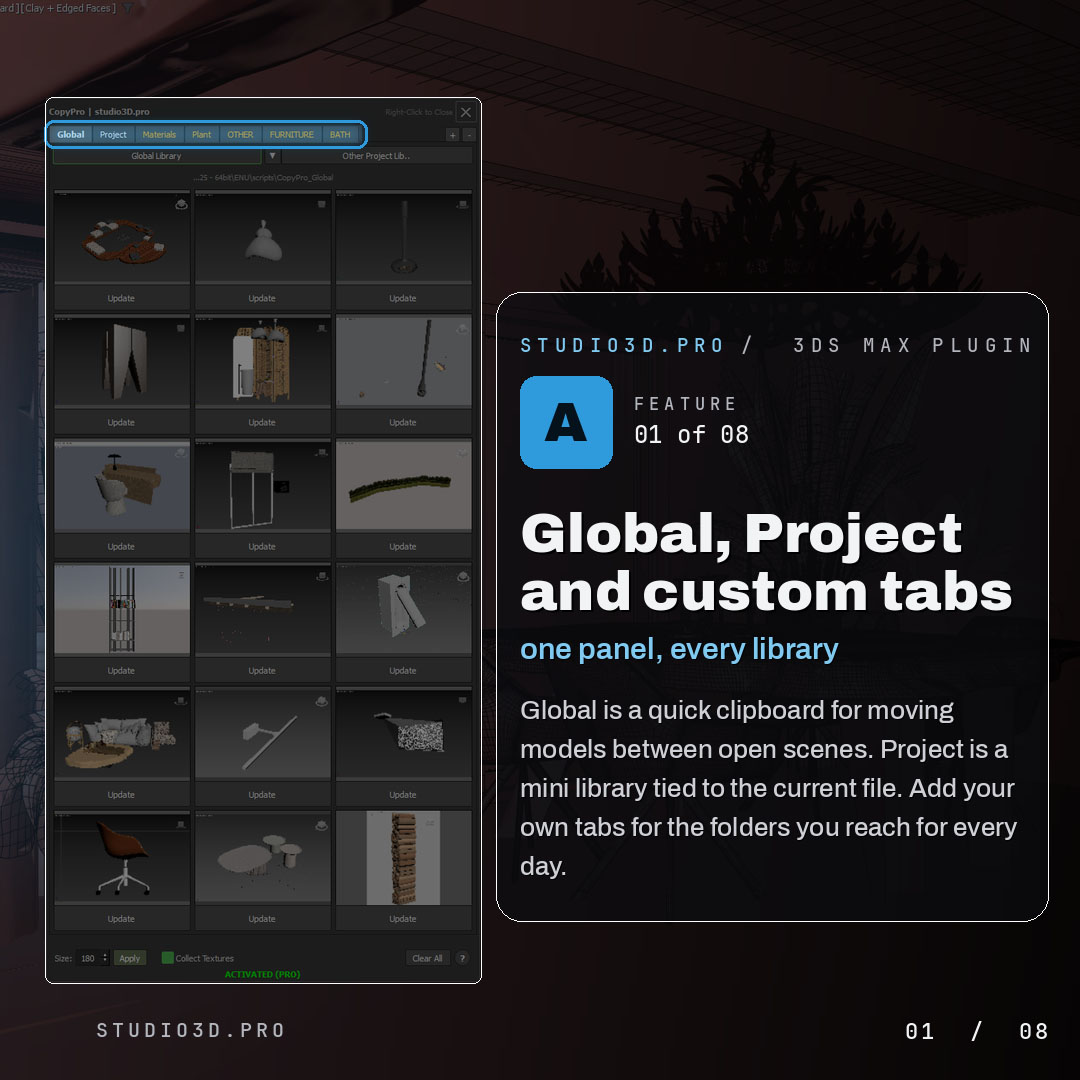
Global, Project and custom tabs
- Global tab is a quick clipboard for moving models between open scenes
- Project tab is a mini library tied to the current file
- Add your own tabs for the folders you reach for every day
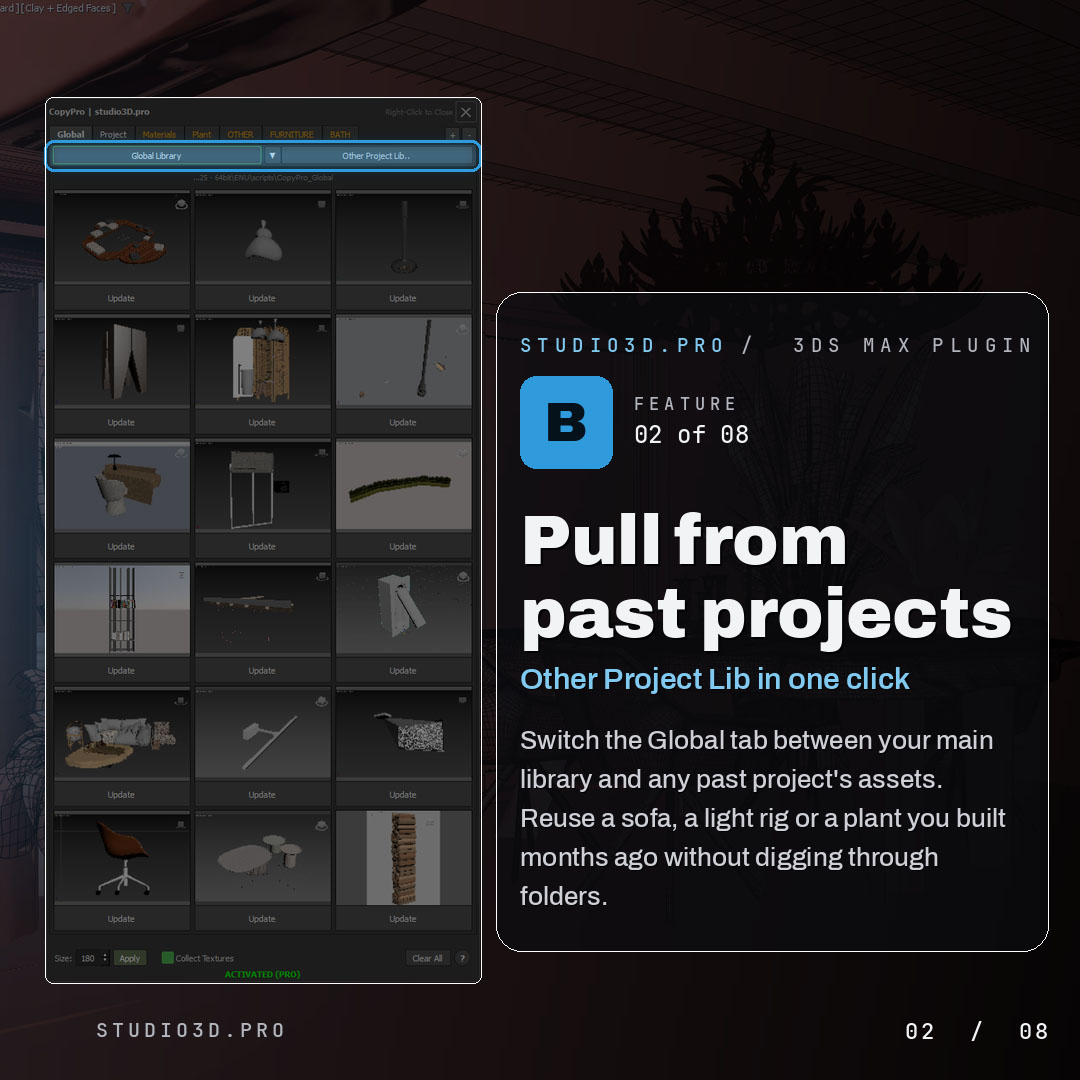
Pull from past projects
- Switch the Global tab between your main library and any past project’s assets
- Reuse a sofa, a light rig or a plant you built months ago
- No digging through folders
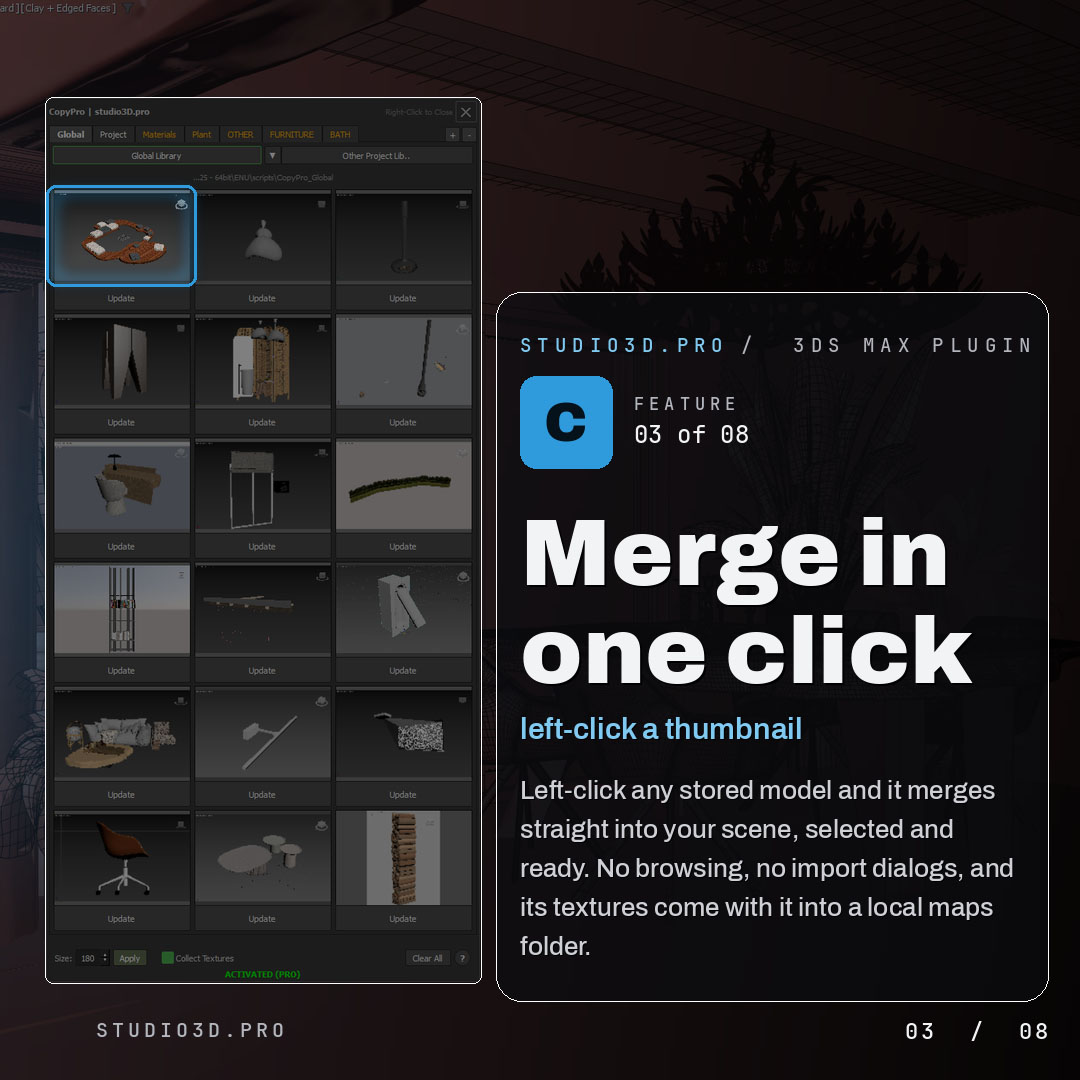
Merge in one click
- Left-click any stored model and it merges straight into your scene, selected and ready
- No browsing, no import dialogs
- Its textures come with it into a local maps folder
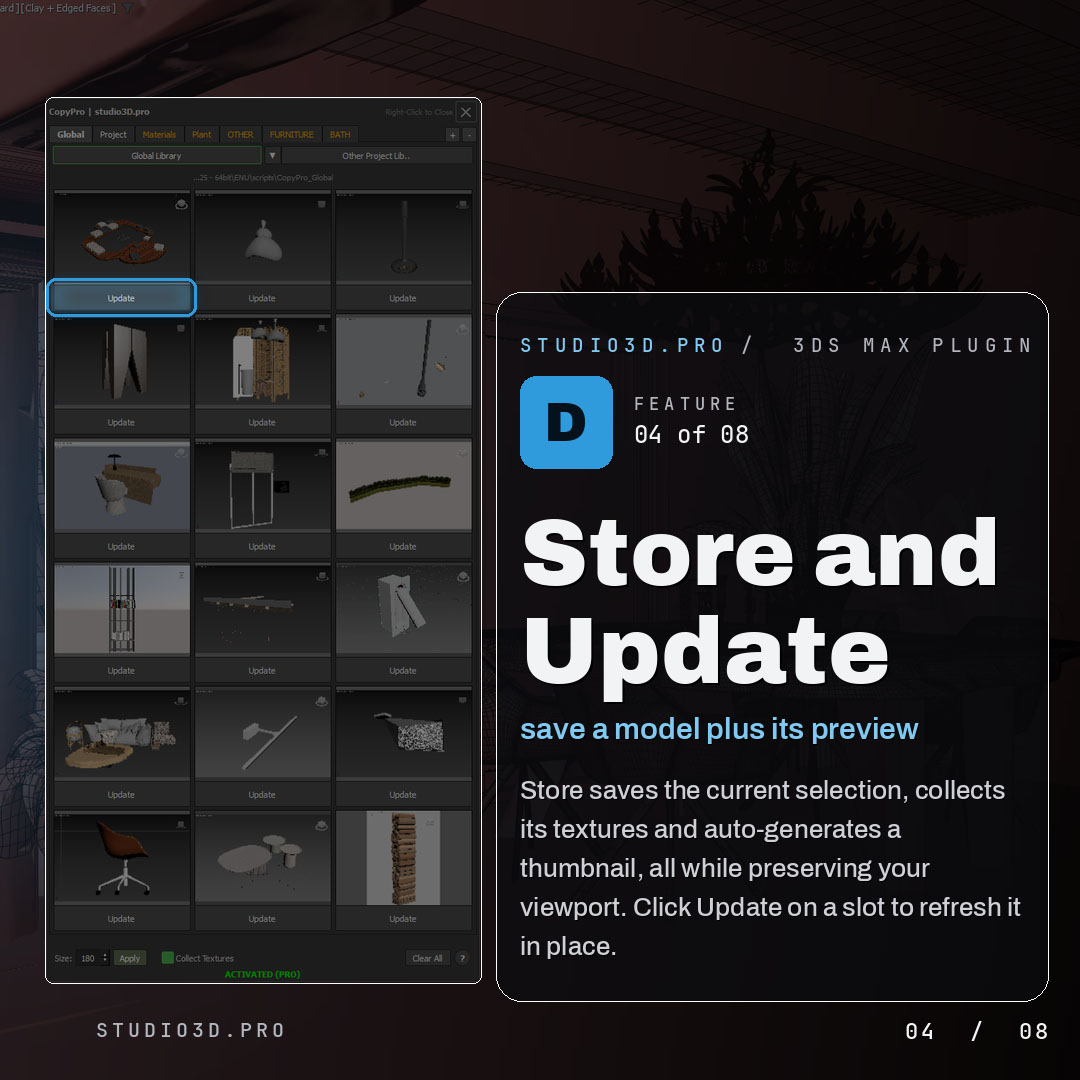
Store and Update
- Store saves the current selection, collects its textures and auto-generates a thumbnail
- Your viewport is preserved while it works
- Update refreshes a slot in place
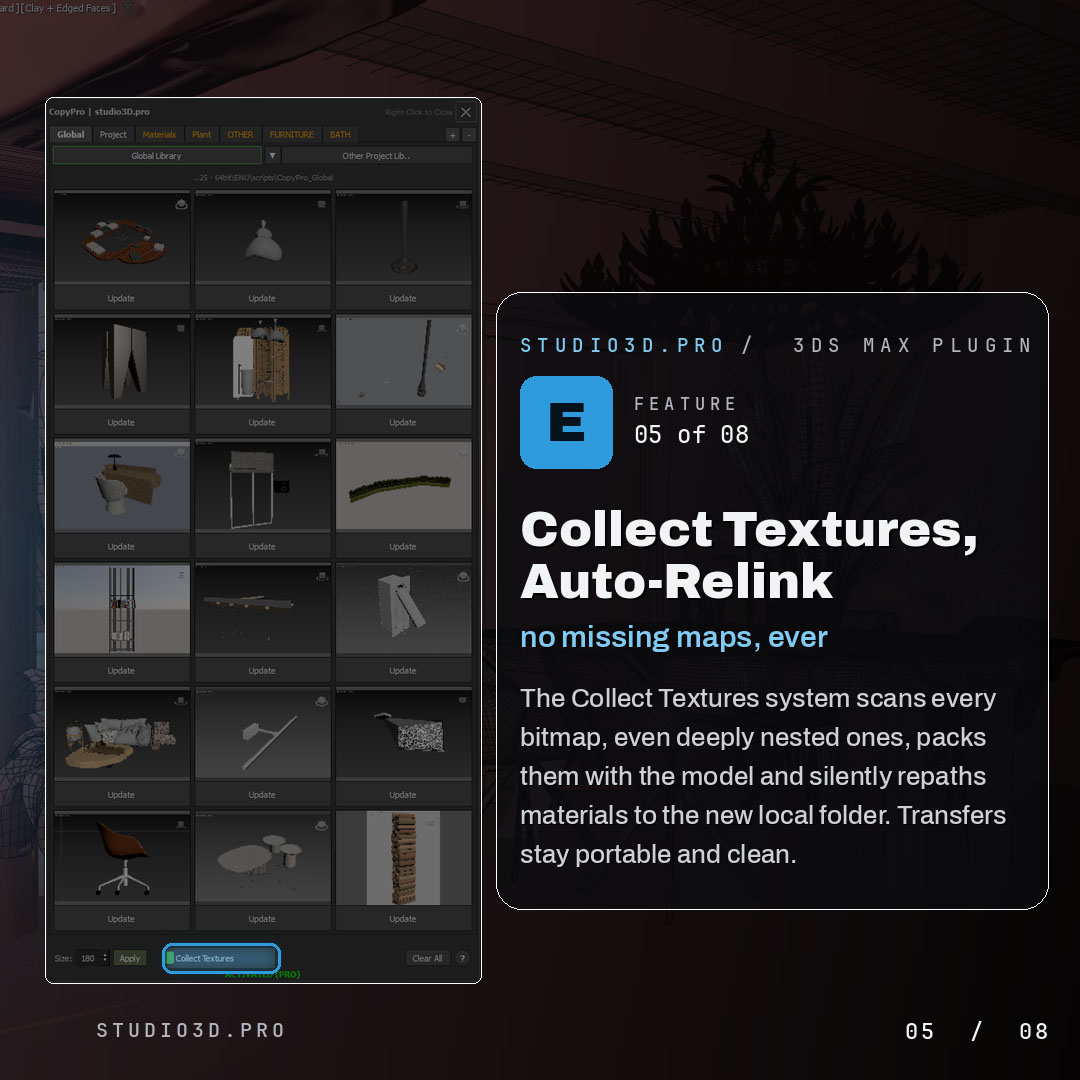
Collect Textures and auto-relink
- Scans every bitmap, even deeply nested ones
- Packs them with the model and silently repaths materials to the new local folder
- Transfers stay portable and clean, with no missing maps
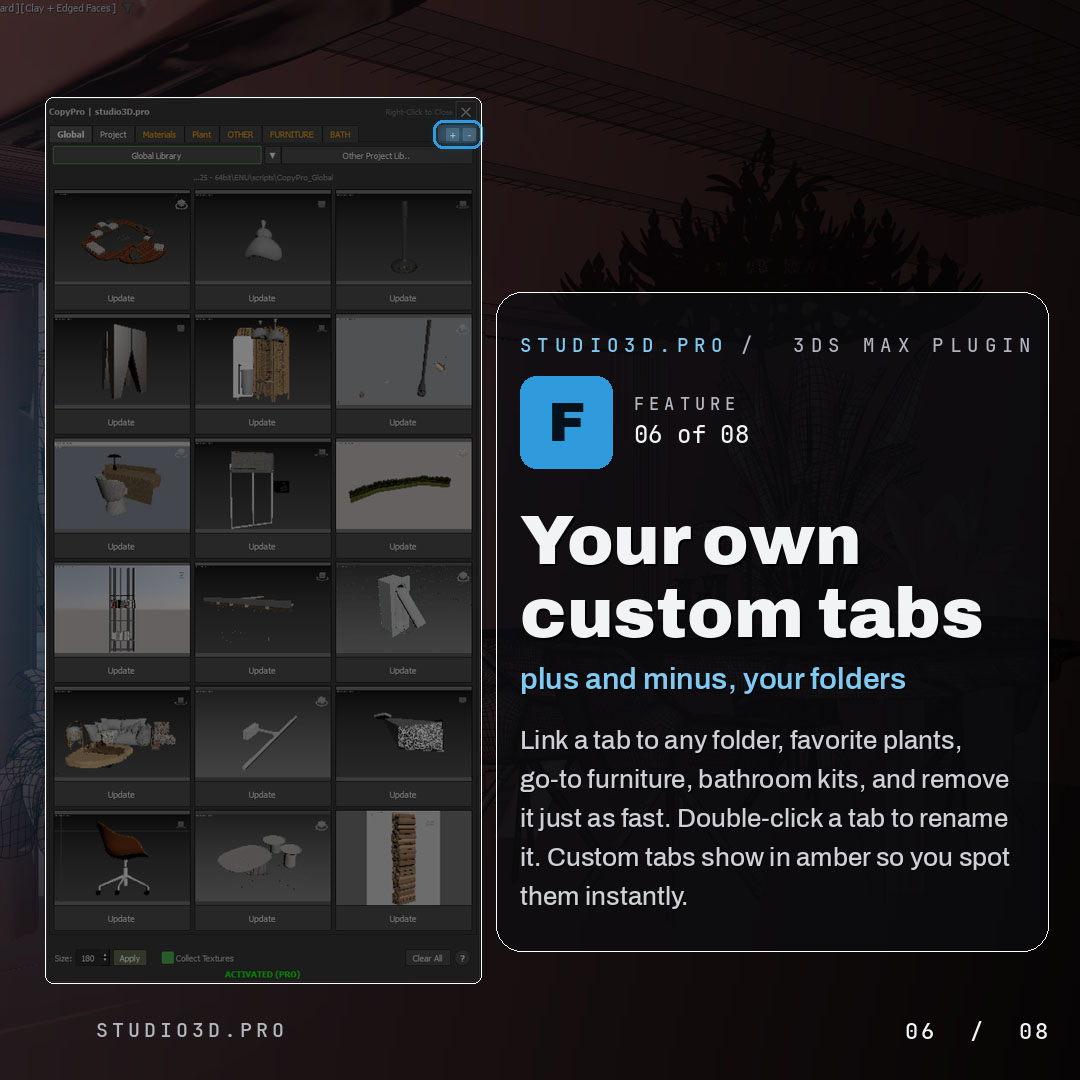
Custom tabs
- Link a tab to any folder: favorite plants, go-to furniture, bathroom kits
- Add and remove tabs with plus and minus
- Double-click a tab to rename it, and custom tabs show in amber so you spot them instantly
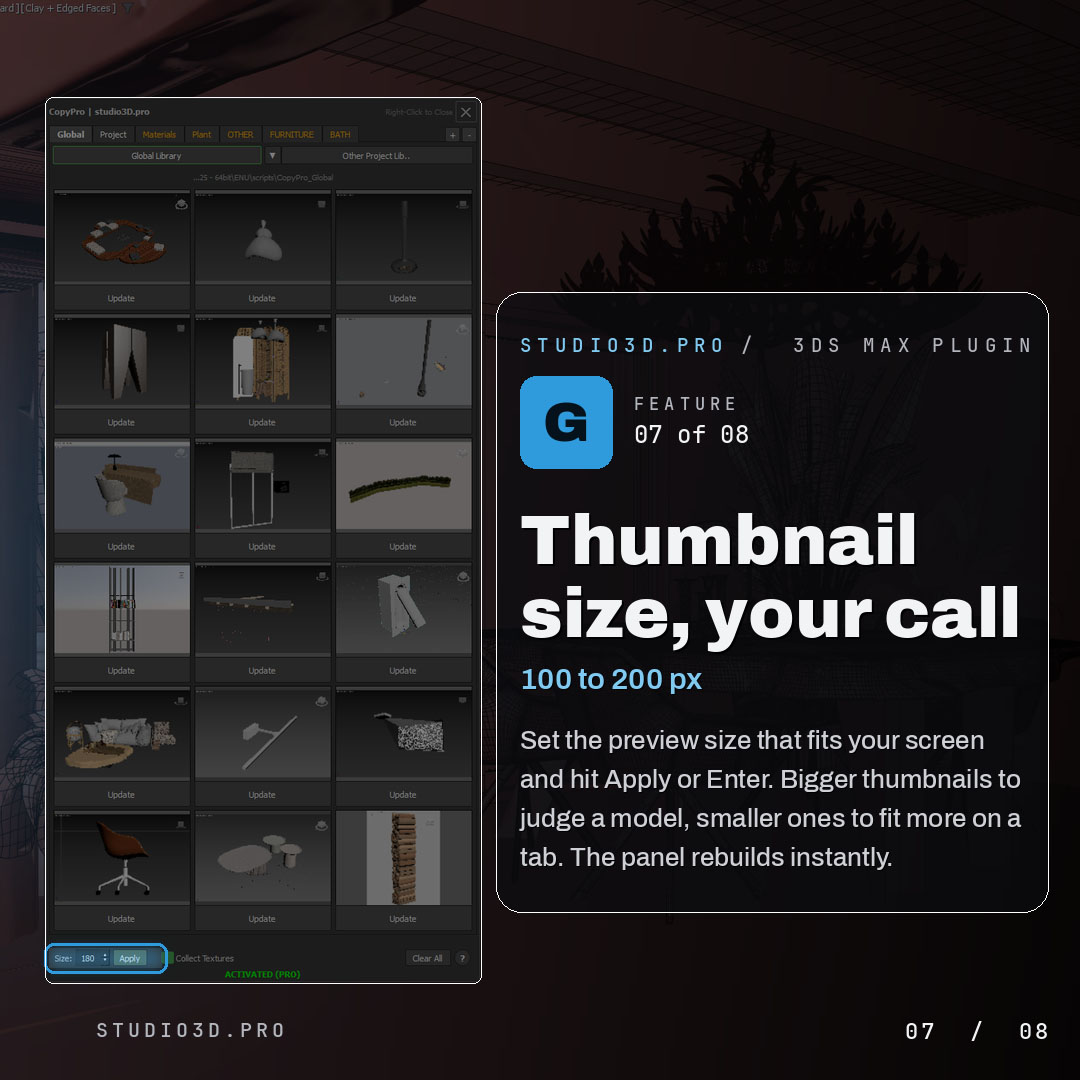
Thumbnail size
- Set the preview size from 100 to 200 px
- Bigger to judge a model, smaller to fit more on a tab
- Apply with the button or Enter, and the panel rebuilds instantly
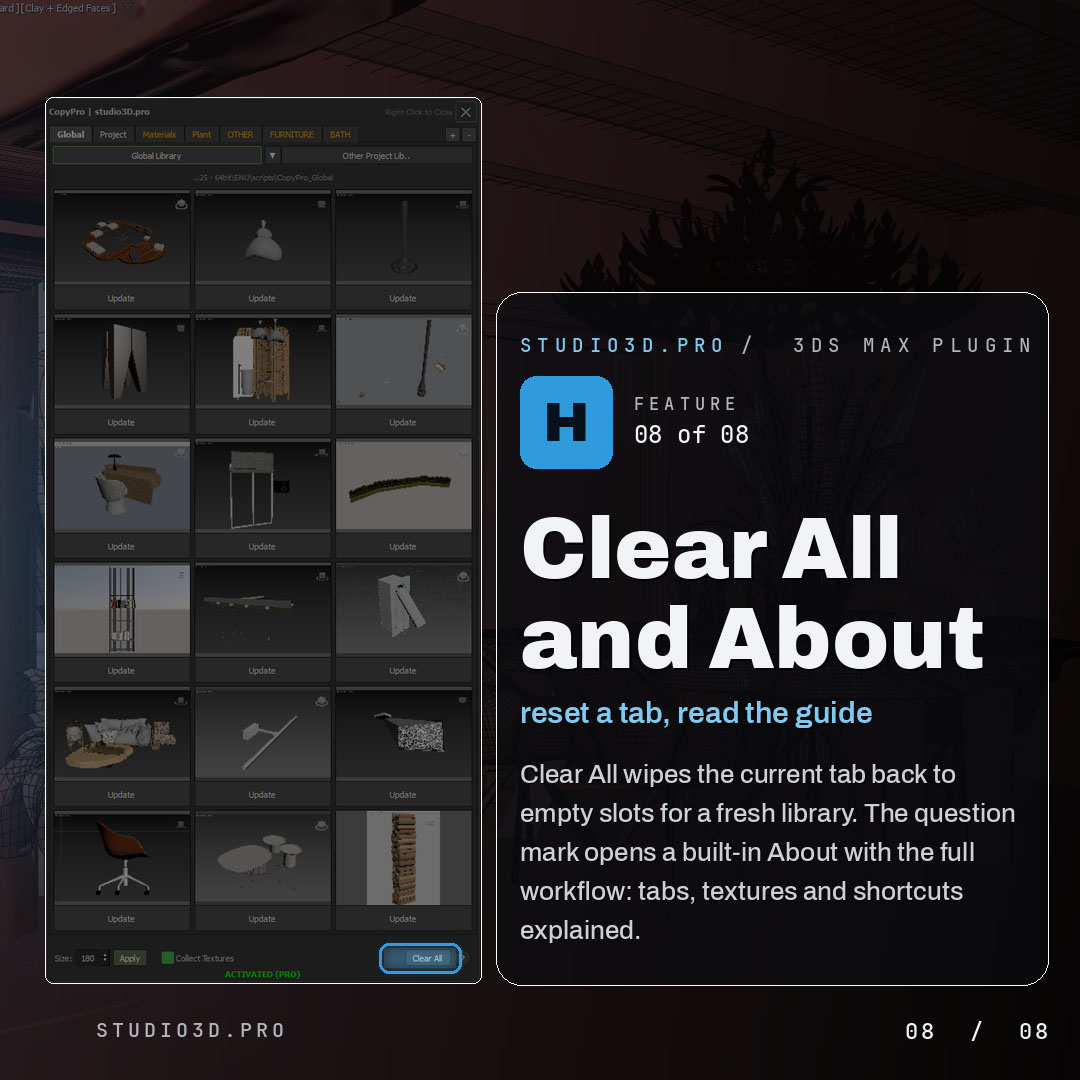
Clear All and About
- Clear All wipes the current tab back to empty slots for a fresh library
- The question mark opens a built-in About with the full workflow explained
Why archviz artists choose Copy Pro
Copy Pro turns your best models into a reusable library you can drop into any scene in one click, textures and all. Move assets between open scenes and between computers without losing a single map. If you want a fast asset library for 3ds Max that keeps every transfer clean and portable, it pays for itself the first time you reuse a model instead of rebuilding it.
Frequently asked questions
Does CopyPro keep materials and textures?
Yes. Geometry travels with its materials and texture paths, which is the step that usually breaks when you use Save Selected and Merge by hand.
Can I copy between two separate 3ds Max windows?
Yes. That is exactly what it is for: moving objects between two independently open scenes, typically on a two-monitor setup.
What is the 18-slot clipboard?
Eighteen independent memory slots instead of one. You can collect furniture, lighting and vegetation from several source files, then paste each group into the target scene without going back and forth.
Which versions of 3ds Max does it support?
3ds Max 2024 through 2027.
What happens when the 21-day trial ends?
The panel stops opening. Nothing already pasted into your scenes is affected.
Is the licence perpetual or a subscription?
Perpetual, with updates included.

Reviews
There are no reviews yet.