


Camera Selector
$25.00
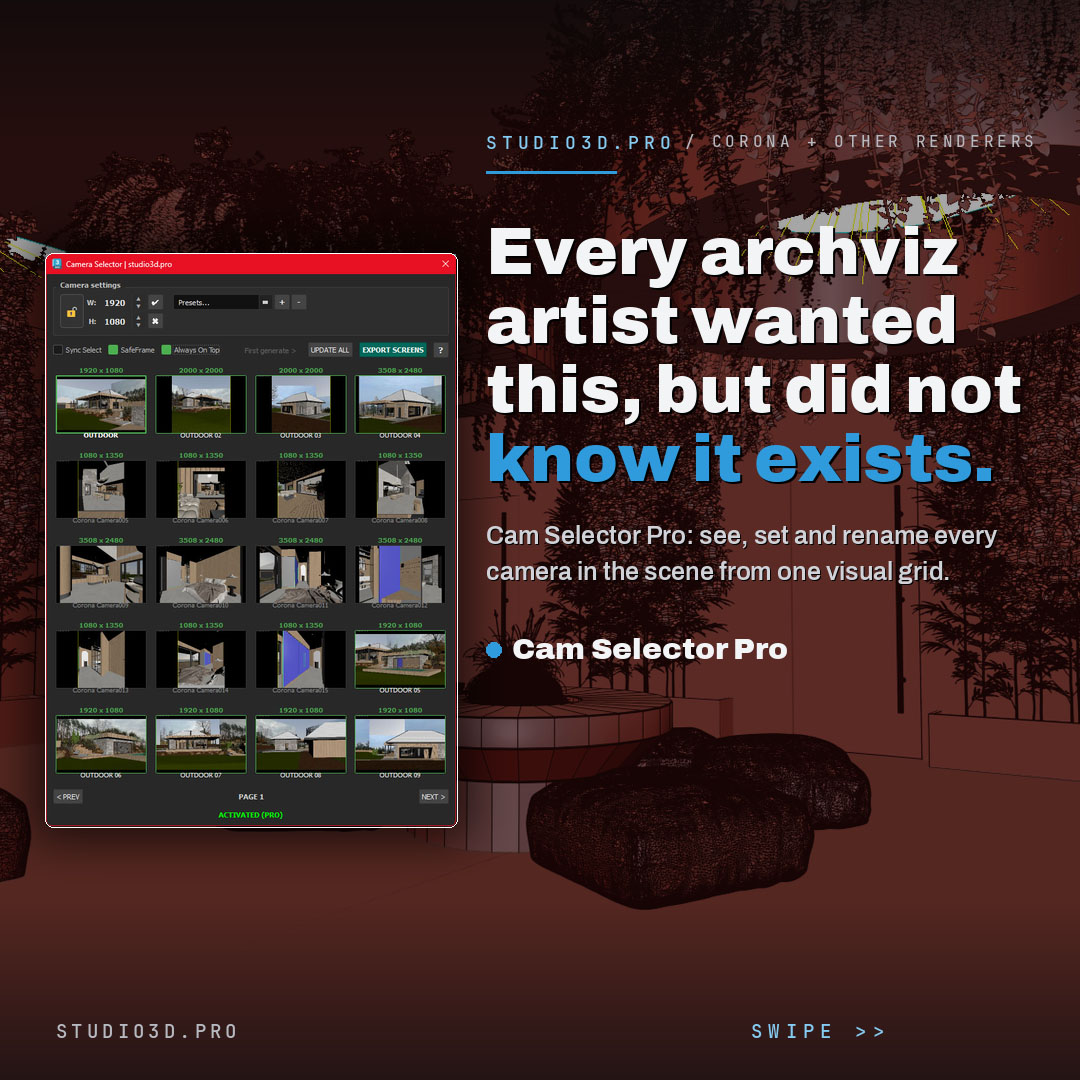
Cam Selector Pro is a 3ds Max camera manager plugin that turns a long list of cameras into a visual grid of live thumbnails. See every camera at a glance, set per-camera resolution, batch rename with smart auto-numbering, export a JPG of every camera on the page, and fly through hundreds of cameras with the scroll wheel. Built for Corona and other renderers by a 3D artist for 3D artists.
Description
Camera Selector Pro: see, set and rename every camera in one grid
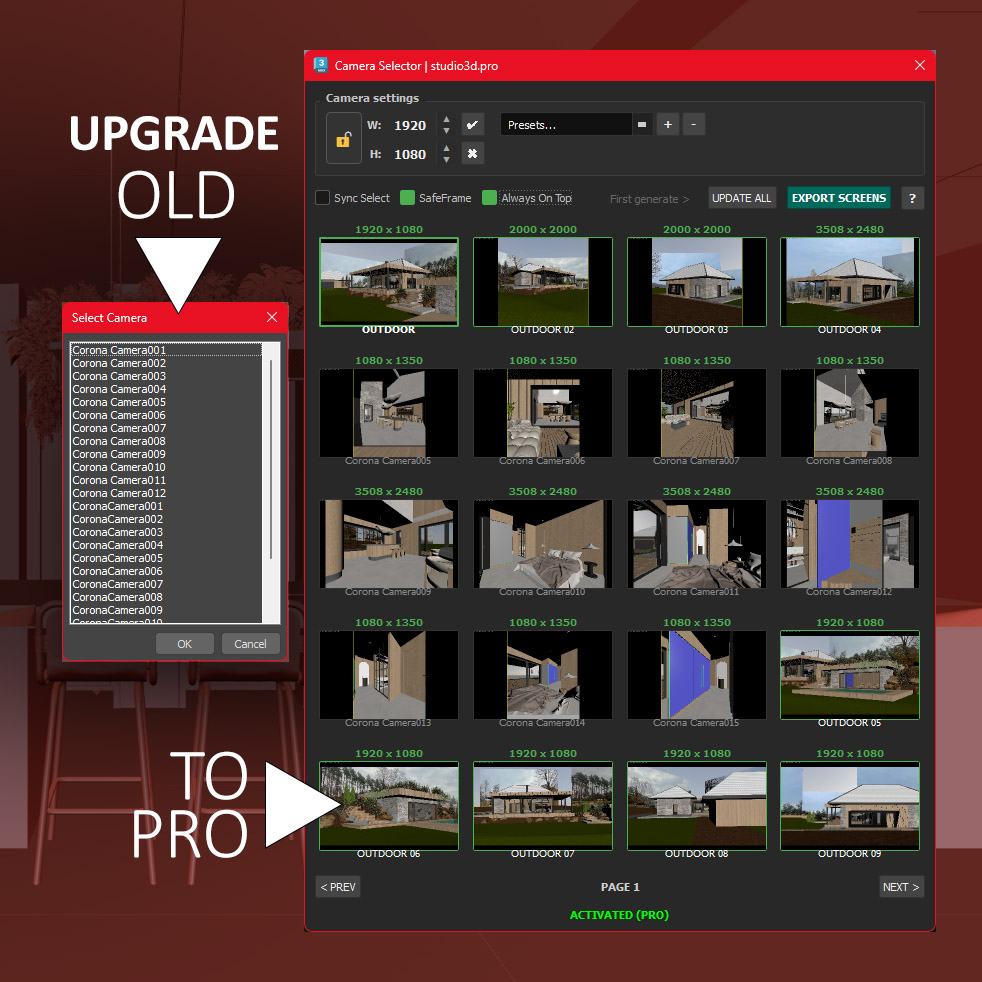
Cam Selector Pro is a 3ds Max camera manager plugin that replaces the flat camera list with a visual grid of live thumbnails. Instead of guessing from names, you see every shot, set resolutions, rename in bulk and jump between hundreds of cameras in seconds. Built for Corona and other renderers, by a working 3D artist for 3D artists, with a free 21-day trial.
What you get
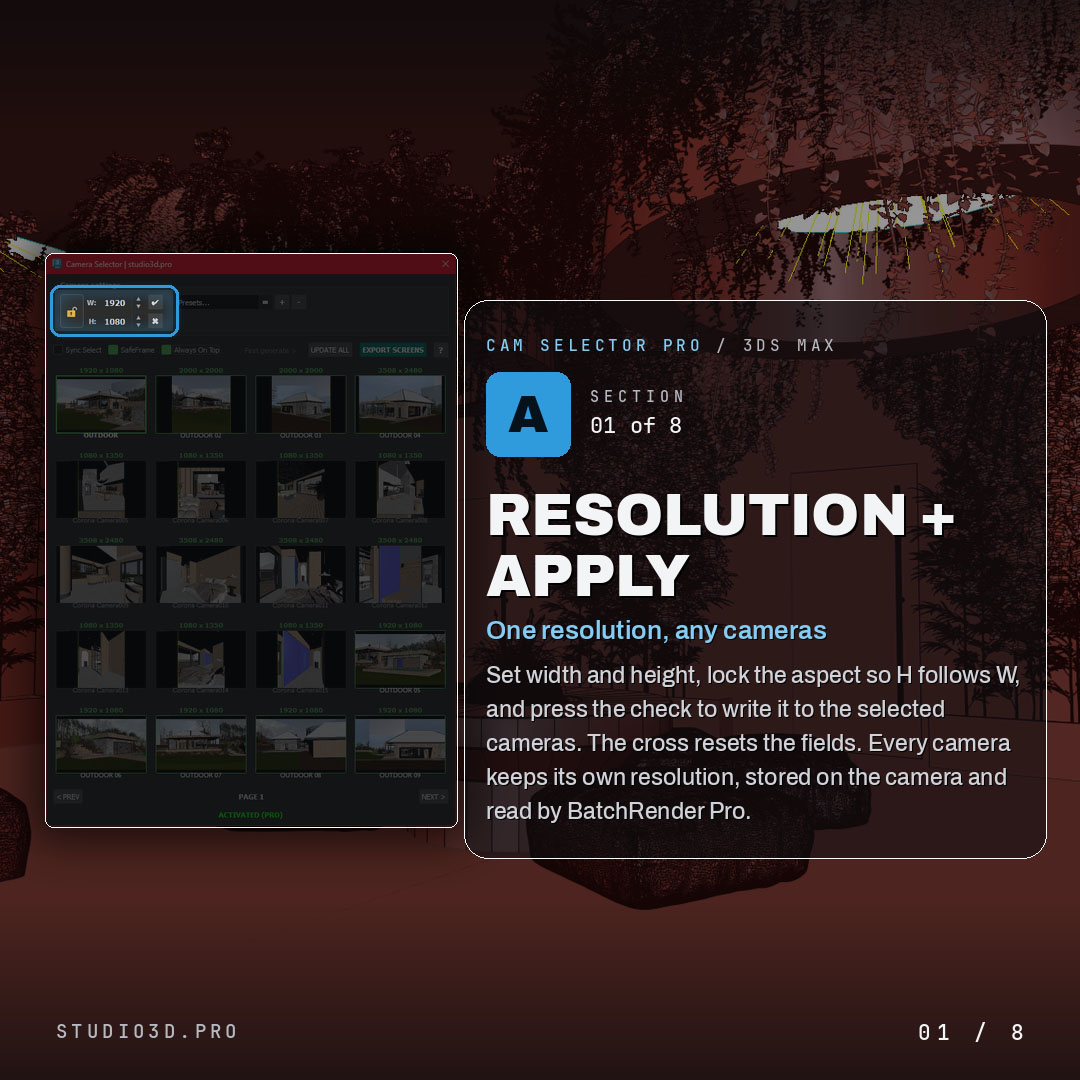
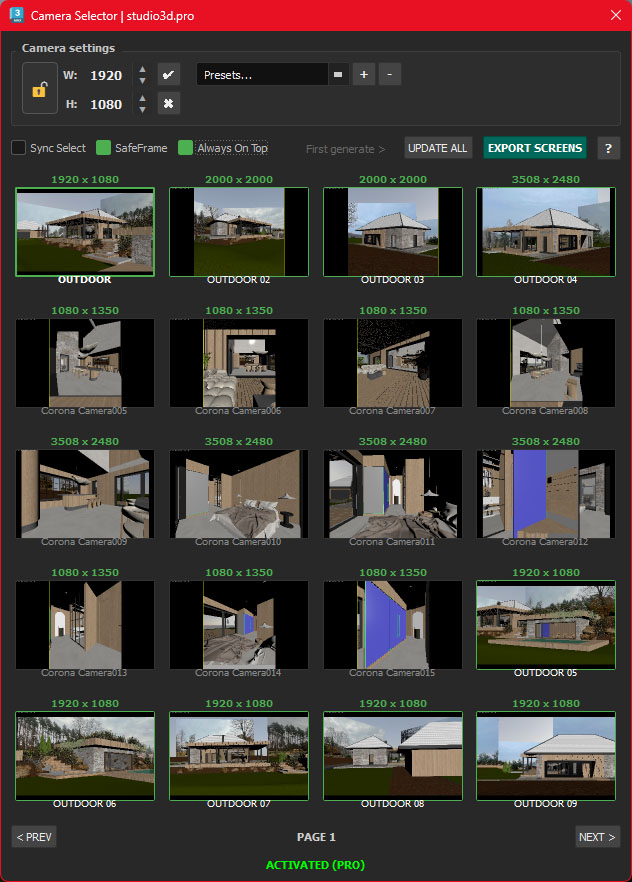
Resolution and apply
- Set width and height, with an aspect lock so height follows width
- Green check writes the resolution to the selected cameras, red cross resets the fields
- Every camera keeps its own resolution, stored on the camera and read by BatchRender Pro
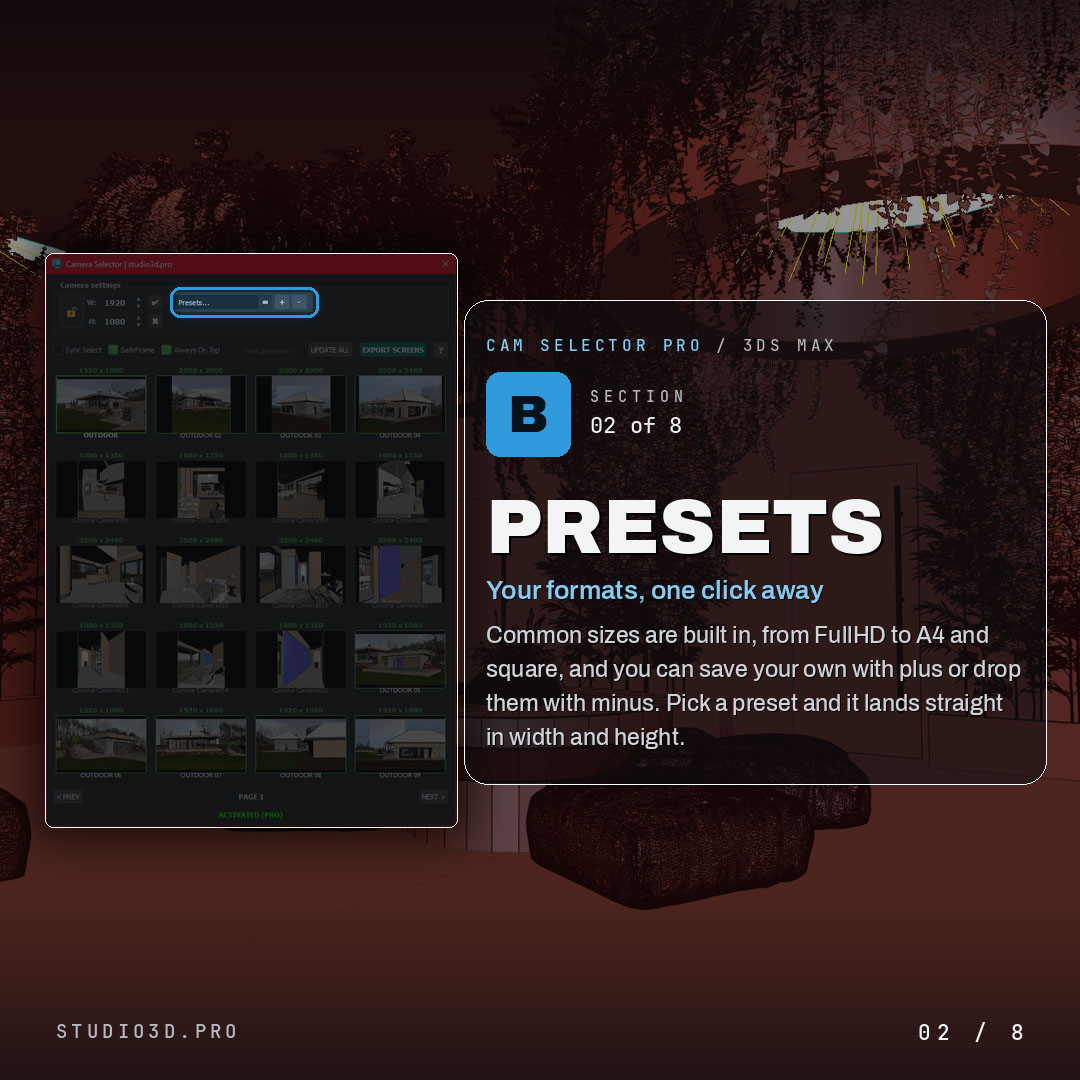
Presets
- Common sizes built in, from FullHD to A4 and square
- Save your own with plus, remove them with minus
- Pick a preset and it lands straight in width and height
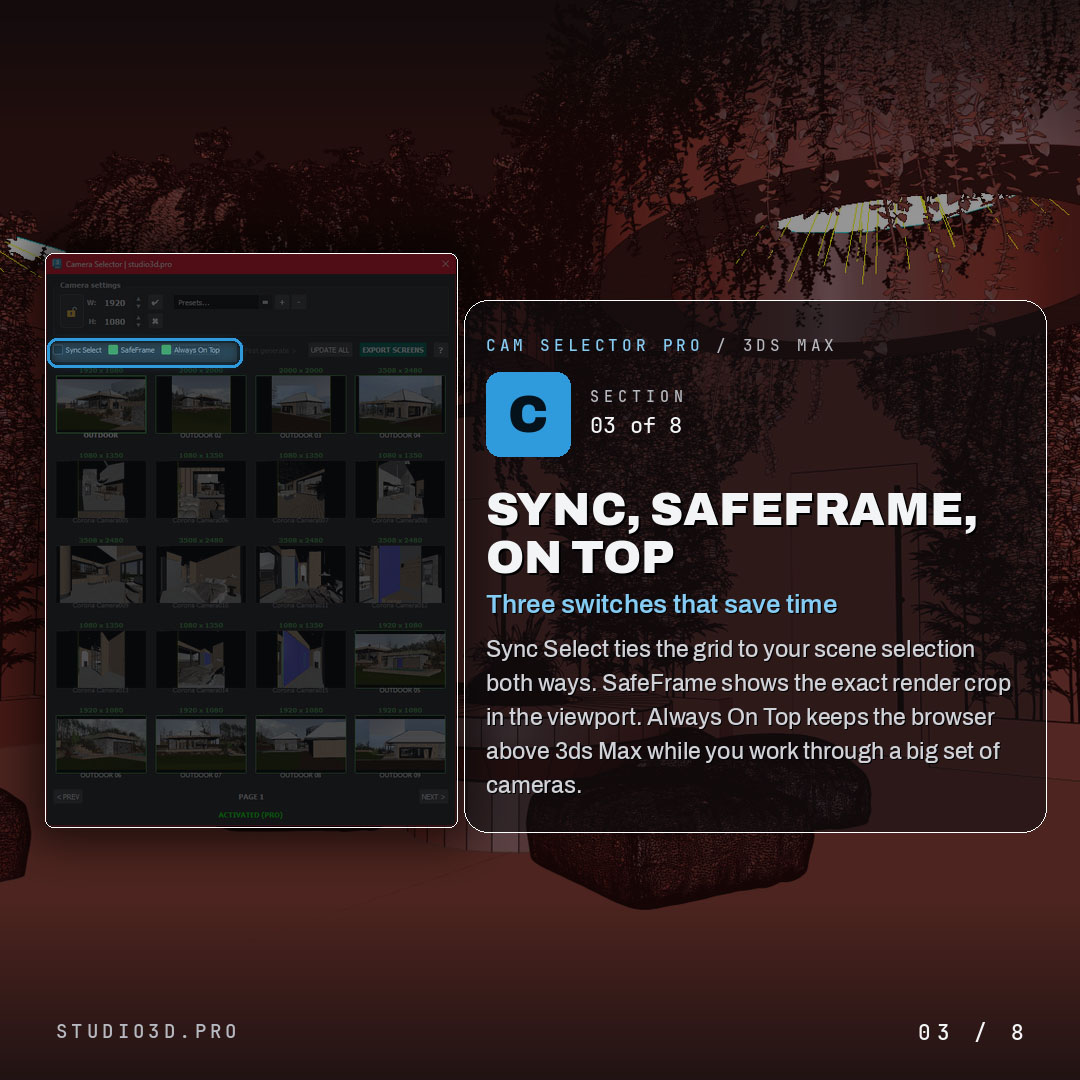
Sync, SafeFrame and Always On Top
- Sync Select ties the grid to your scene selection both ways
- SafeFrame shows the exact render crop in the viewport
- Always On Top keeps the browser above 3ds Max while you work
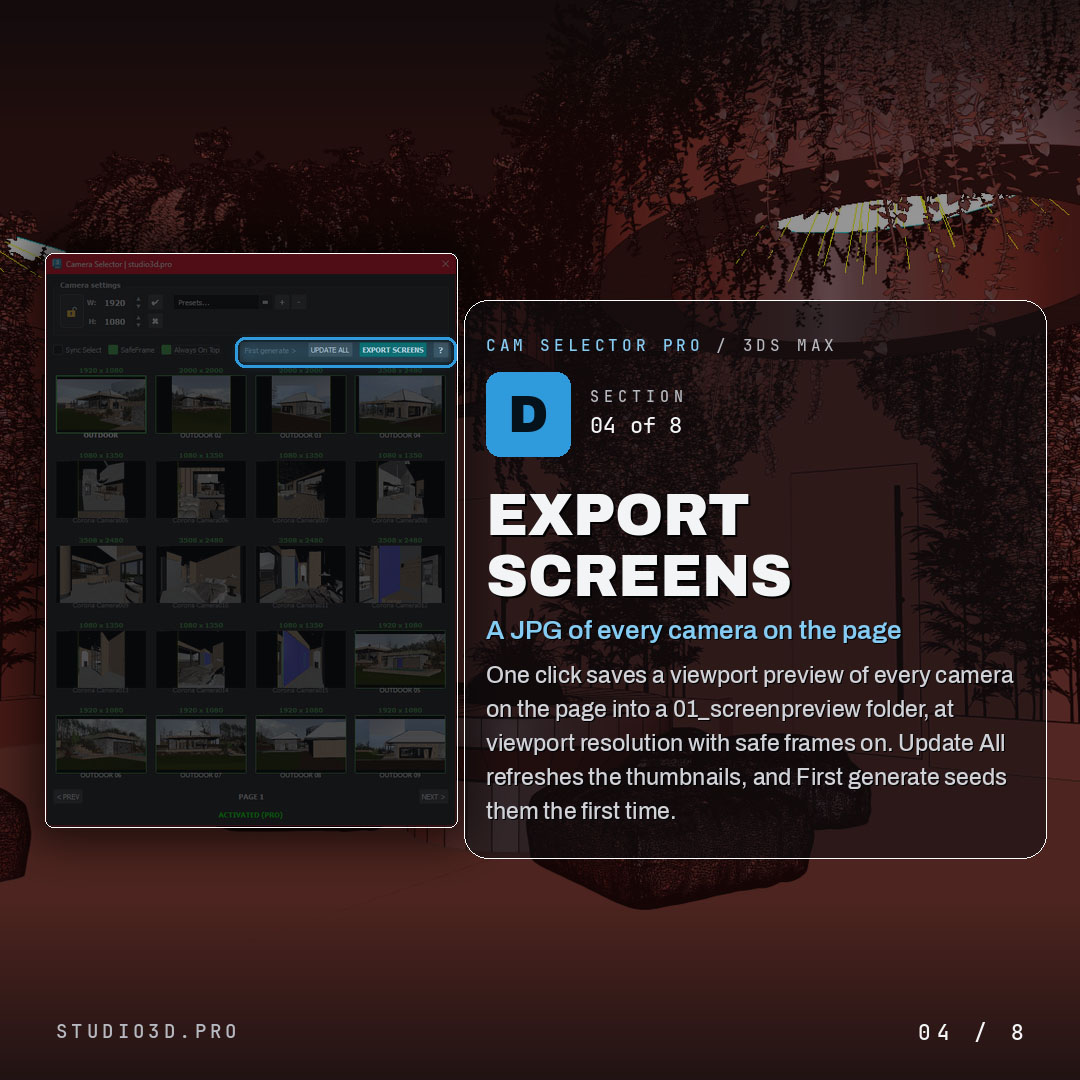
Export Screens
- One click saves a viewport preview of every camera on the page
- Saved into a 01_screenpreview folder, at viewport resolution with safe frames on
- Update All refreshes the thumbnails, First generate seeds them the first time
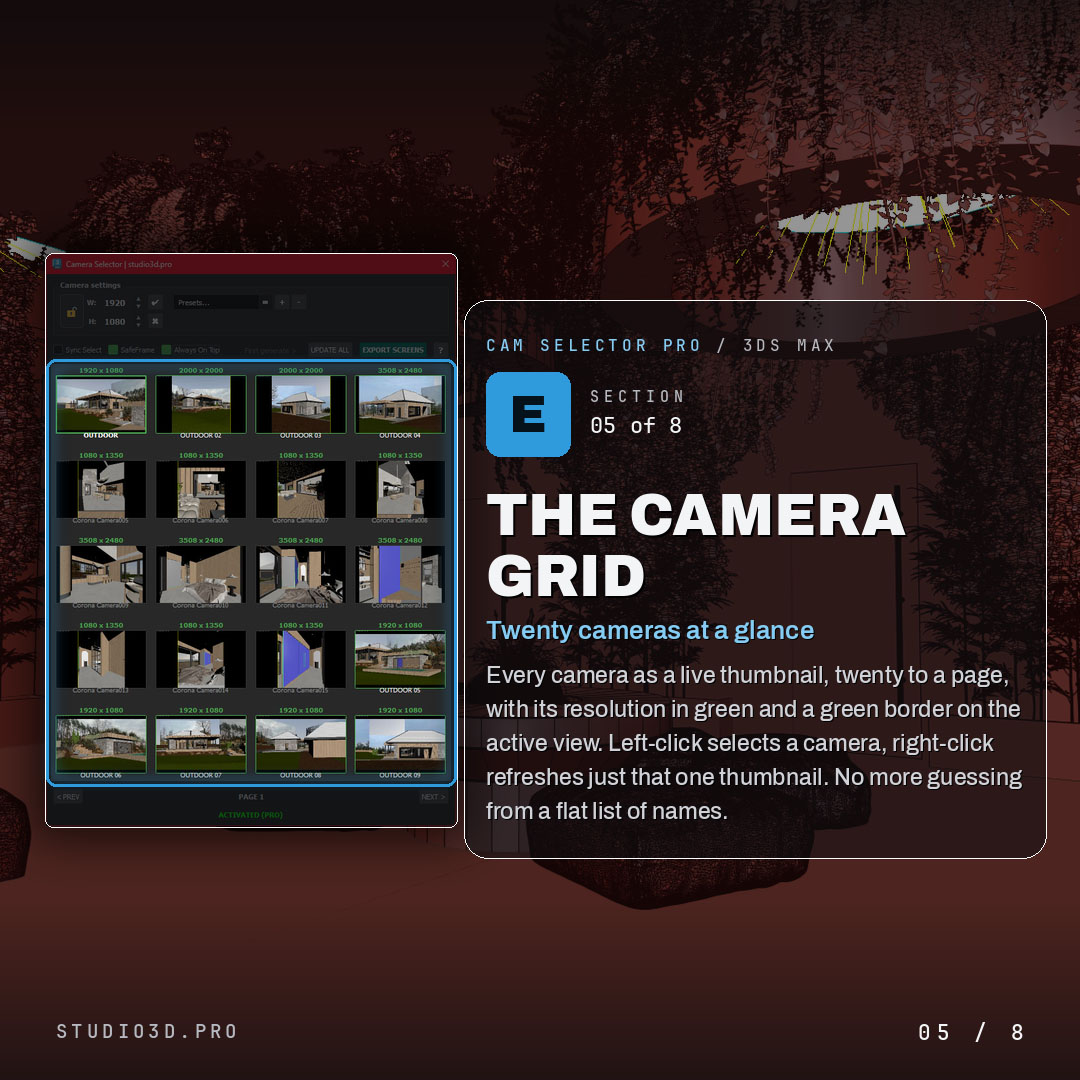
The camera grid
- Every camera as a live thumbnail, twenty to a page
- Resolution shown in green, with a green border on the active view
- Left-click to select a camera, right-click to refresh just that one thumbnail
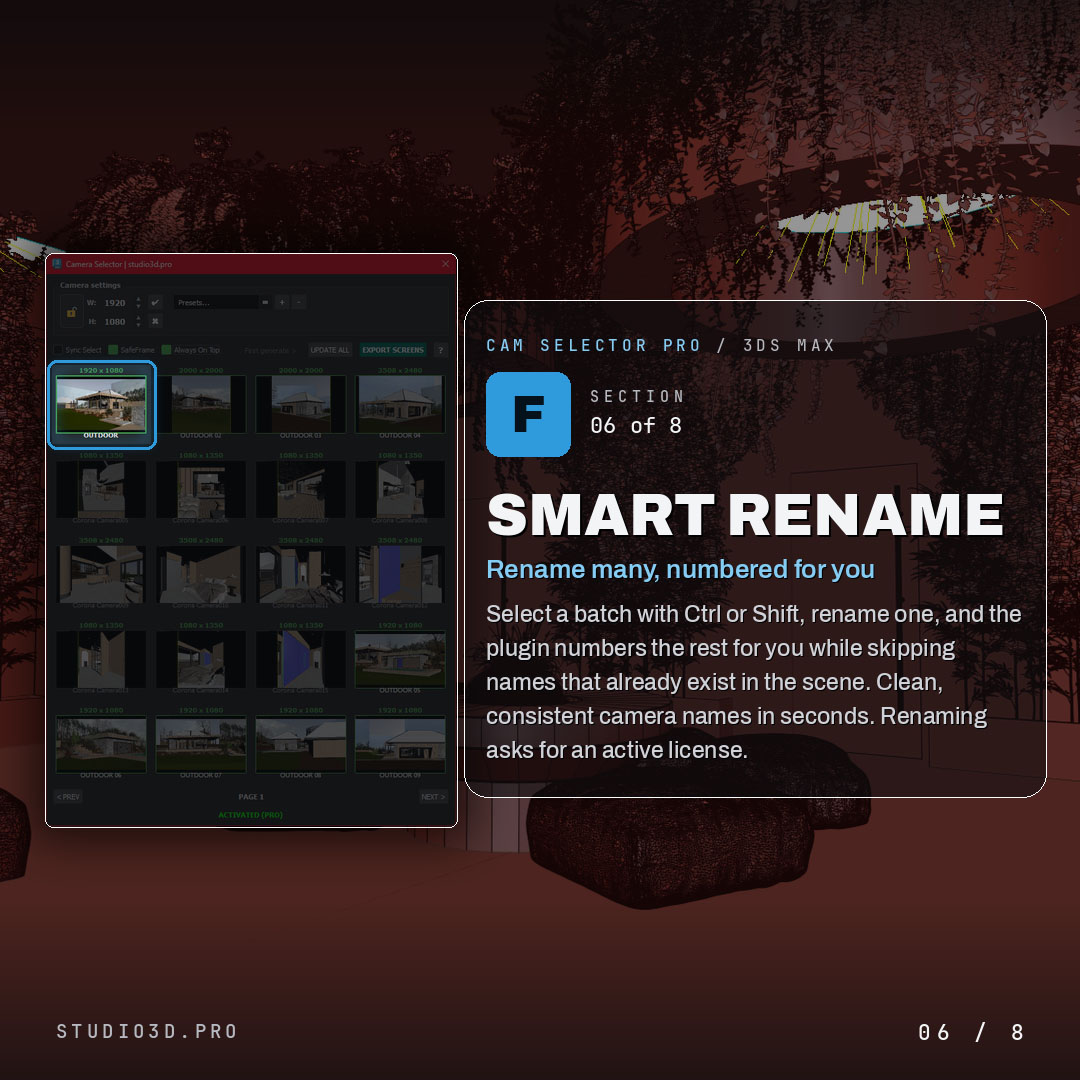
Smart batch rename
- Select a batch with Ctrl or Shift and rename one
- The plugin numbers the rest for you and skips names that already exist in the scene
- Clean, consistent camera names in seconds
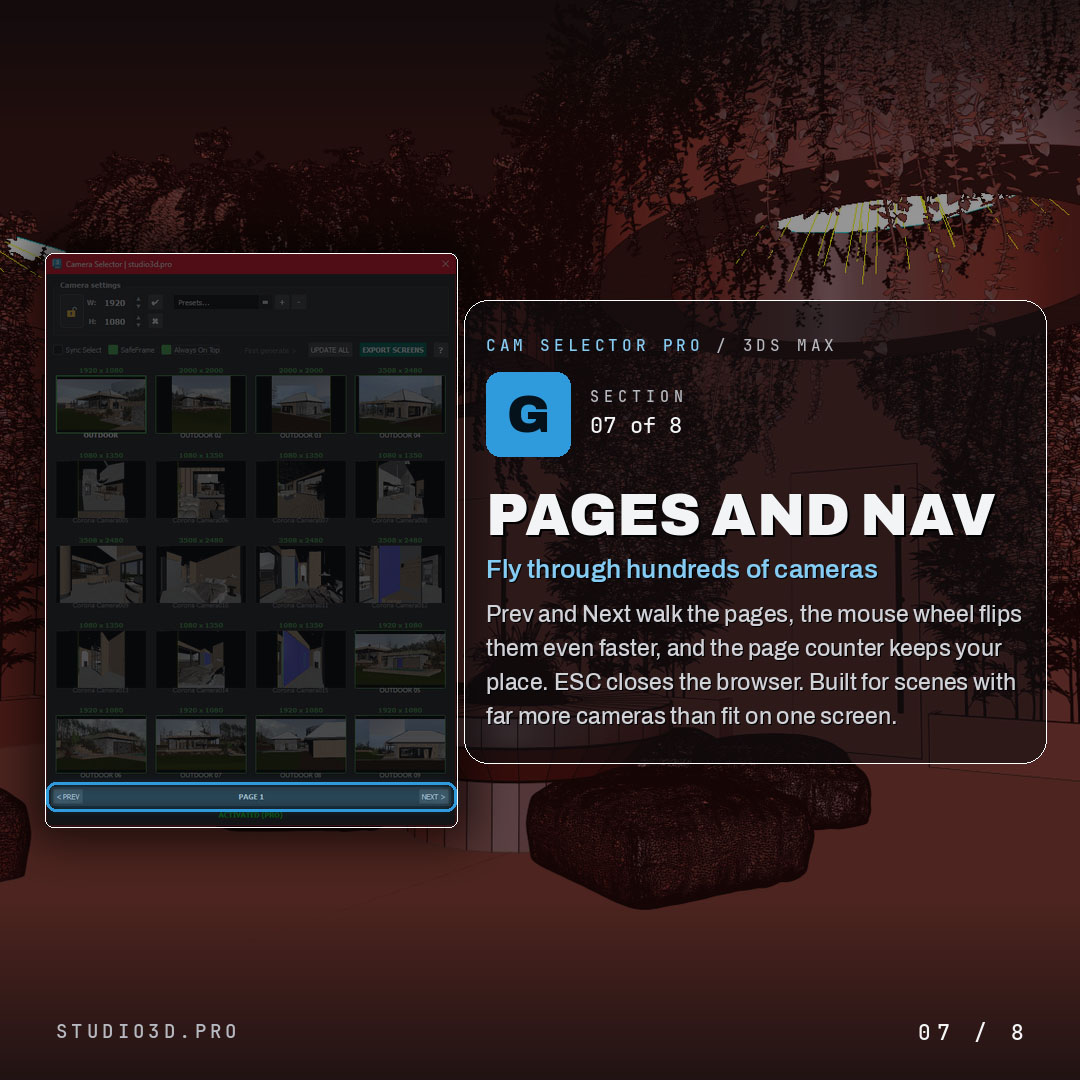
Pages and navigation
- Prev and Next walk the pages, the mouse wheel flips them even faster
- A page counter keeps your place, ESC closes the browser
- Built for scenes with far more cameras than fit on one screen
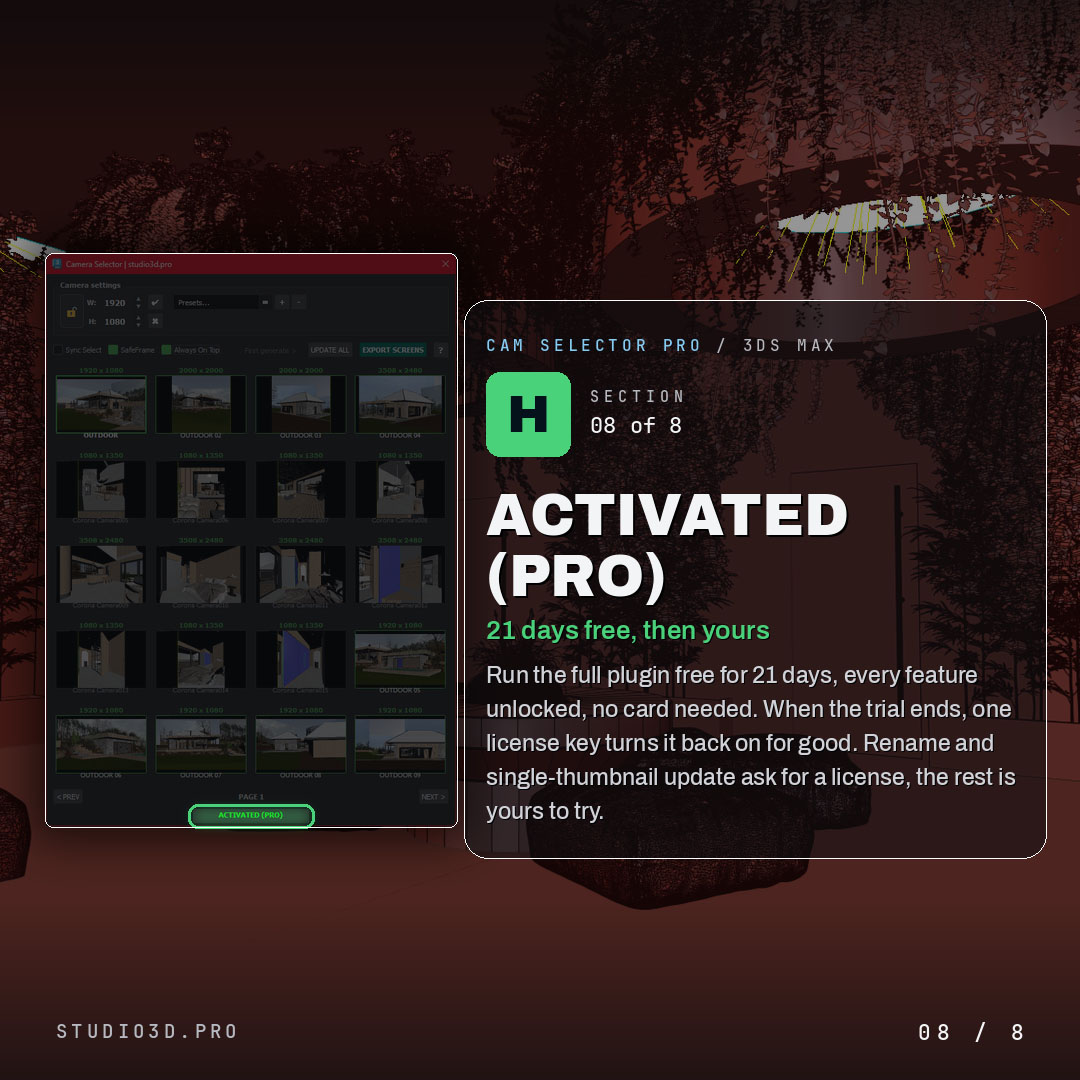
Activated (Pro)
- Run the full plugin free for 21 days, every feature unlocked, no card needed
- When the trial ends, one license key turns it back on for good
- Rename and single-thumbnail update ask for a license, the rest is yours to try
Why archviz artists choose Cam Selector Pro
It turns camera wrangling from a chore into a glance. You see every shot, set the right resolution per camera, rename a whole batch cleanly and move through a huge scene without scrolling a name list. If you want real camera management for 3ds Max and Corona, Cam Selector Pro pays for itself the first time you tame a scene full of cameras.
Frequently asked questions
Which versions of 3ds Max does Camera Selector support?
3ds Max 2024 through 2027, tested against current releases.
How many cameras can it handle?
The thumbnail grid is built for scenes with dozens of cameras and stays responsive where the native camera list becomes unreadable. Scrolling the grid does not switch viewports, so heavy geometry is never re-drawn just to find a shot.
Can I export previews for a client?
Yes. One click captures the selected cameras and writes them to a folder as image files, which is the usual way of sending a set of proposed shots for approval.
Does it work with Corona and V-Ray?
Yes. Camera Selector works at the scene level and is independent of the render engine.
What happens when the 21-day trial ends?
The panel stops opening. Your cameras, names and settings stay in the scene untouched.
Is the licence perpetual or a subscription?
Perpetual, with updates included. One payment.


Reviews
There are no reviews yet.